Connectingadirectconnectionaccount (your account that is subscribed to sources from which you plan to redirect posts to the project)
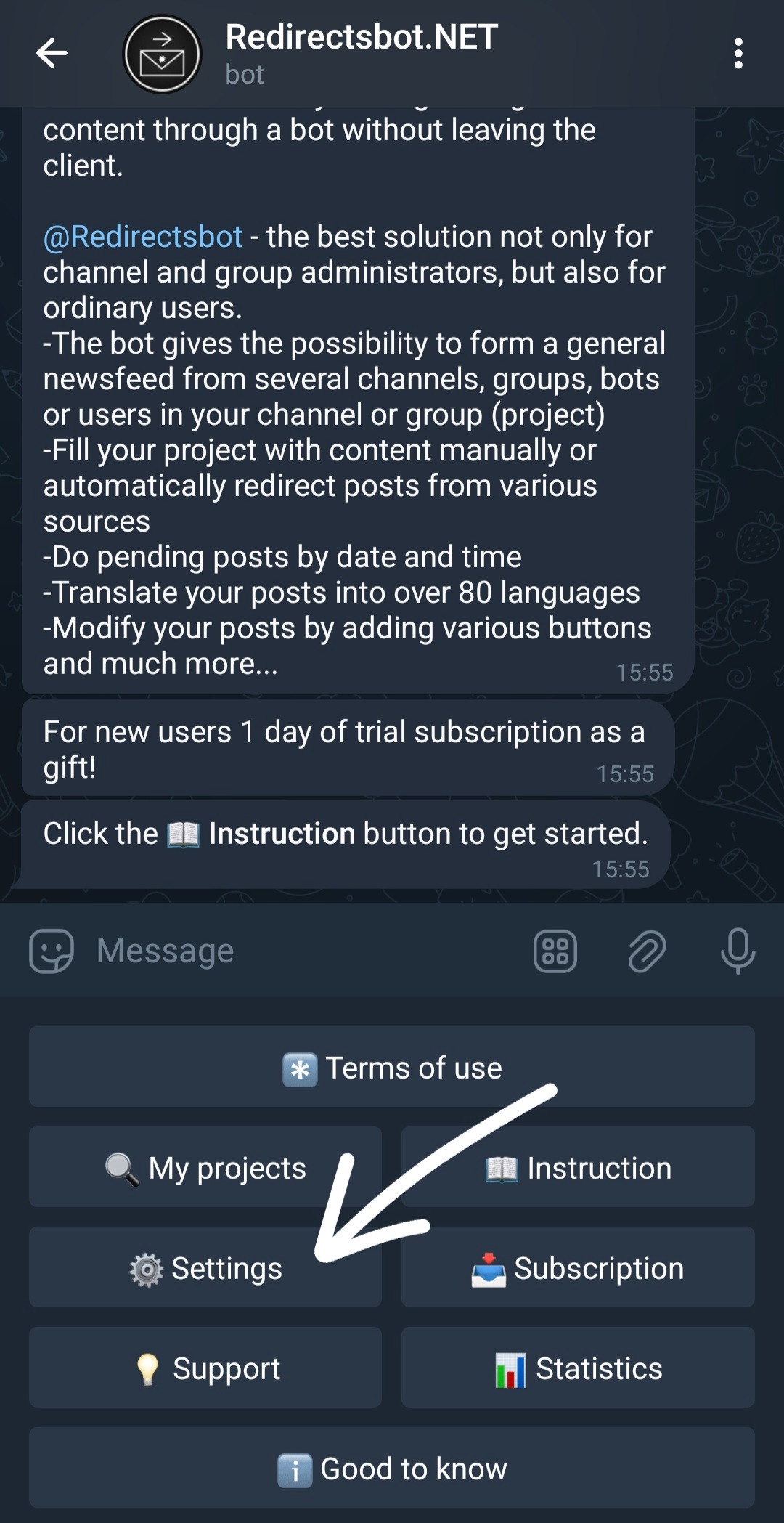
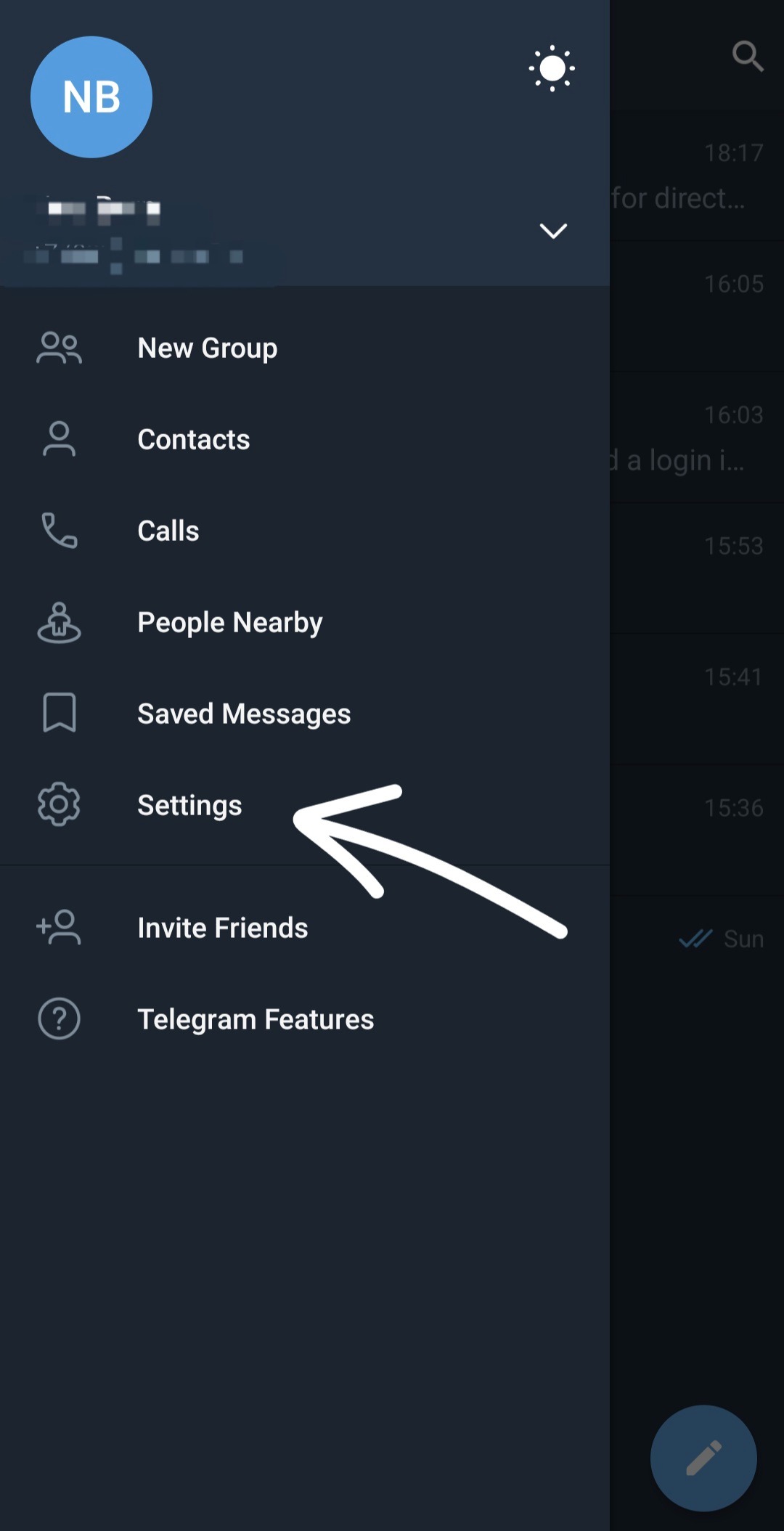
From the main menu, click ⚙️Settings
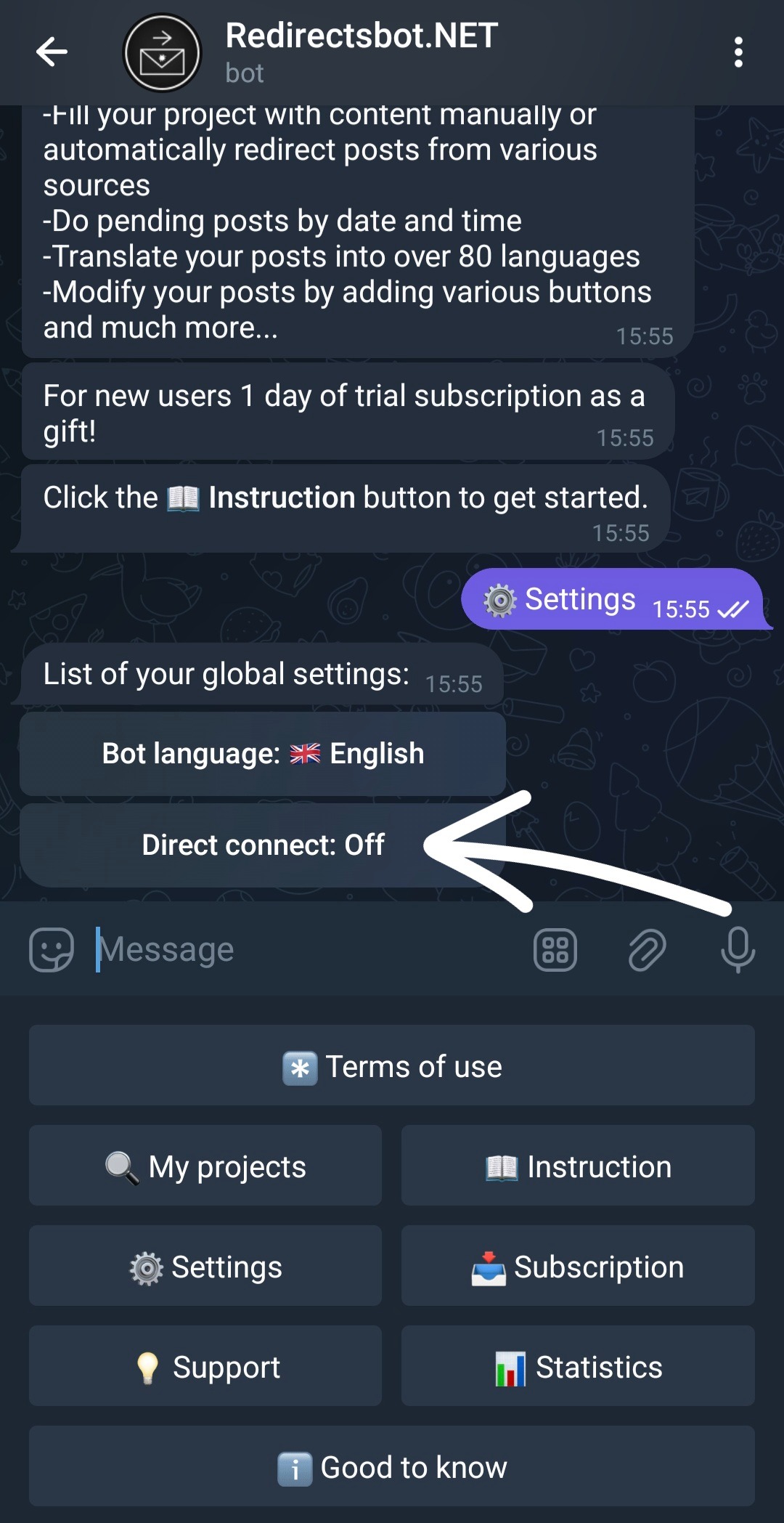
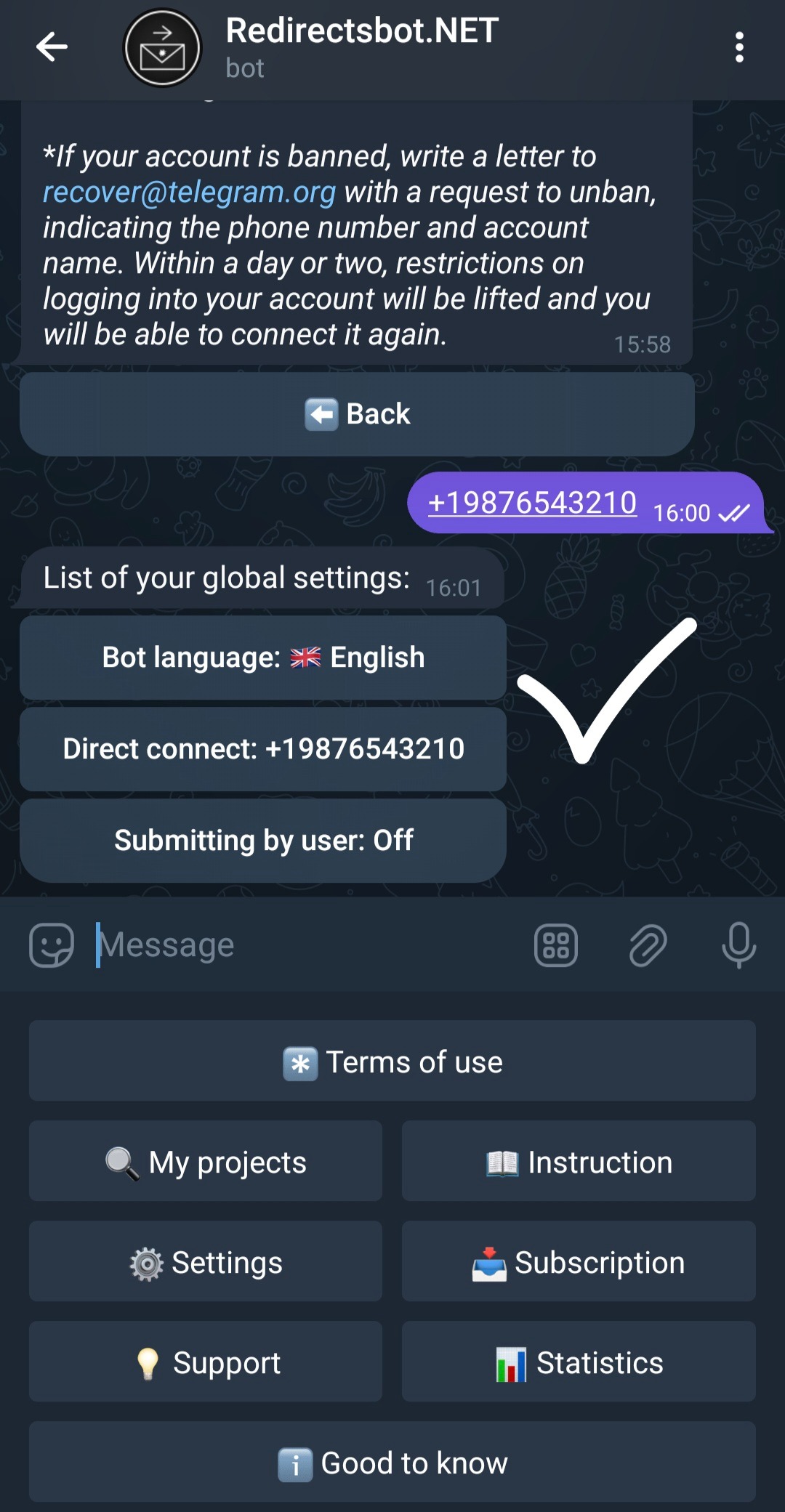
Click on the Direct Connection button.
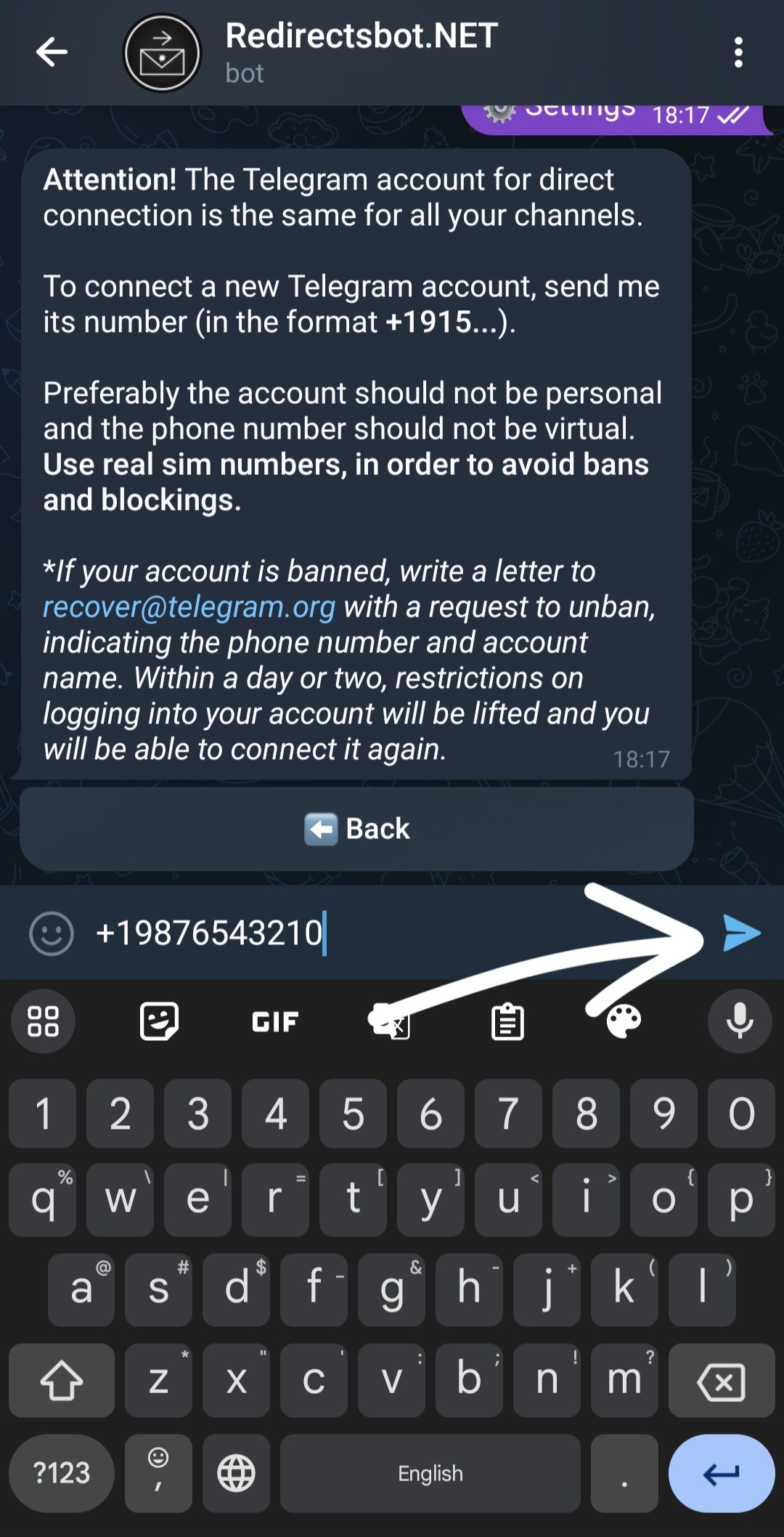
Send the bot the phone number of the account that is subscribed to the sources from which you plan to redirect posts to your projects.
You receive a message from Telegram with a login code. You memorize this code (do not copy it) and go back to the bot
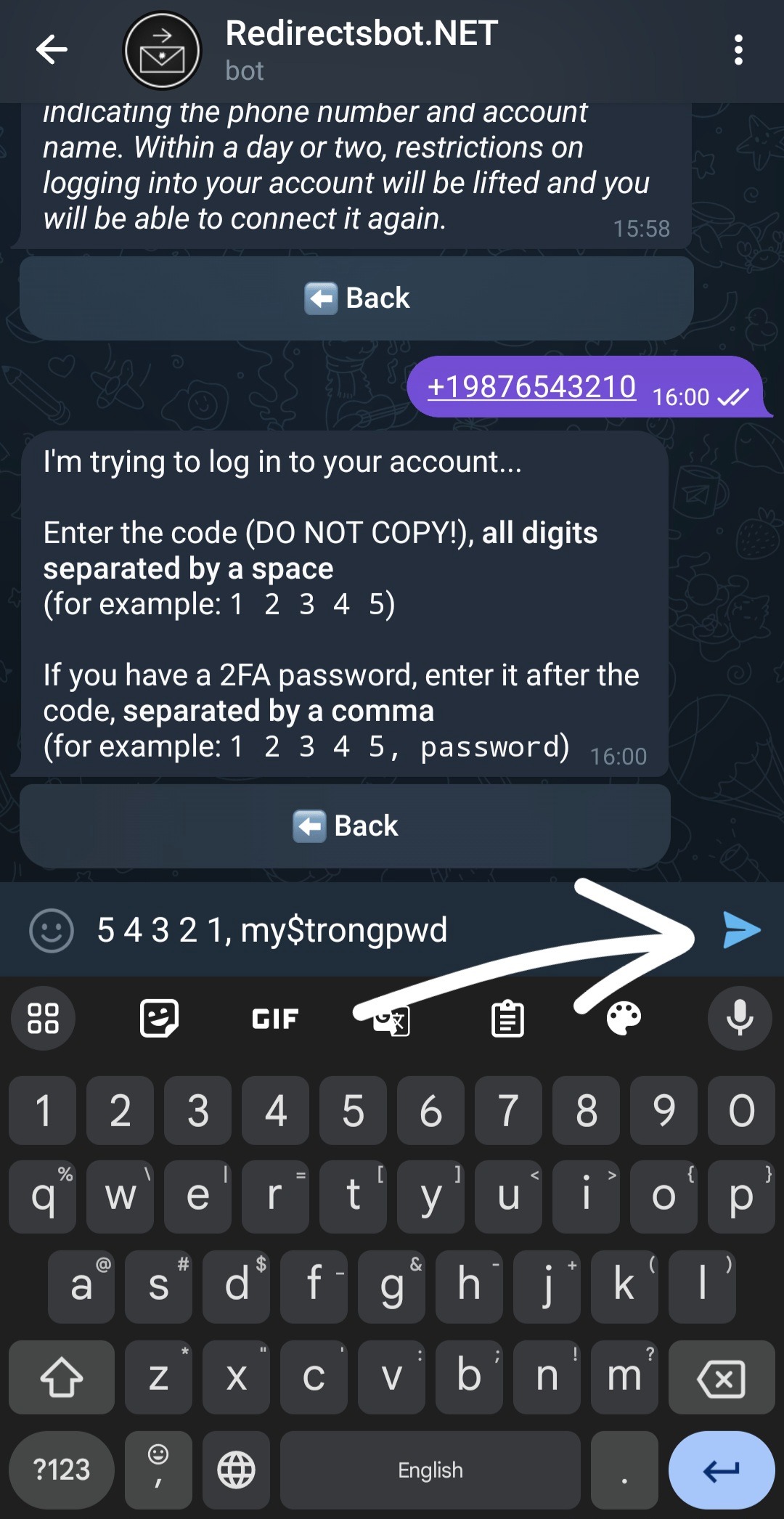
Write the code necessarily through a space, then a comma and the password 2FA (if installed on the account) and send it to the bot.
The connected number will be displayed in the direct connection button, but it is important that you also receive a message from Telegram that you have successfully logged into your account.
You should receive a message like this about a new login to your account. If it does not, check if there is an active session.
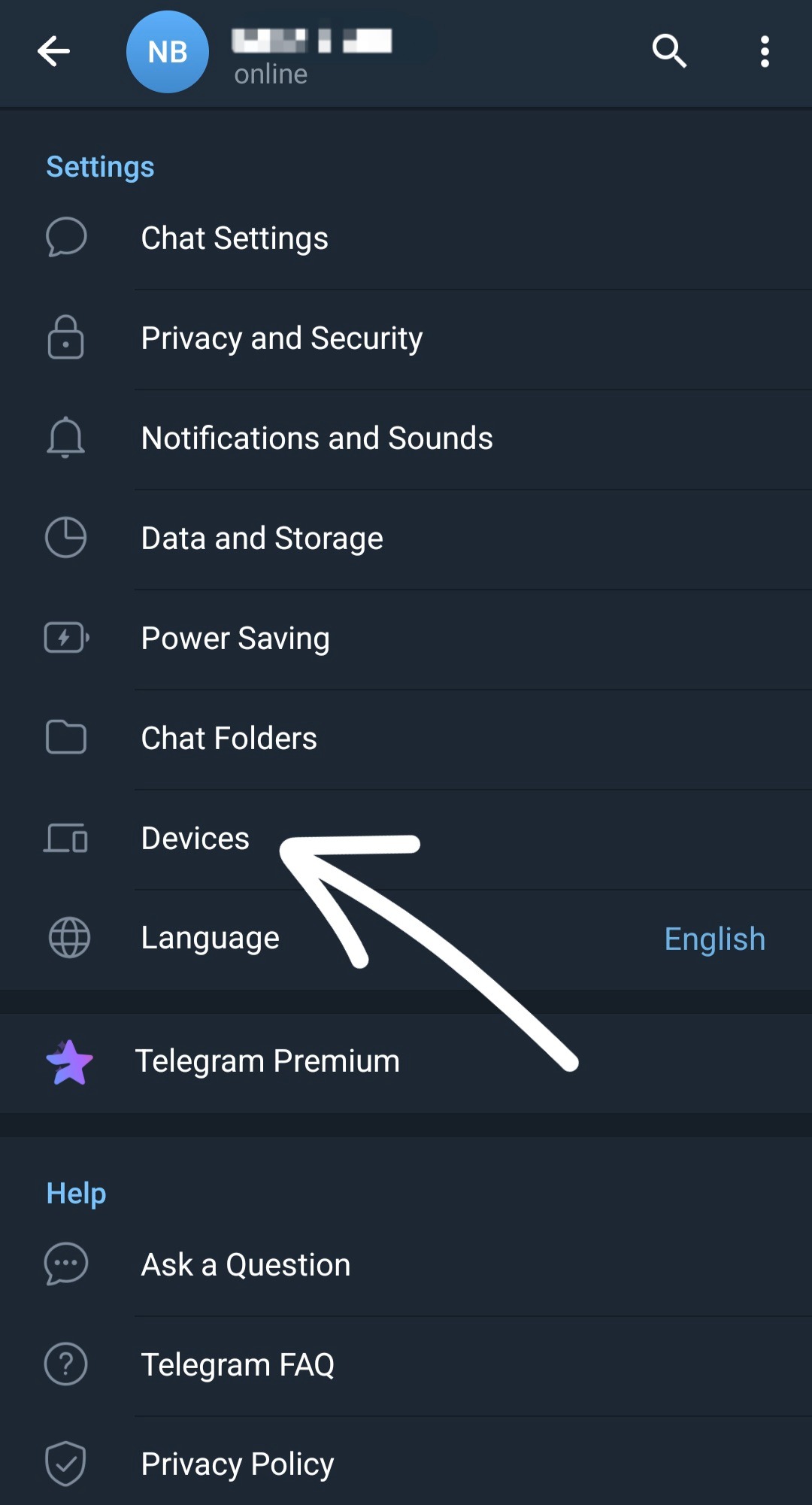
To check the active session, go to Settings.
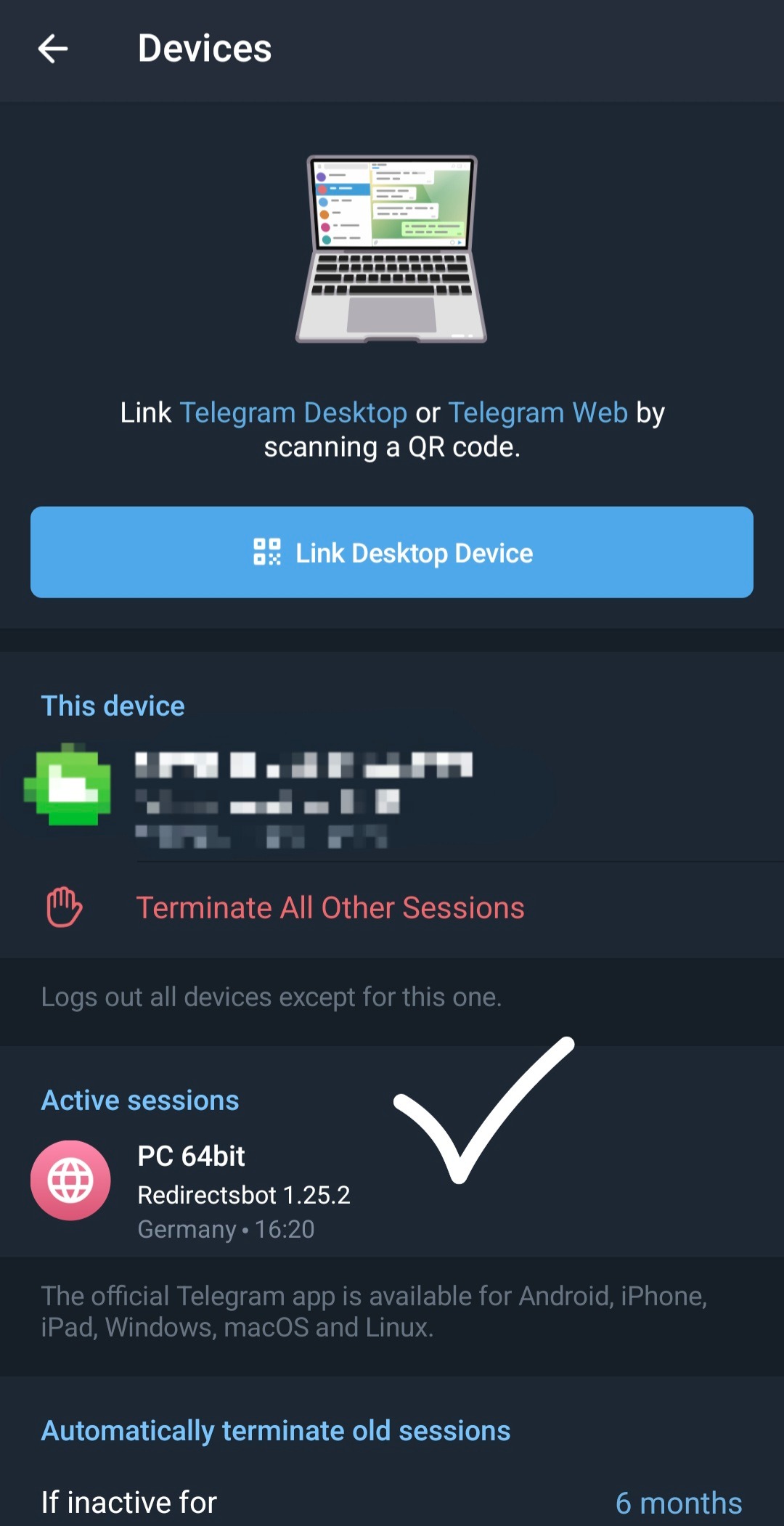
Next Devices.
If there is Redirectsbot in active sessions, then the account is connected successfully, you only need to add sources and wait 30-40 minutes from the moment of connection of the direct connection account and all new posts from sources will be redirected to your project. If there is no active session or it is incomplete, then in the bot settings disconnect the account and reconnect carefully following the instructions until you receive a notification of successful login or an active session appears.