Comprehensive Guide to Completing KYC Verification
KYC verification is a crucial aspect of financial transactions, designed to safeguard both your interests and those of the serv…1. Sign-in on the Liquid Mining Website
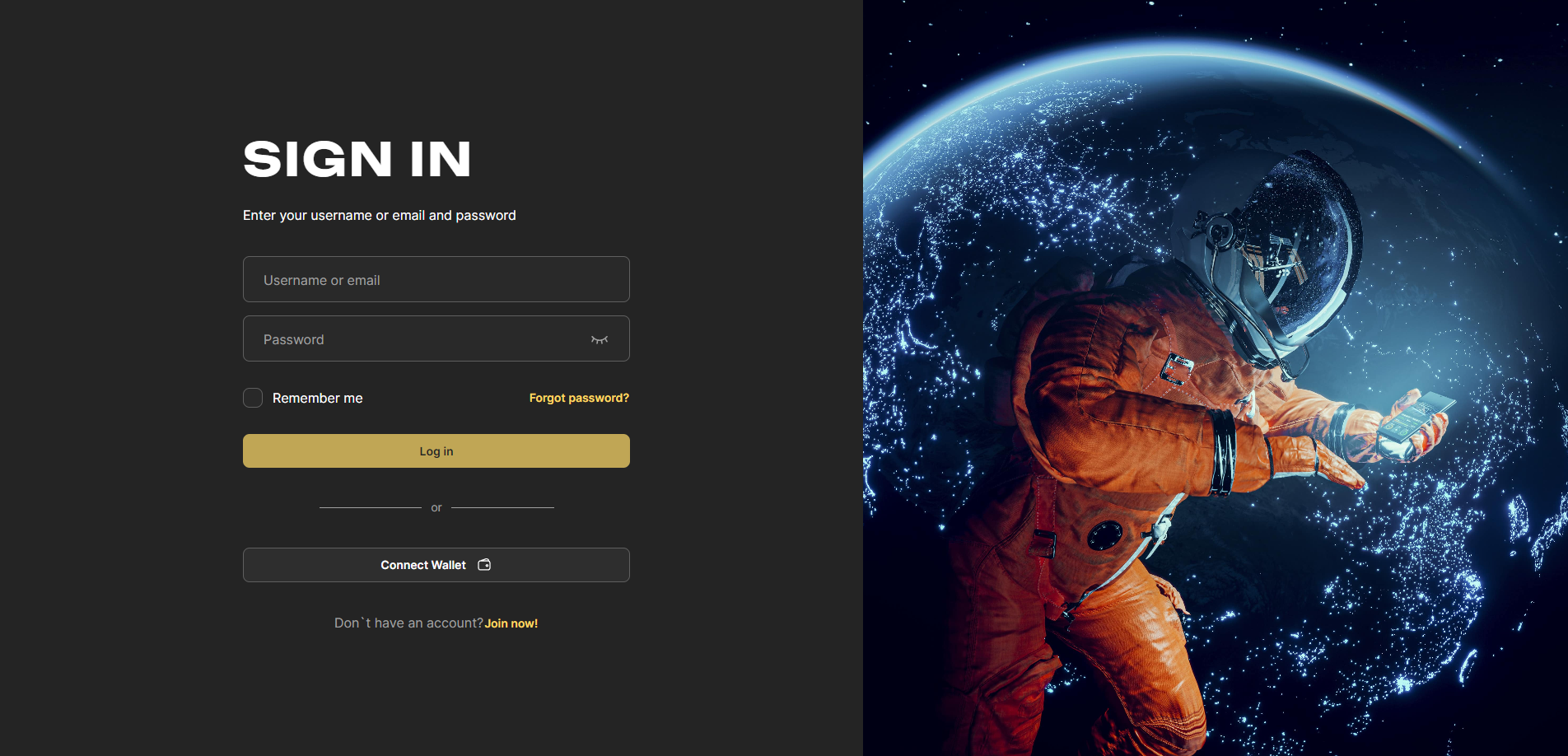
Visit the Liquid Mining website https://liquidmining.com/sign-in , Enter your username and password to successfully sign-in to your account.
2. Access the Account Section
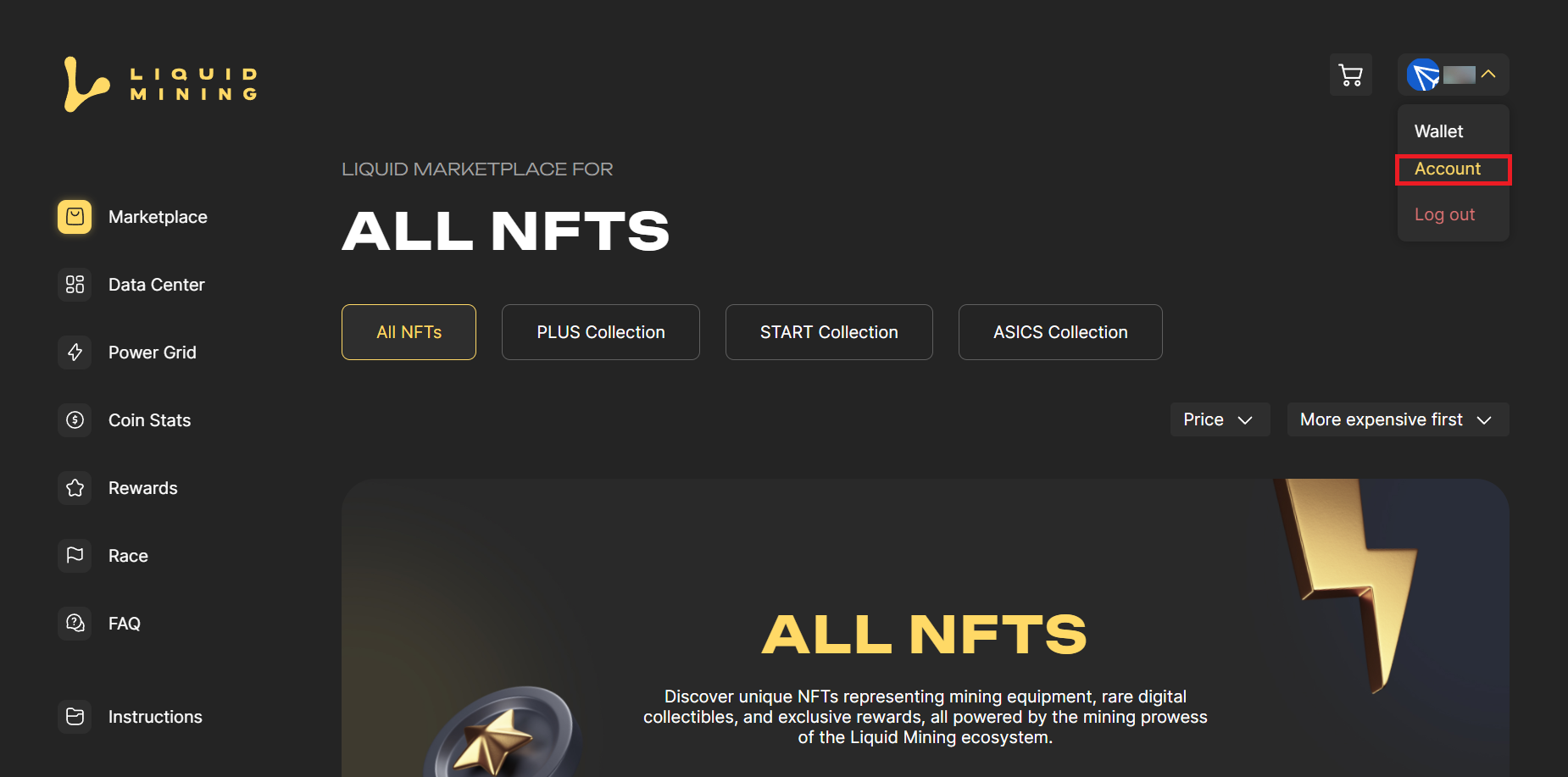
Locate the button displaying your username in the top right-hand corner of the homepage. Click on this button to reveal a drop-down menu. - From the drop-down menu, select 'Account.'
3. Click the KYC Button
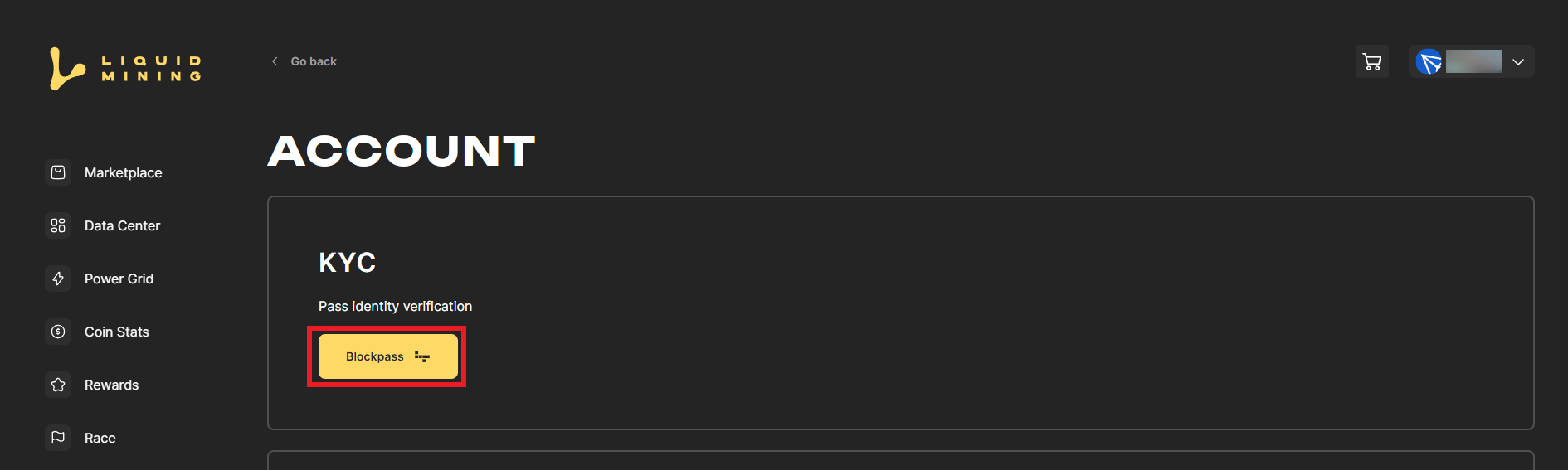
With a single click on the KYC button, you will initiate the KYC verification process.
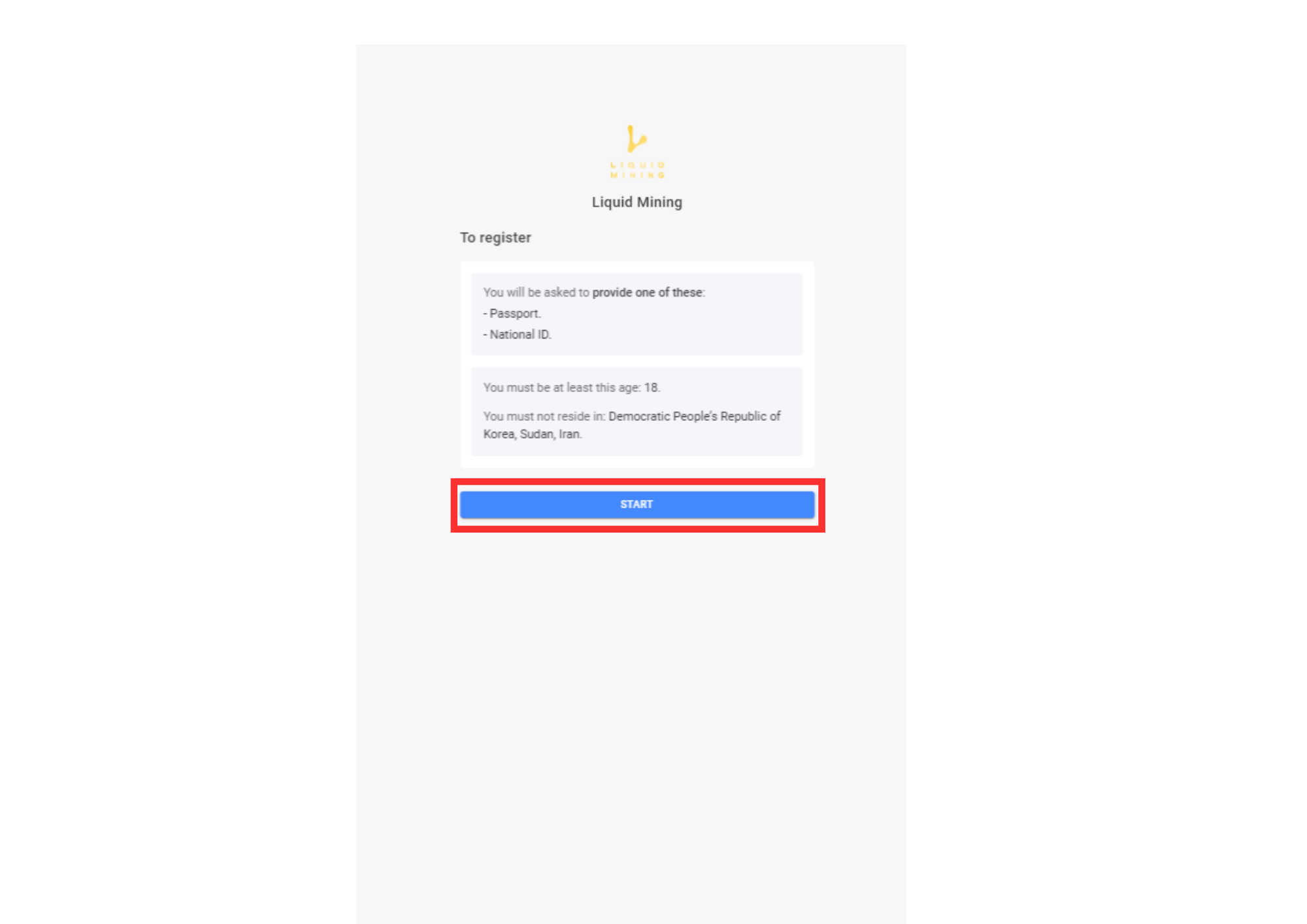
4. Click the Start Button
Upon clicking the KYC button, users might be prompted to provide additional information or upload the necessary documents. Our system and these instructions will guide you through the process, ensuring that you complete all the required fields accurately.
Note:
Please be informed that the Blockpass KYC process exclusively accepts International Passports or National IDs as valid identification documents. To complete the KYC verification successfully, users must provide either an International Passport or a National ID that complies with the requirements outlined in our verification procedure.
5. Input an Email Address
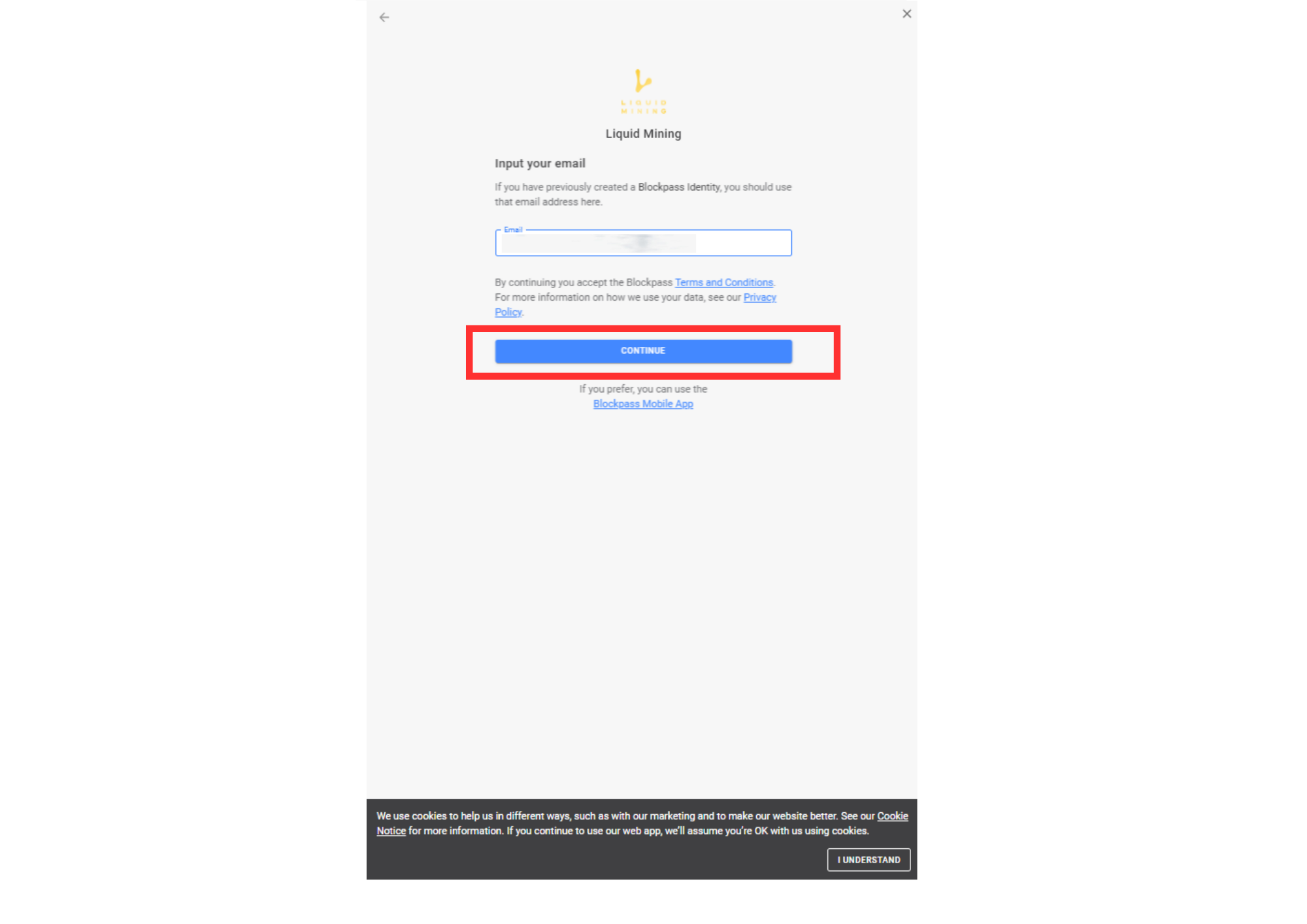
Enter the email address that is currently linked to your account. Please ensure that you have access to this email address as it will be used for verification and communication purposes.
6. Head to Your Mailbox
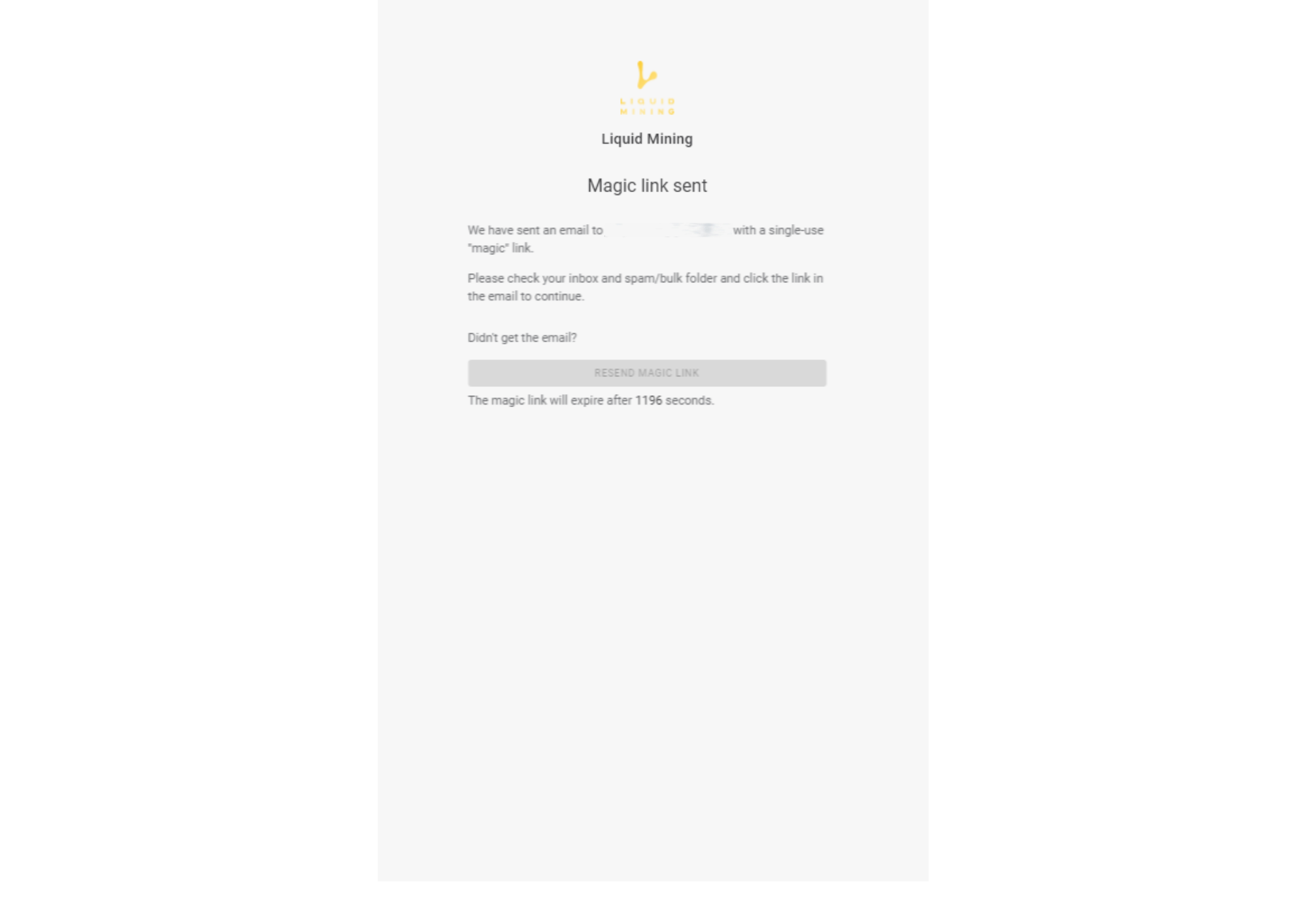
We kindly request you to proceed to your mailbox, where you will receive an email containing a verification link to continue with the KYC (Know Your Customer) verification process. For the next steps of the verification, it is essential to use a mobile phone to ensure a seamless experience.
7. Click the Button to Continue
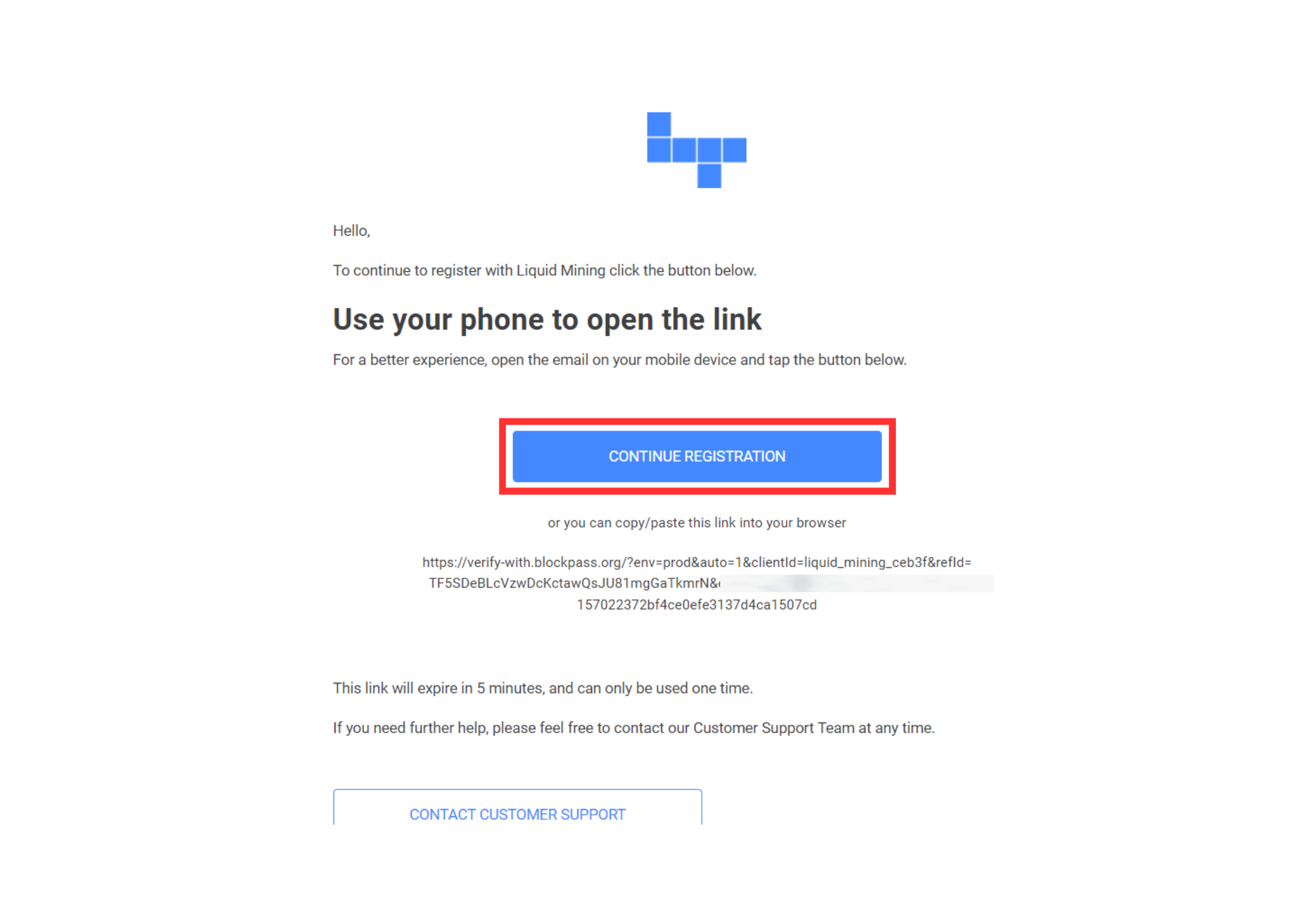
Use a mobile phone to proceed with the verification, Click the "CONTINUE REGISTRATION" Button or copy and paste the link below the button in any browser to continue.
8. Choose a Document
Select the document that you possess and meets the verification requirements.
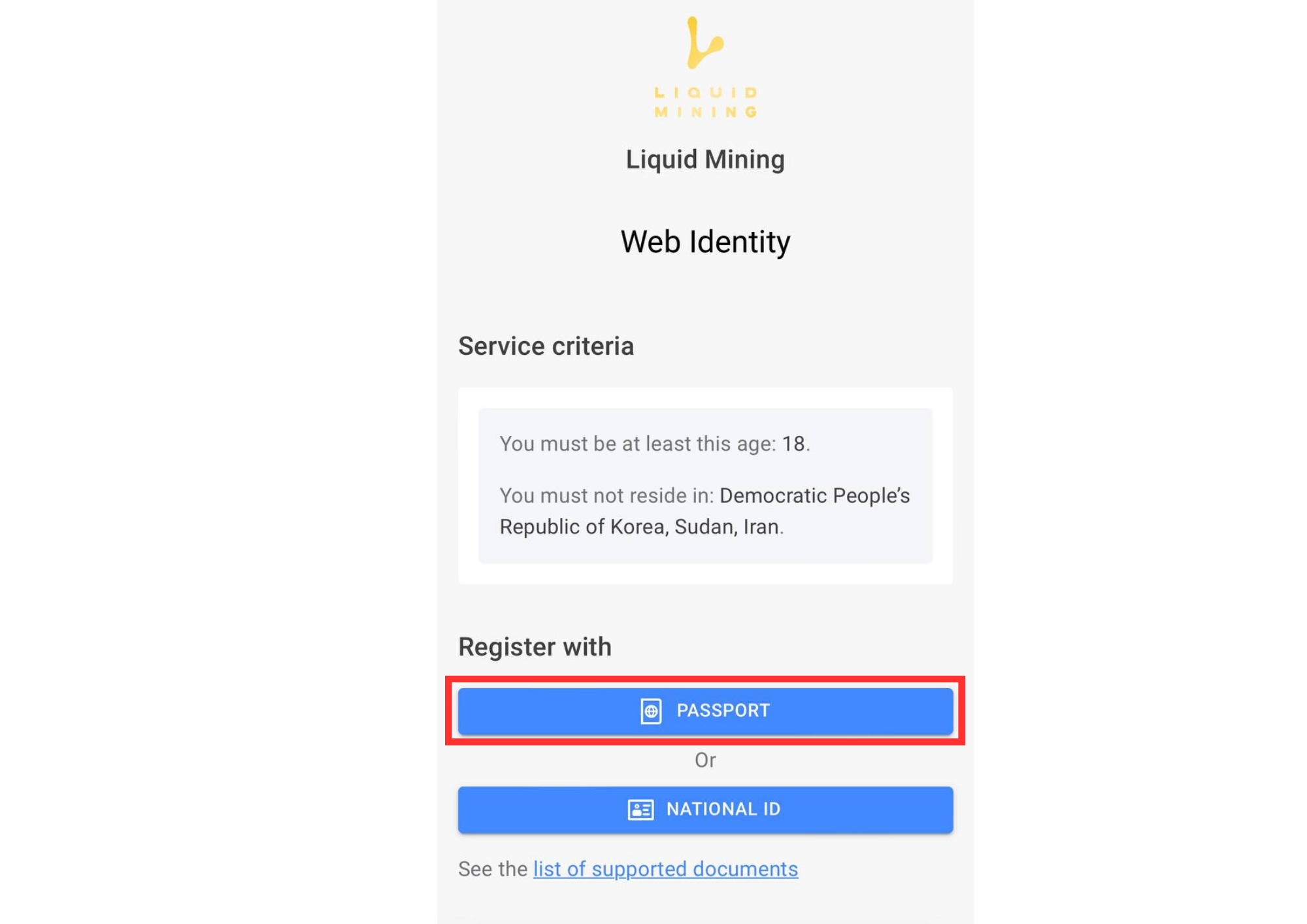
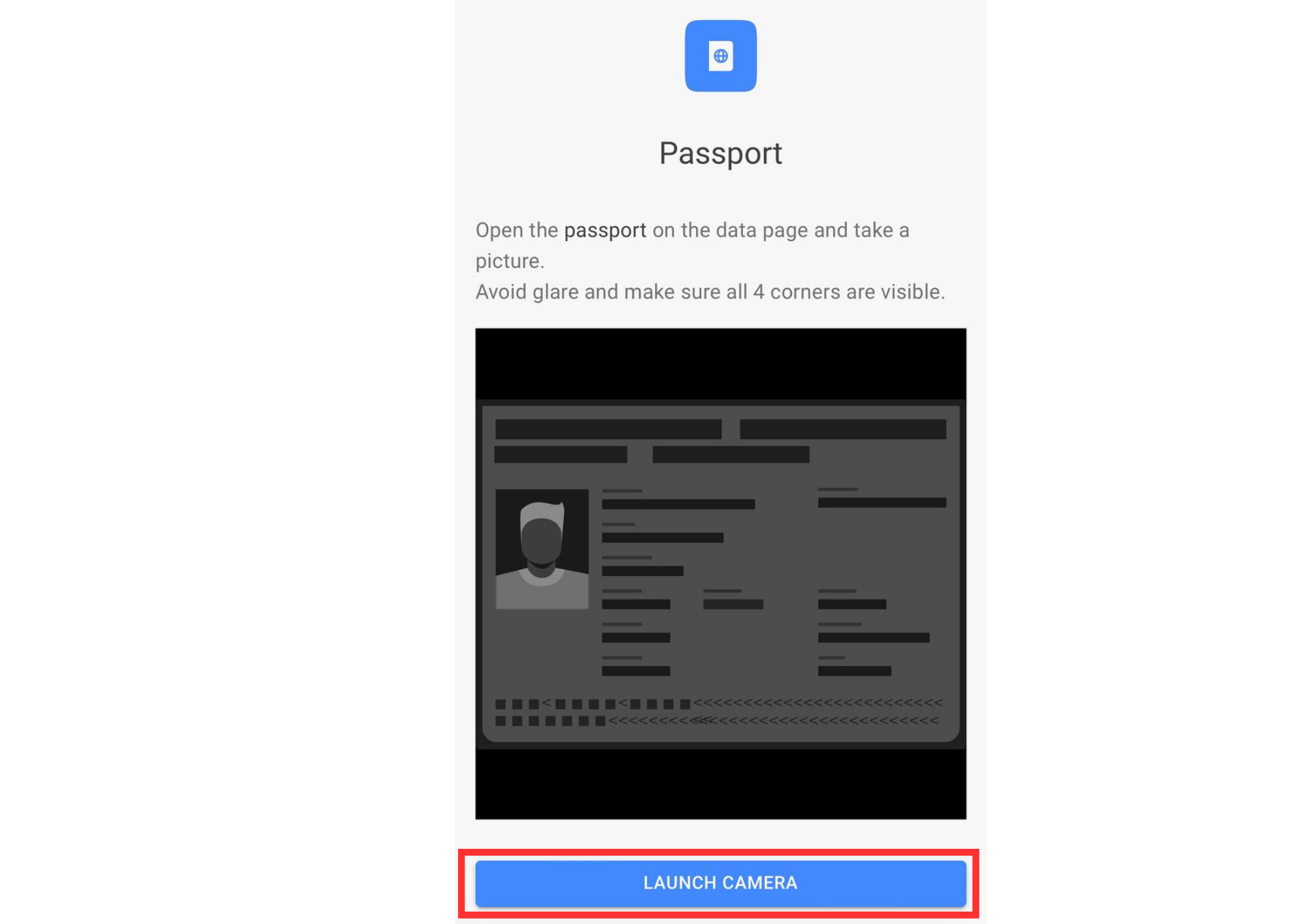
9.Take a Picture of Your Passport Data Page
Take a clear and legible picture of the data page of your passport. This page typically contains your personal information, including your full name, date of birth, passport number, and other relevant details. Make sure all the 4 corners of the page are visible. Once ready click the "Lauch Camera" button.
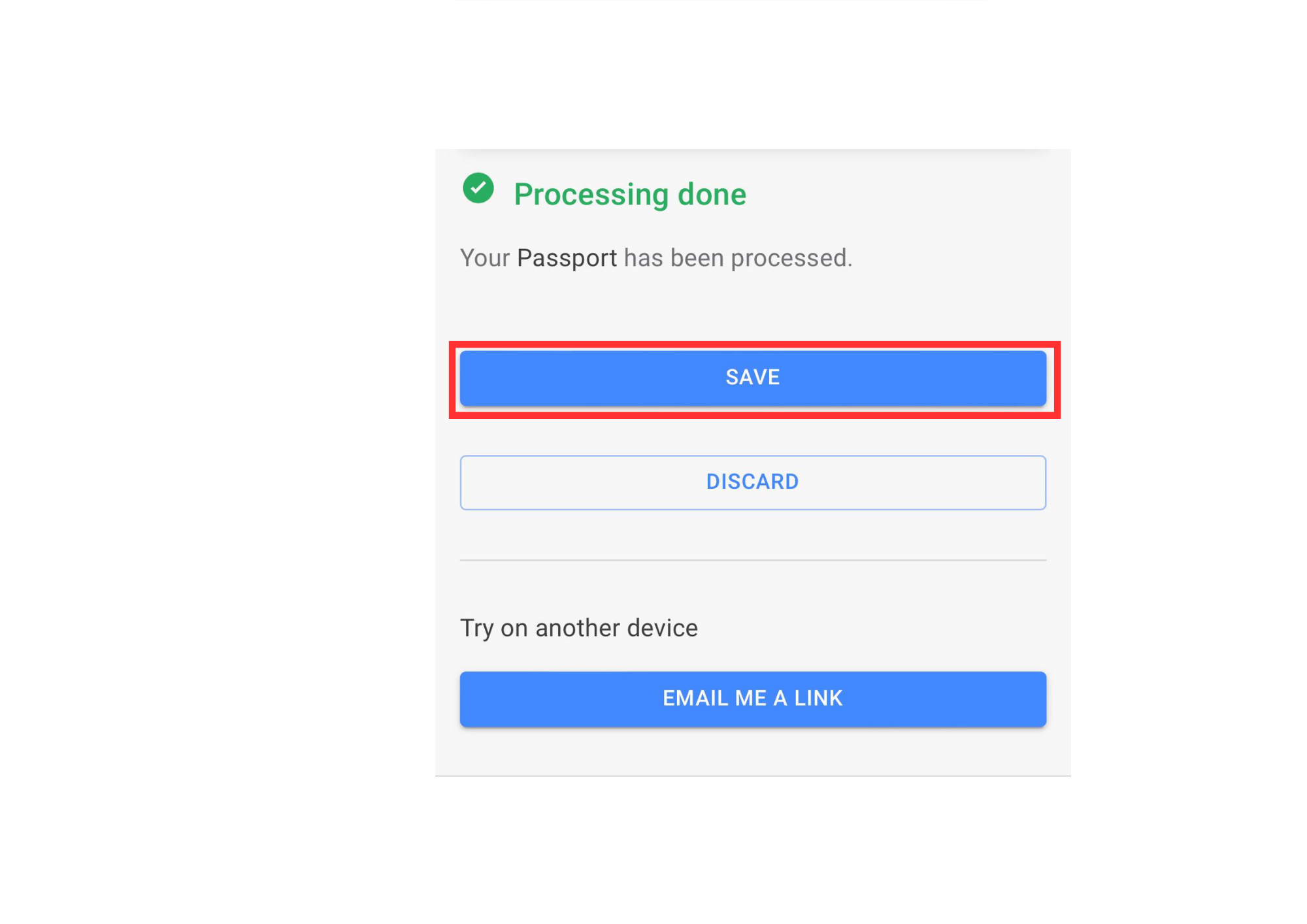
10. Click the Save Button
After successfully snapping a clear picture, go ahead and save it.
It's crucial to emphasize that the clarity of the uploaded picture significantly impacts the success of your application.
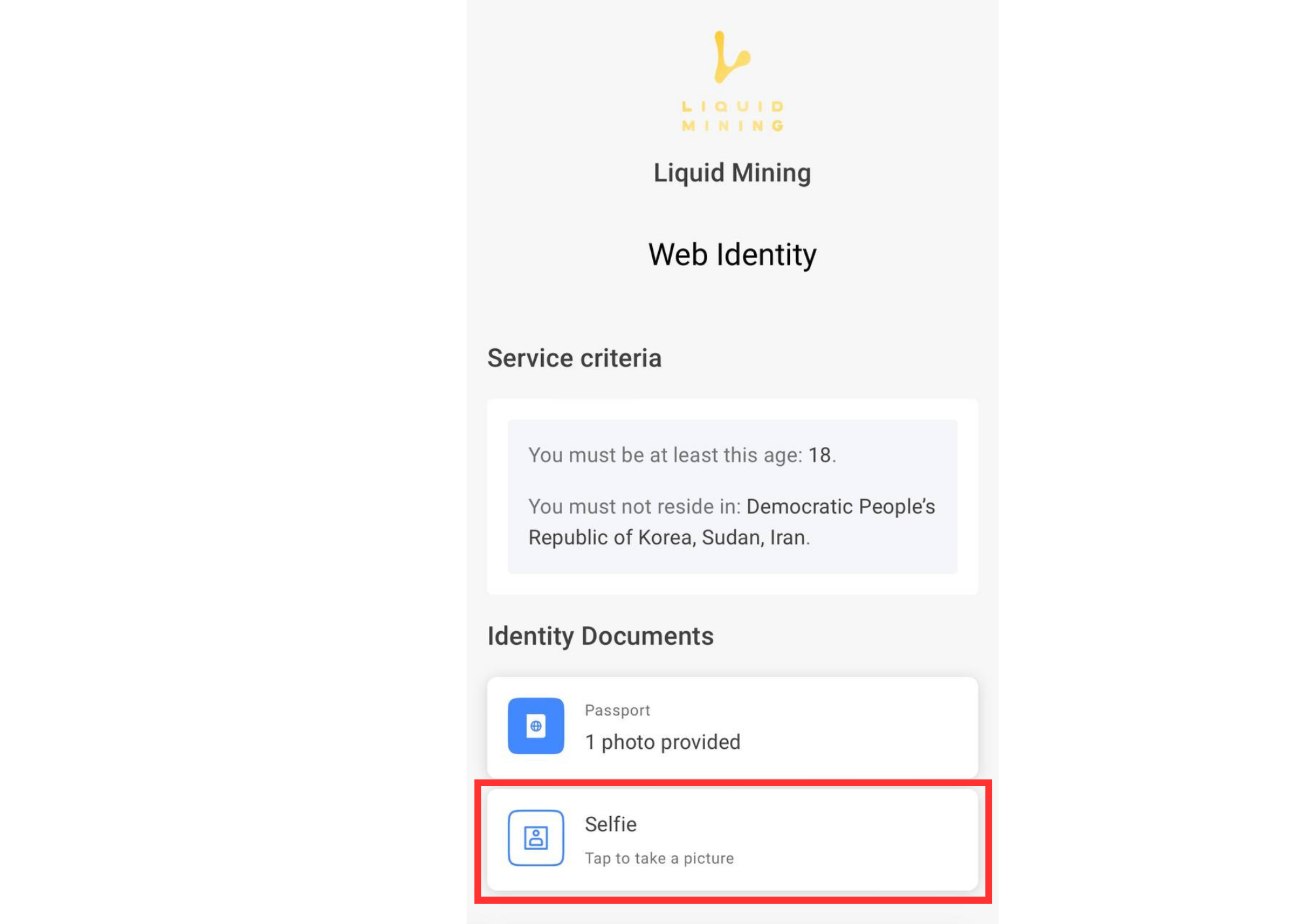
11. Verify Your Identity: Face Check Required!
The face check is an essential security measure to verify the identity of users accurately. Please ensure that the selfie you take during this process is clear and meets the requirements for successful verification.
12. After Uploading and Providing Documents & ID
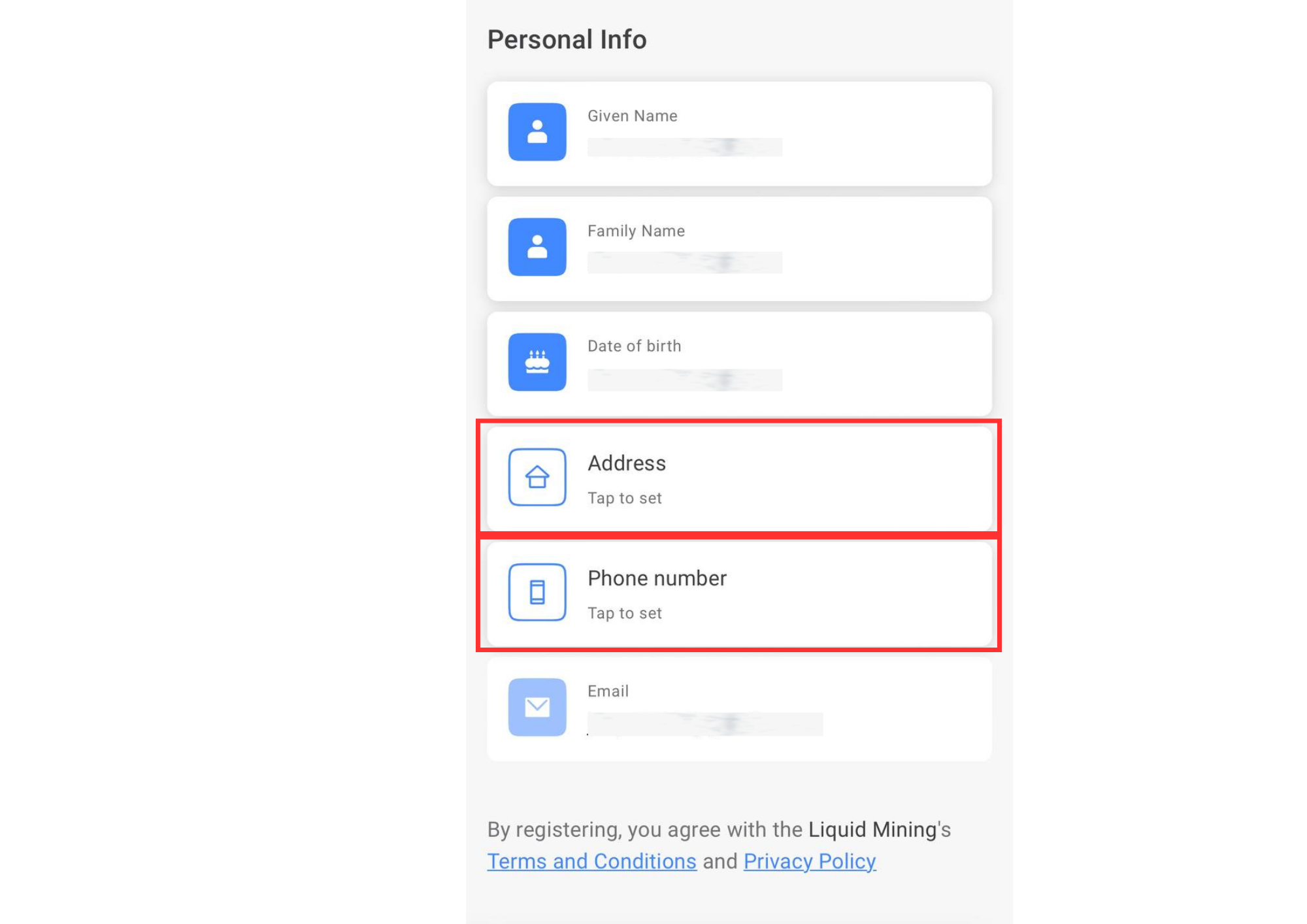
Make sure you fill the following information;
Address and Phone number.
Completing these details is vital to the security and functionality of users account’s. Rest assured that your information will be handled with the utmost confidentiality and in compliance with data protection regulations.
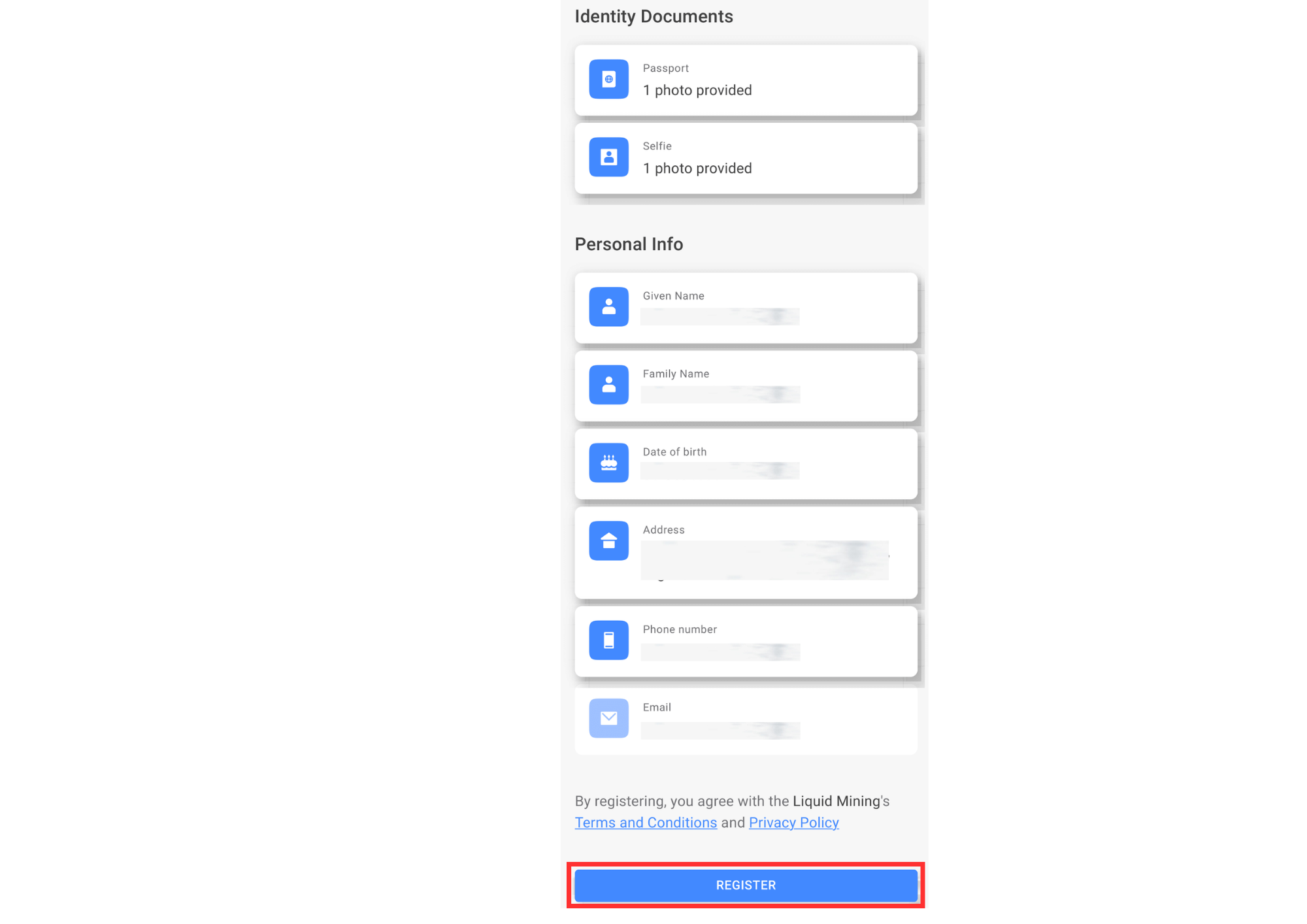
13. Complete Registration
Once you have provided all the necessary information, click the “Register” button, and your verification status will be sent to you in a timely manner. Upon acceptance, you will gain the ability to successfully withdraw mined coins and rewards. We appreciate your cooperation and patience throughout the verification process.