Common Problems fix
Discussion of content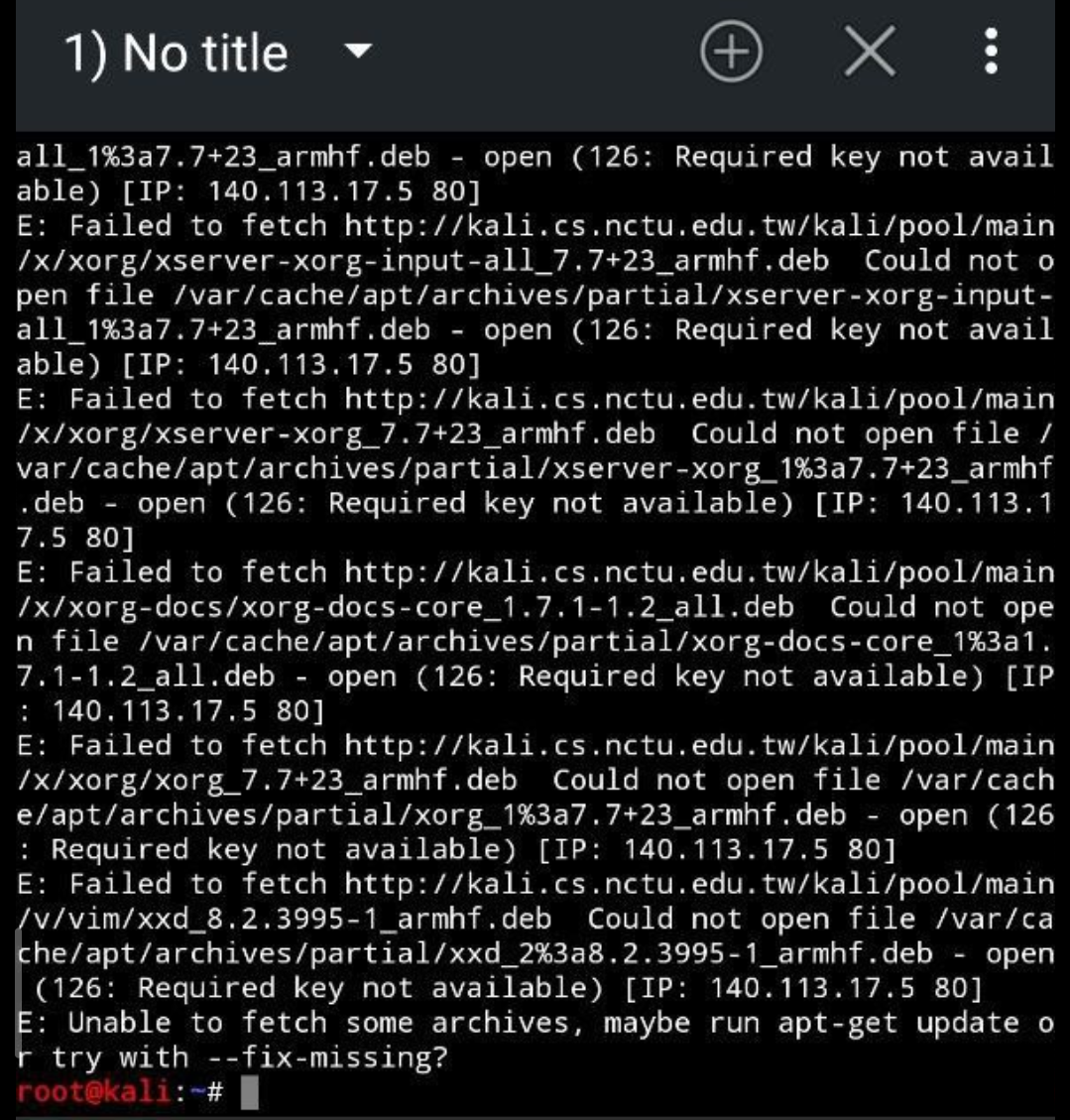
Solution:
apt --fix-missing update
apt update
apt --fix-broken install
-----------------------------------------------------
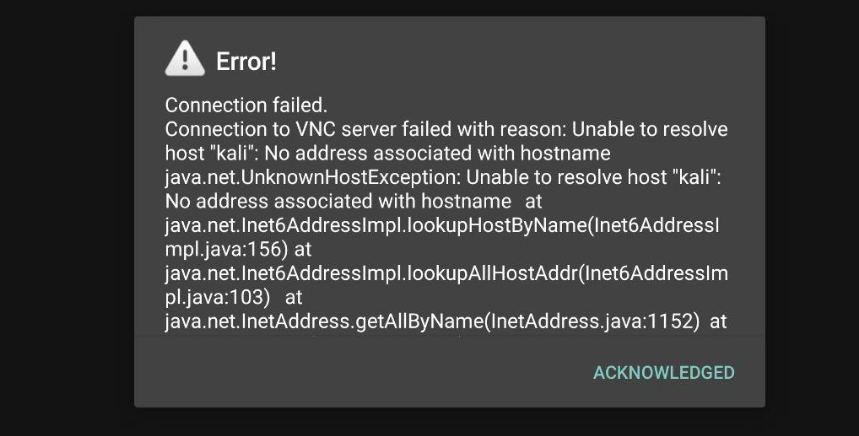
Solution:
Problem: Kali Nethunter VNC / DESKTOP EXPERIENCE
Connecting to VNC server failure with reason.
Run 👇 this command in Root terminal:
sudo wget -O /root/.vnc/xstartup https://gitlab.com/kalilinux/packages/kali-win-kex/-/raw/kali/master/usr/lib/win-kex/xstartup && chmod a+x /root/.vnc/xstartup
#kekfix
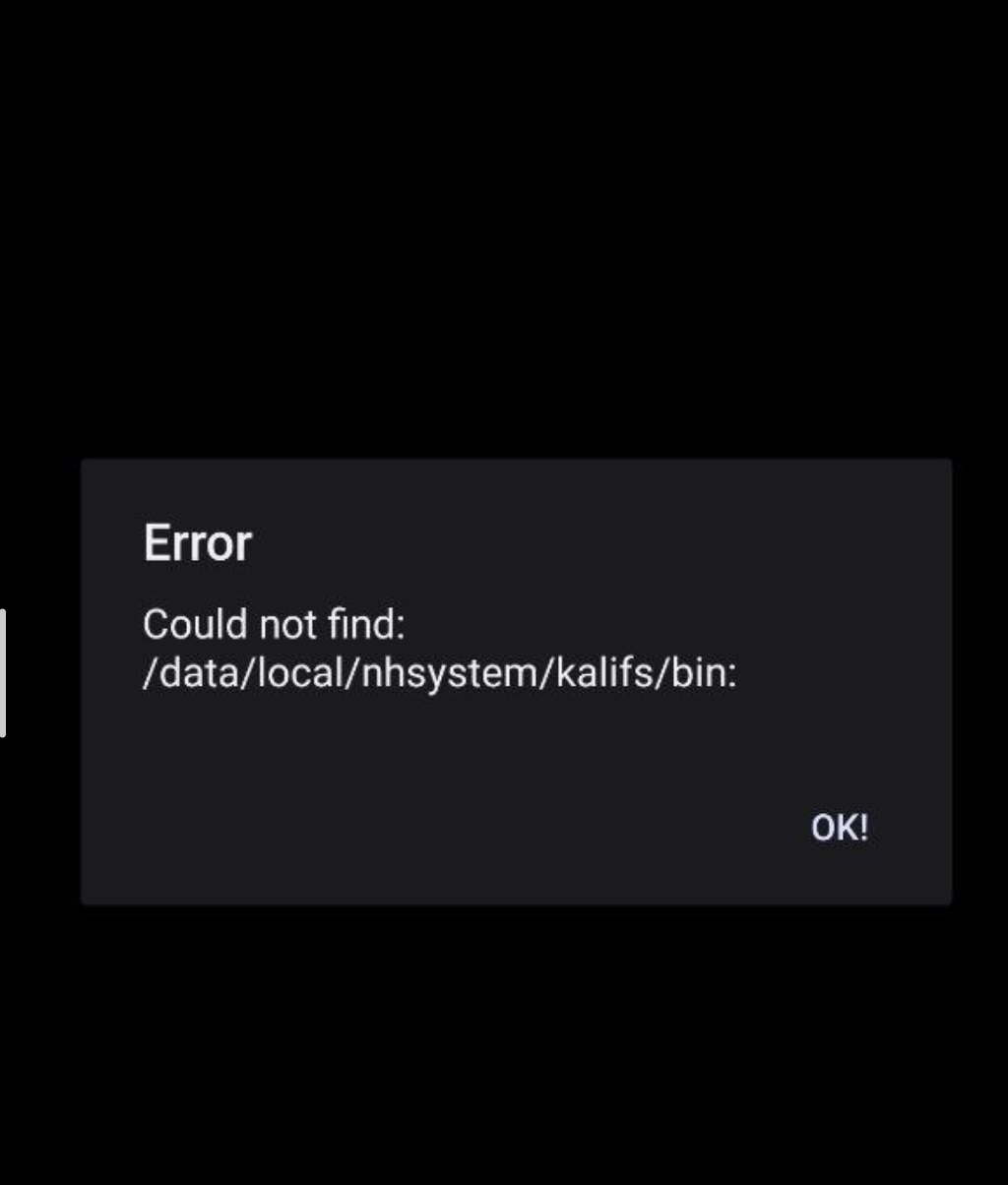
Error
Solution:
run this in Androidsu:
ln -sf "$(find /data/local/nhsystem -type d -maxdepth 1 | tail -n 1)" "/data/local/nhsystem/kalifs"
thanks for iHemal to provide this solution
#fix-symlink
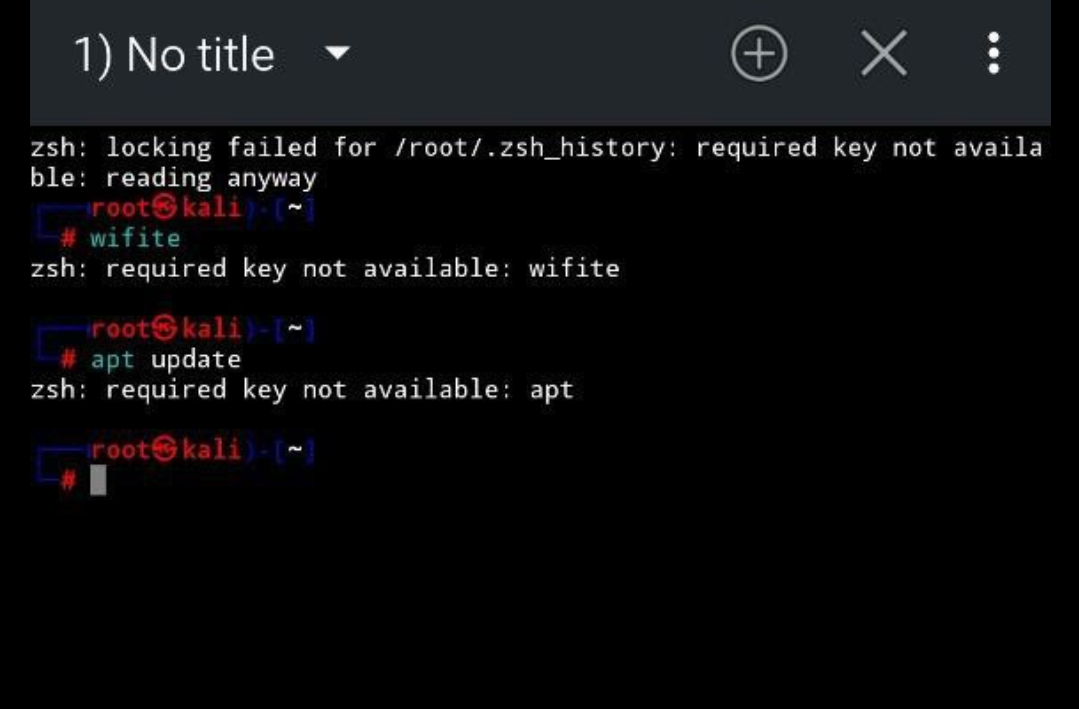
Zsh: require key not available:
Fix command👇
Run this in Androidsu Kali Terminal:
sed -i "s/pam_keyinit.so/pam_keyinit.so #/" /data/local/nhsystem/kalifs/etc/pam.d/*
#pam-fix
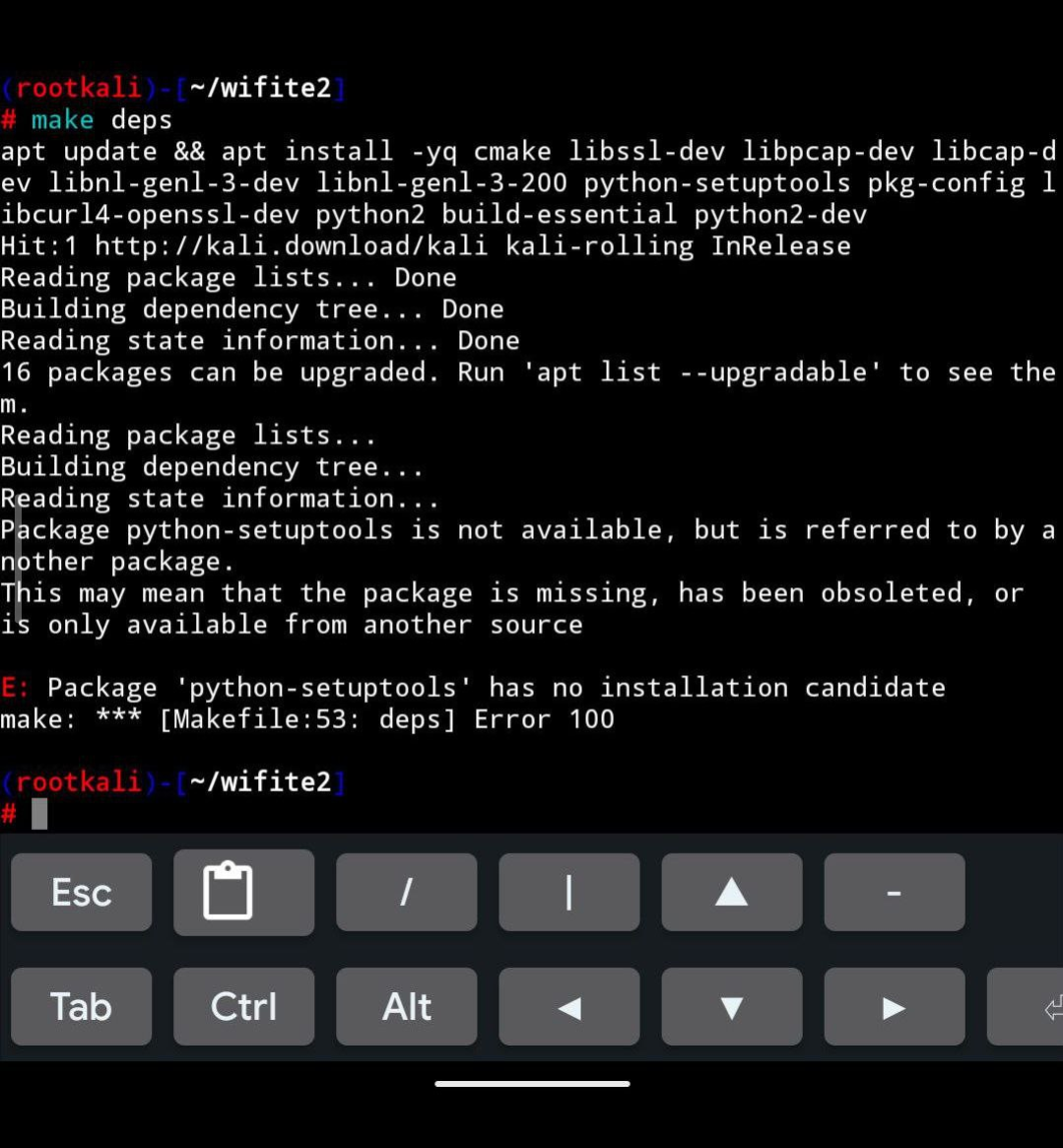
there is a problem with apt update
Try fix-internet and update all package
#has no initialisation candidate problem solving
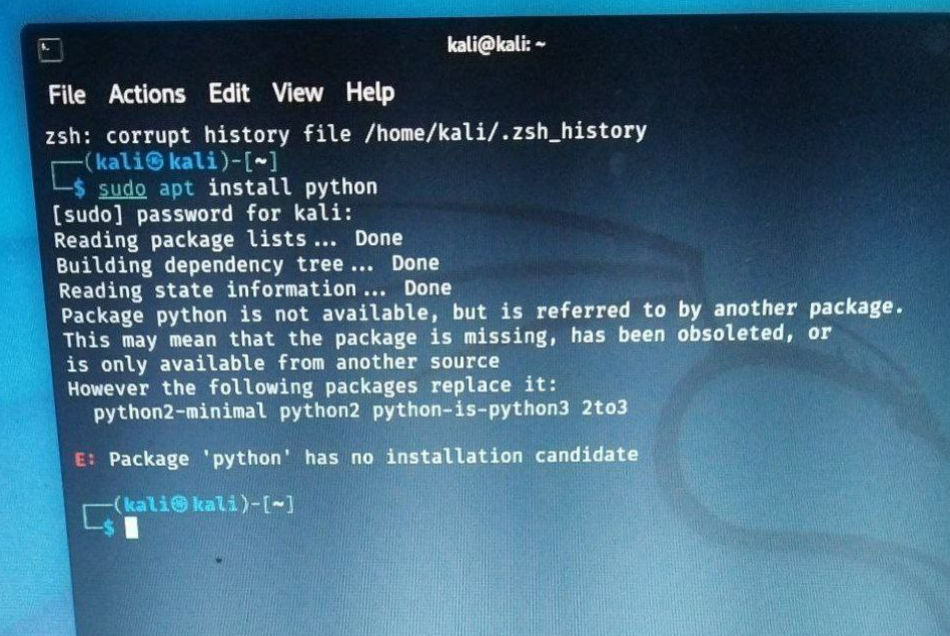
sudo apt-get update -y;sudo apt-get install python3 python2 -y
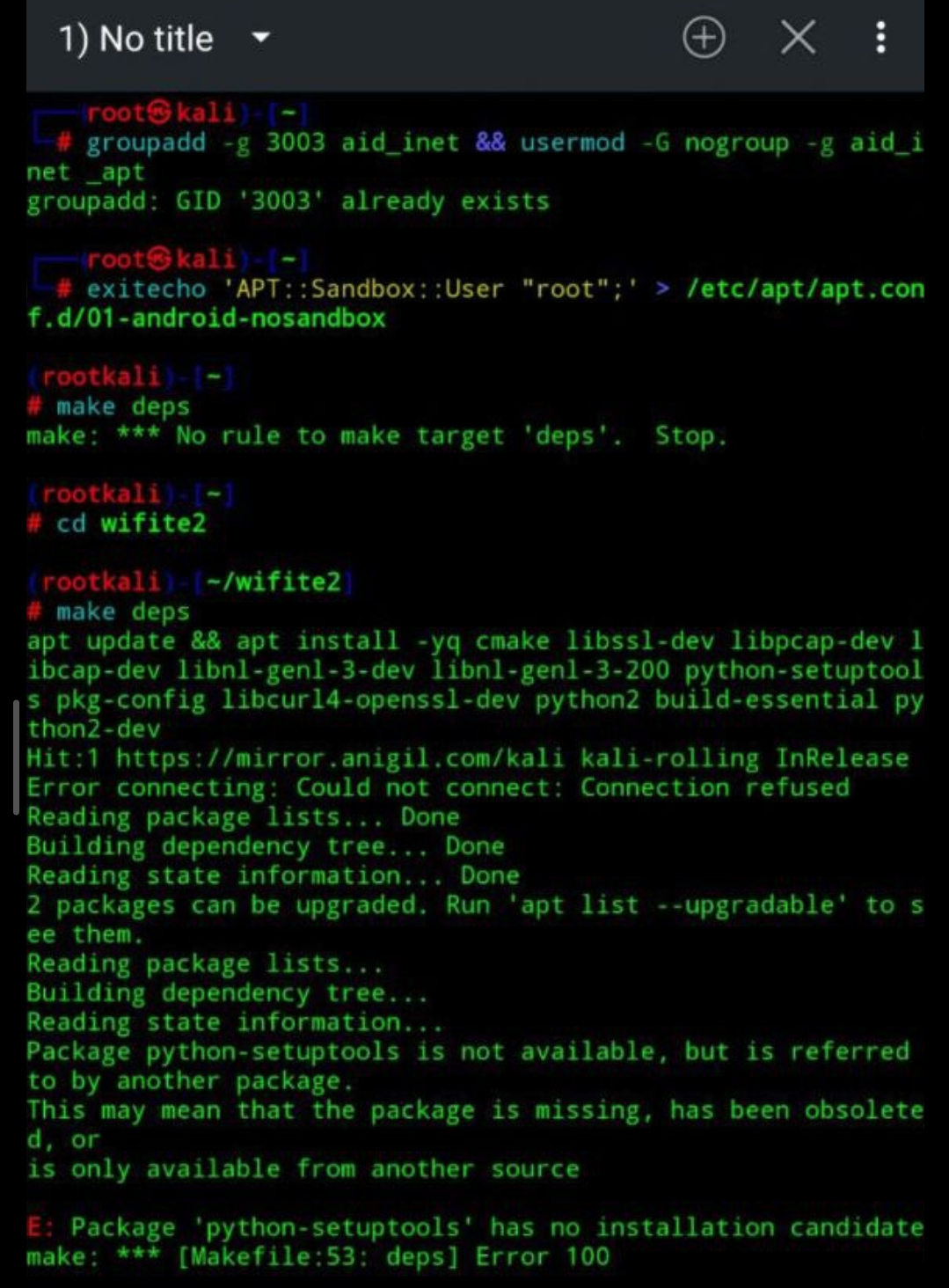
Package 'python-setuptools' has no installation candidate make: *** [Makefile:53: deps] Error 100
Solution:
apt update && apt install -yq cmake libssl-dev libpcap-dev libcap-dev libnl-genl-3-dev libnl-genl-3-200 python3-setuptools pkg-config libcurl4-openssl-dev python2 build-essential python2-dev