Combo Trend Script and Configuration
Hi,
In the newly created COMBO TREND screen, We have separate screens for SQL DB Trend and Historian Trend(with small changes in screen variables, everything else is as same as SQL Trend screen)
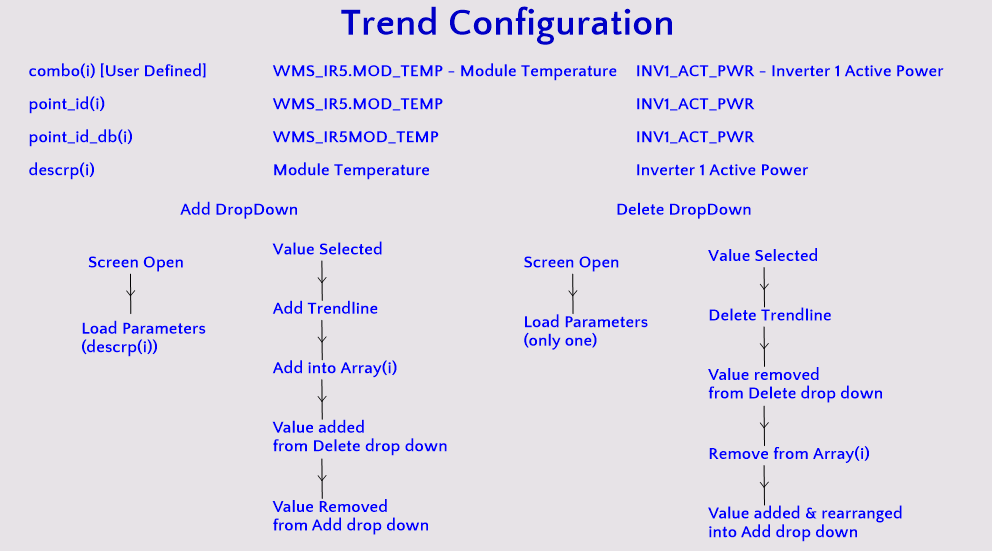
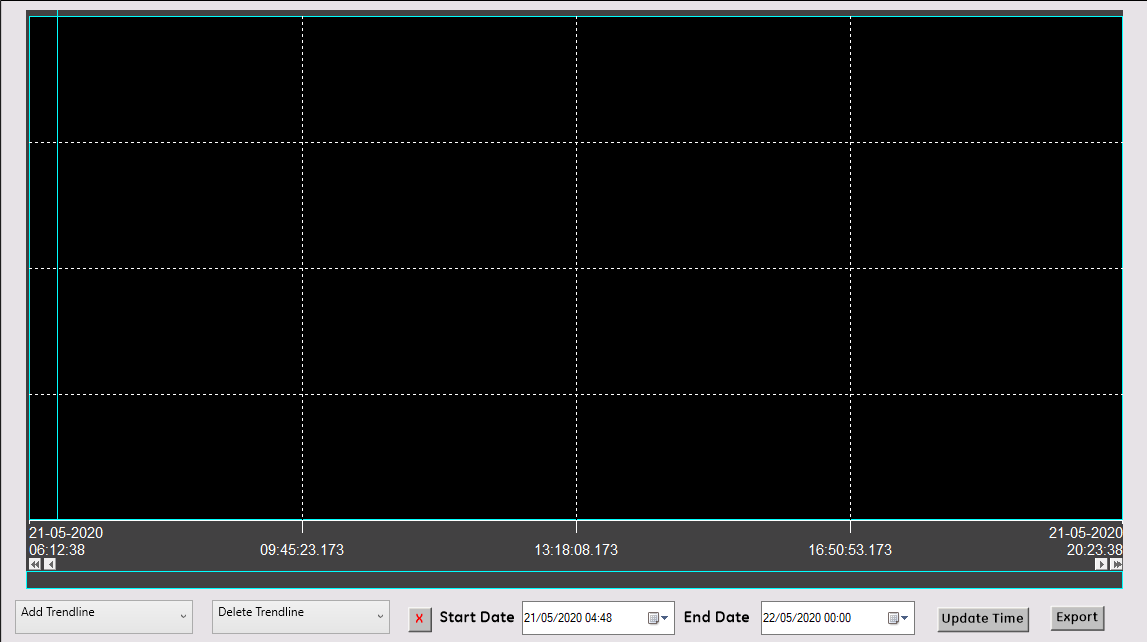
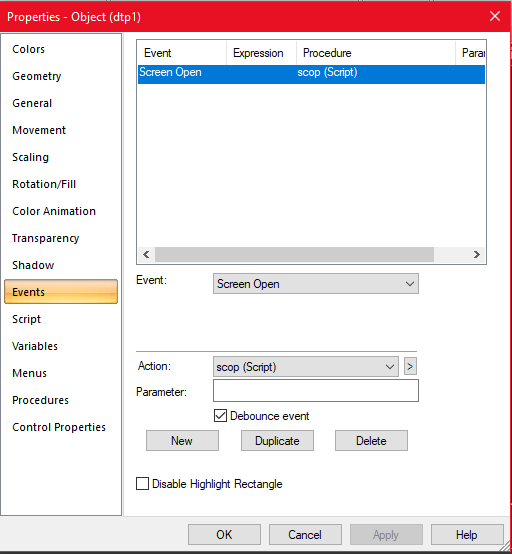
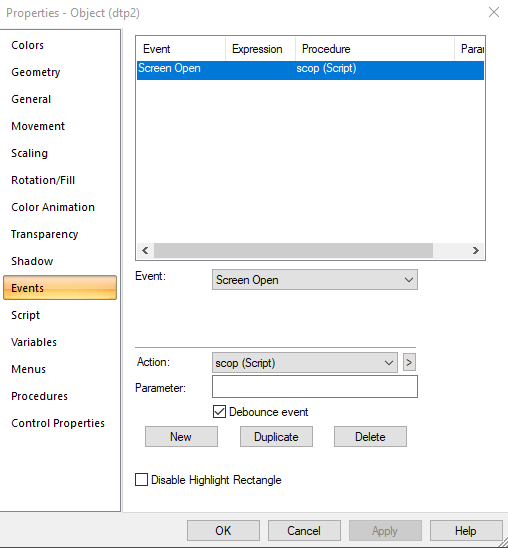
Instead of copying and pasting the parameters into multiple places, We are loading the parameters from a excel file named 'Trend_Parameters' placed on Templates folder in Project root folder using the Screen Open event in the Screen Properties. It will have two columns, one for your cimplicity point id and another for tag id/description for that point which would be shown to user.
We have the following components on the screens
- Trend Control - Well, That one is quite obvious... 😬 - named as "Trend"
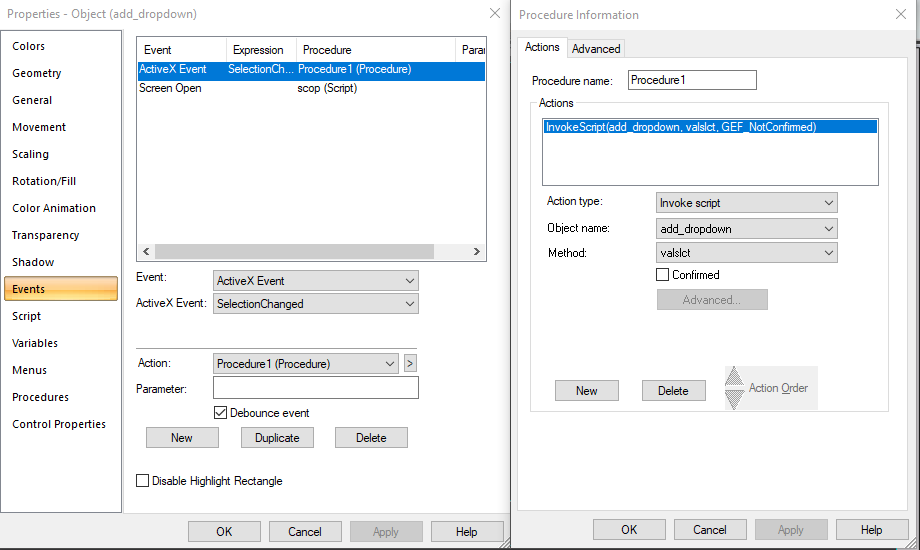
- Drop down control - 1 - To provide set of parameters that can be added to Trend Control & To add selected line into Trend Control - named as "add_dropdown"
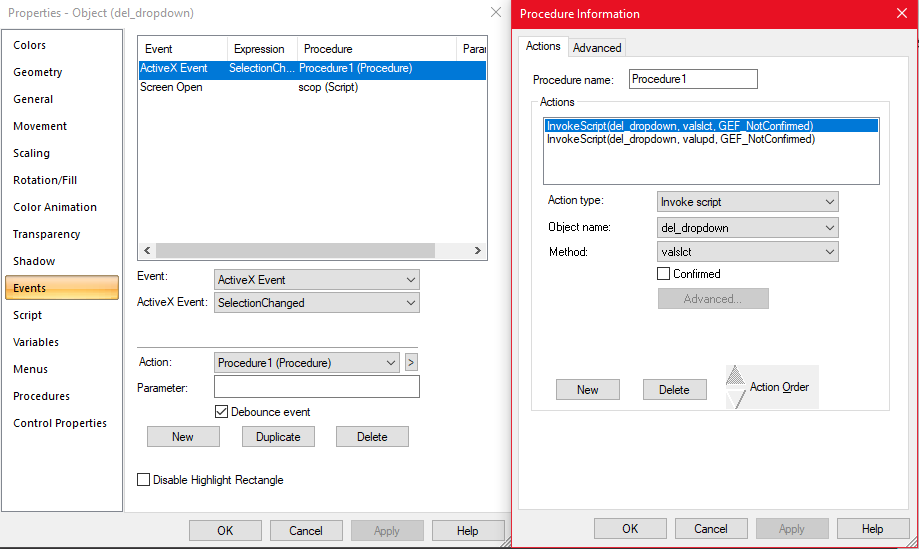
- Drop down control - 2 - To provide set of parameters that can be deleted from Trend Control & To delete selected line into Trend Control - named as "del_dropdown"
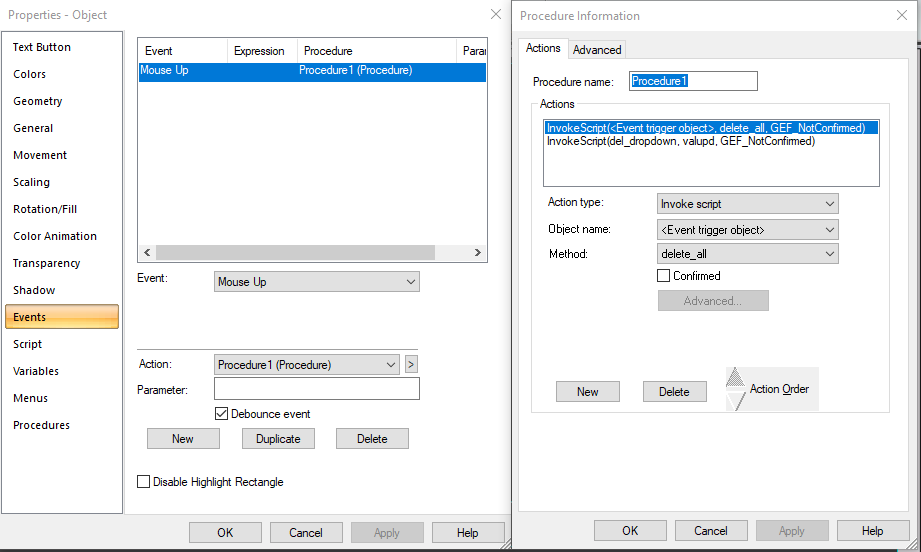
- Button-1 - To delete all the lines from Trend Control
- Date time picker - 1 - To select start date & time for the X axis - named as "dtp1"
- Date time picker - 2 - To select end date & time for the X axis - named as "dtp2"
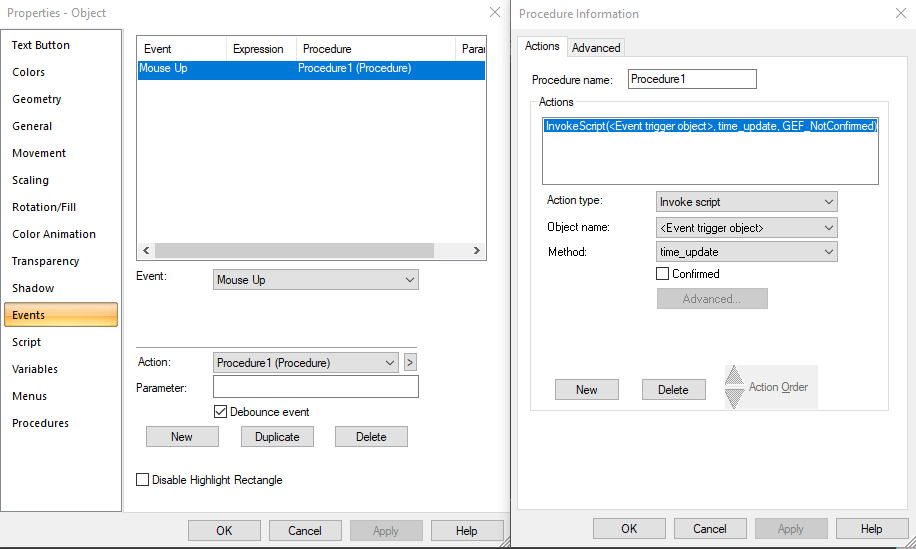
- Button - 2 - To update the selected date time from both of the Date time pickers into the X axis of the Trend Control
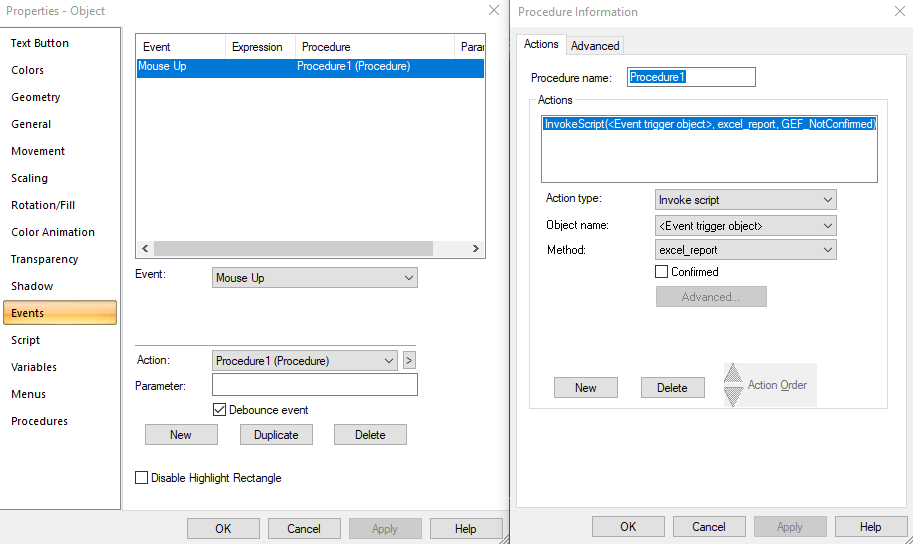
- Button - 3 - To export the data of line(s) added to trend on basis of both Date time pickers into Excel file
and we have events and procedures for all these components & Screen open Script also(to read your parameters from Excel File).
Get the scripts from here
SQL TREND
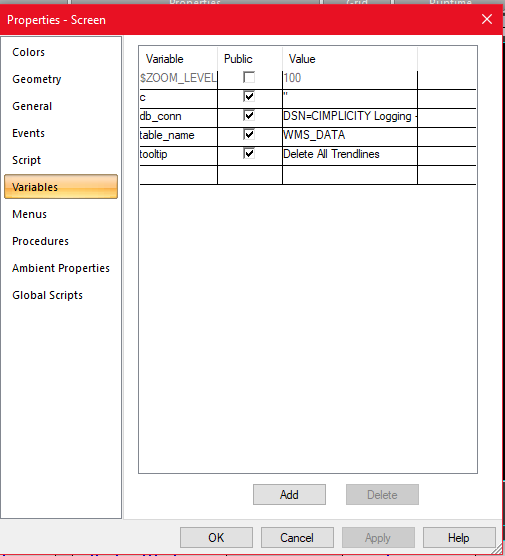
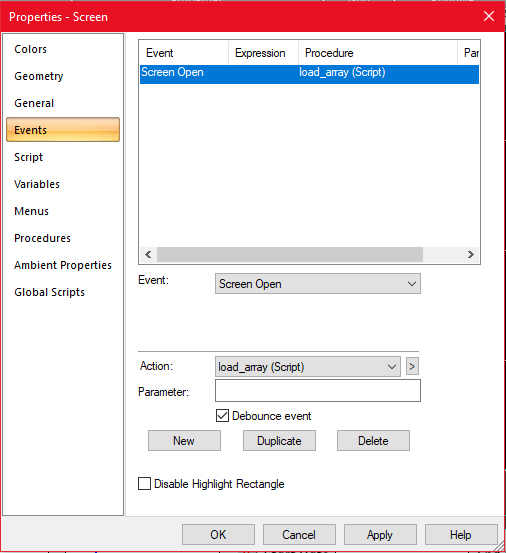
HISTORIAN TREND
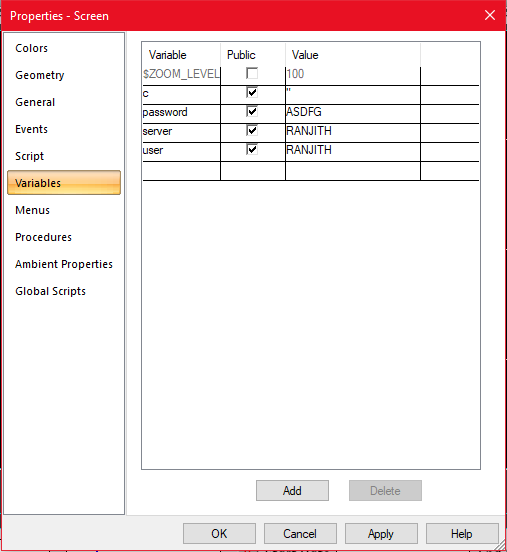
Only screen variables and scripts will be changing for this one. All the controls and their events and procedures are identical with the SQL Trend screen.