Chats review
PavelGitter.im
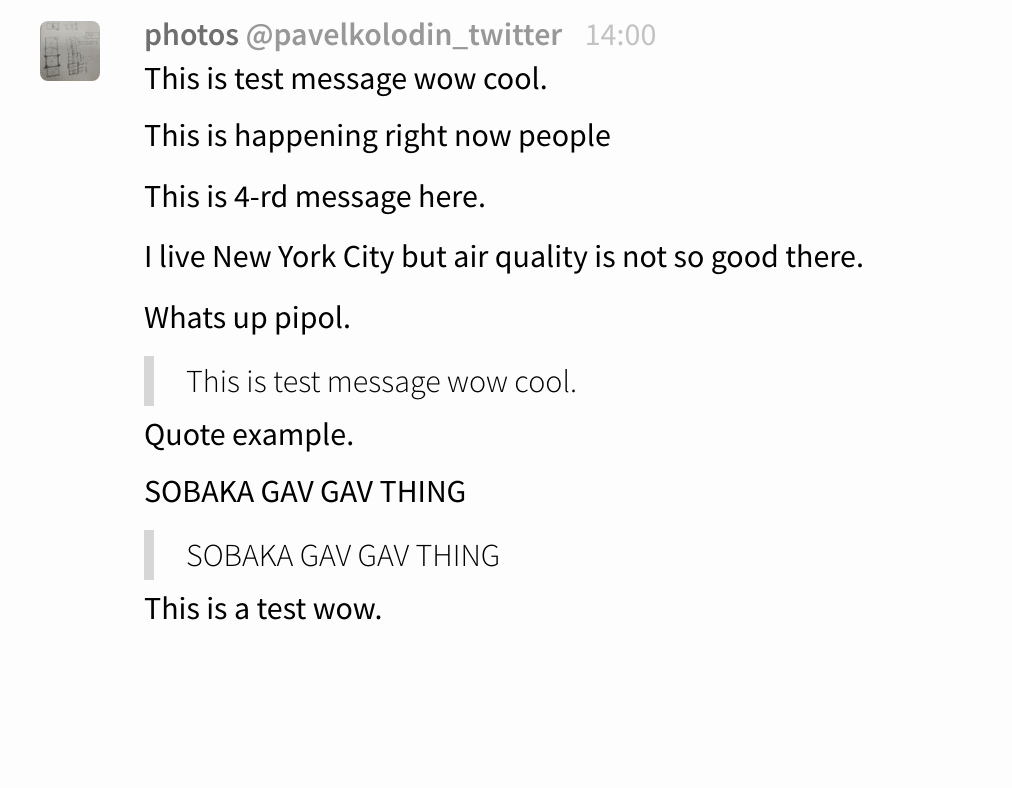
- Messages are grouped
- First message of group placed in block with avatar, username, time.
- Deleting of first message moves second one in the block with avatar, username, time.
- Messages are highlighted on mouse over. Right part of message contains "..." menu with options "delete, edit, quote". On wide screents the "..." menu is too far.
Slack
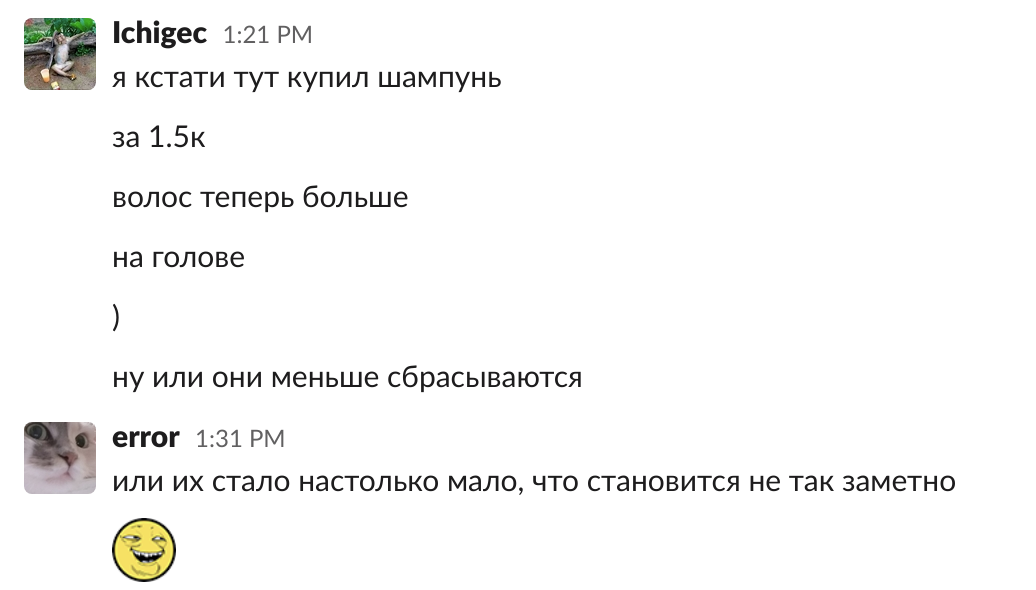
- Grouping is the same as for gitter.im. In this screenshot user lchigec wrote 6 messages and user error two messages.
- First message is in block with avatar, username, time. Erasing of the first message has the same effect as in gitter.im.
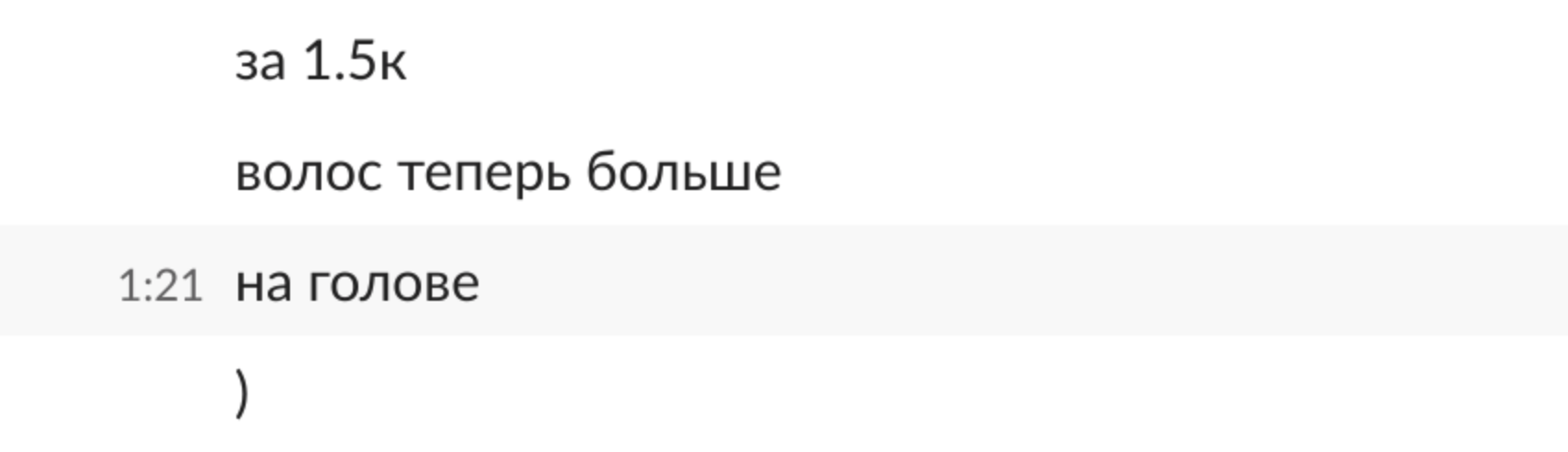
- Messages are highlighted on mouse over and time of message APPEAR in right part of message line (see screenshot below).
app.element.io
...