Change Microsoft account's E-mail
StasStore- Sign into the email you recieved. You can use any email client (Outlook, Mozilla Thunderbird) or webmail
- Sign into the Microsoft account here https://account.live.com/proofs/manage/additional
Use the email to recieve a security code. - Click on "Add a new way to sign in or verify" and add your email or app
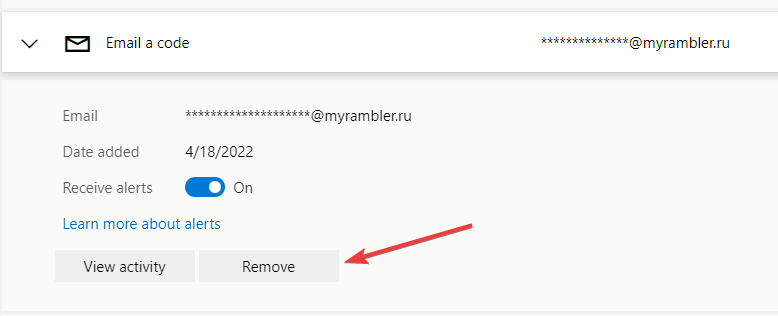
- Click on the old email and remove it
5. Go to https://account.live.com/names/manage
6. Add new email for signing in, remove my old email
7. Done