Bypass Google Drive Download Limit (Quota Exceeded) Error
NeFeroN
1. Before you get started, at first, navigate to Google Drive and sign in if you already aren’t signed in. Once you’re there, you’re good to go.
2. When you’ll see the file preview, click on Add to drive button at the right corner to grab a copy of the file in your drive.
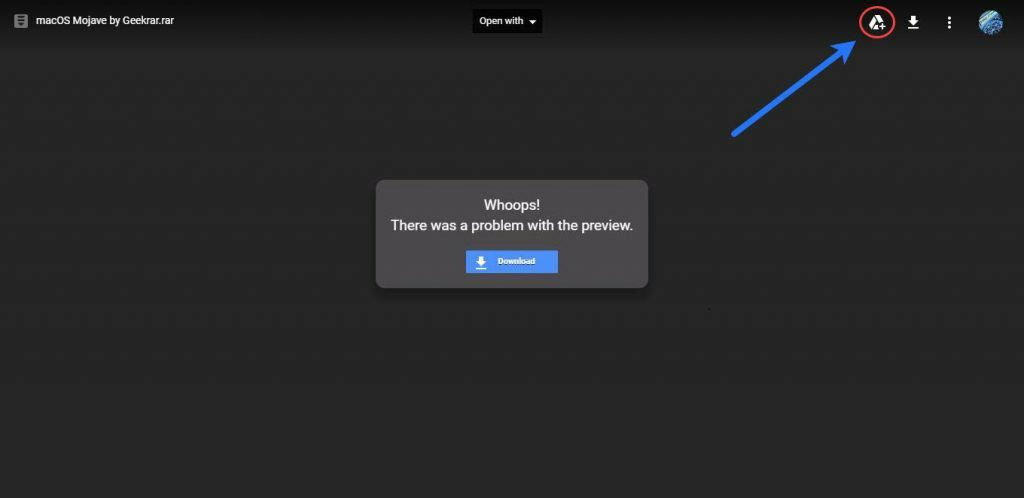
After you click, the file will be added to your drive, just click on organize and select a folder to add the file in your drive.

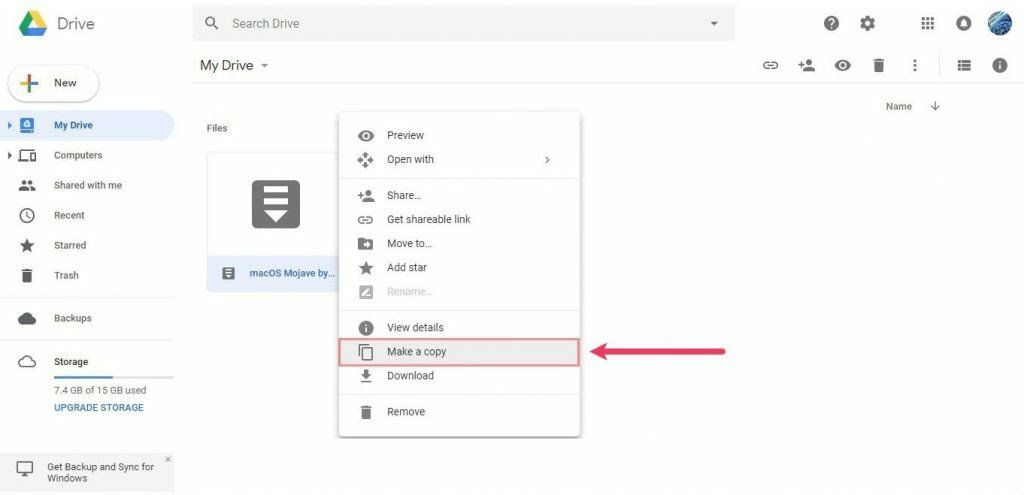
3. Next, right click on the file and choose to Make a copy. The copy will be added to your drive and you’ll be the owner of the file. Since you are the owner of the file in your drive, you may download it to your local system this way. It is important to keep in your mind that by time you are the owner of the file, you will be responsible for policy violations or other issues related to the file, be careful.
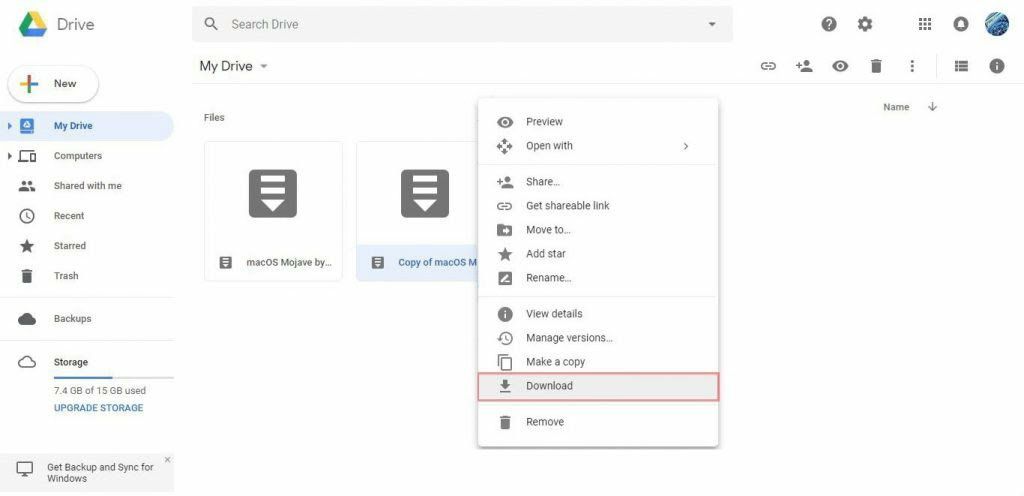
4. Once the file is copied, you can try to download the file ( Copy of xxx file ) without any problem. To do so, just right click on the file and hit Download.
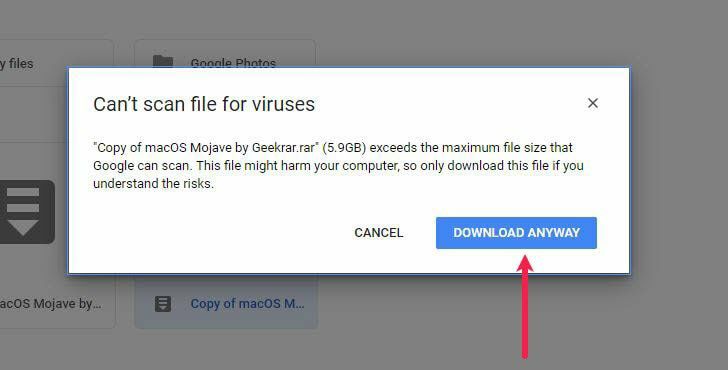
This won’t harm or make any problem or risk to your computer, simply press Download Anyway and the file will start downloading.