Bypass Download Quota Exceeded
Google Drive Links1) Sign in with your google account.
2) Open the link you will get something like below

After you click, the file will be added to your drive, just click on organize and select a folder to add the file in your drive.
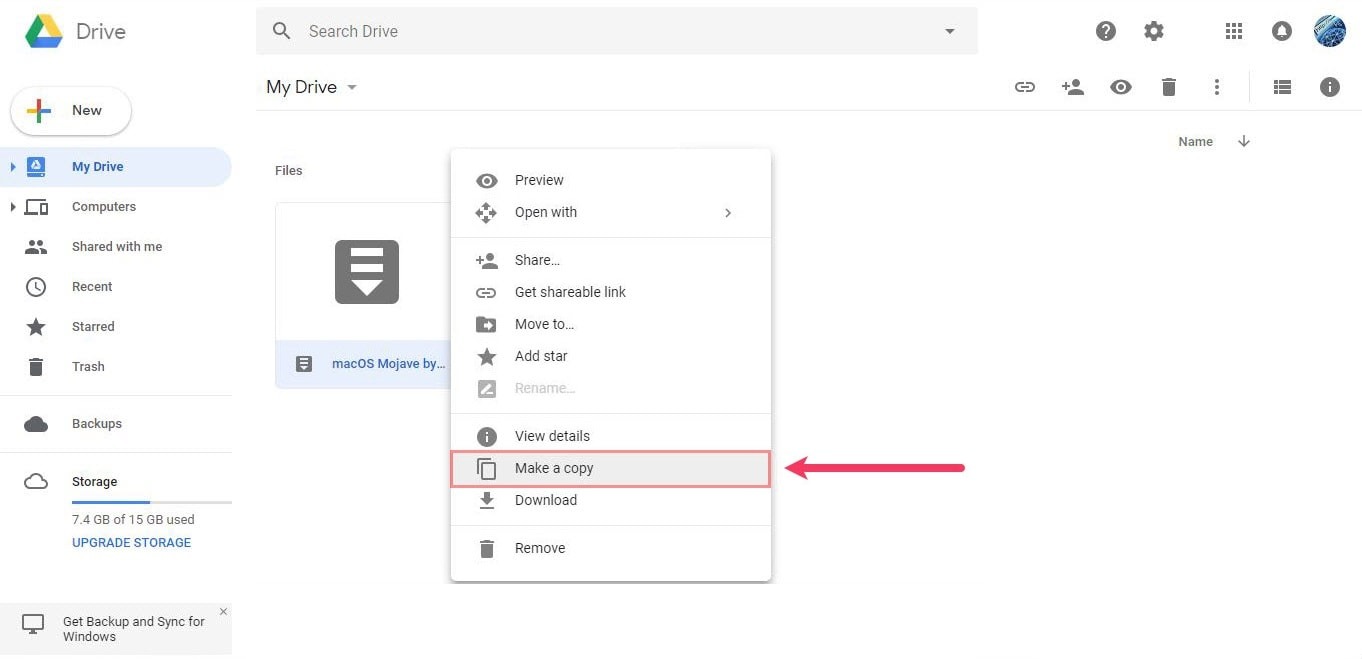
3) Next, right click on the file and choose to Make a copy. The copy will be added to your drive and you’ll be the owner of the file. Since you are the owner of the file in your drive, you may download it to your local system this way.
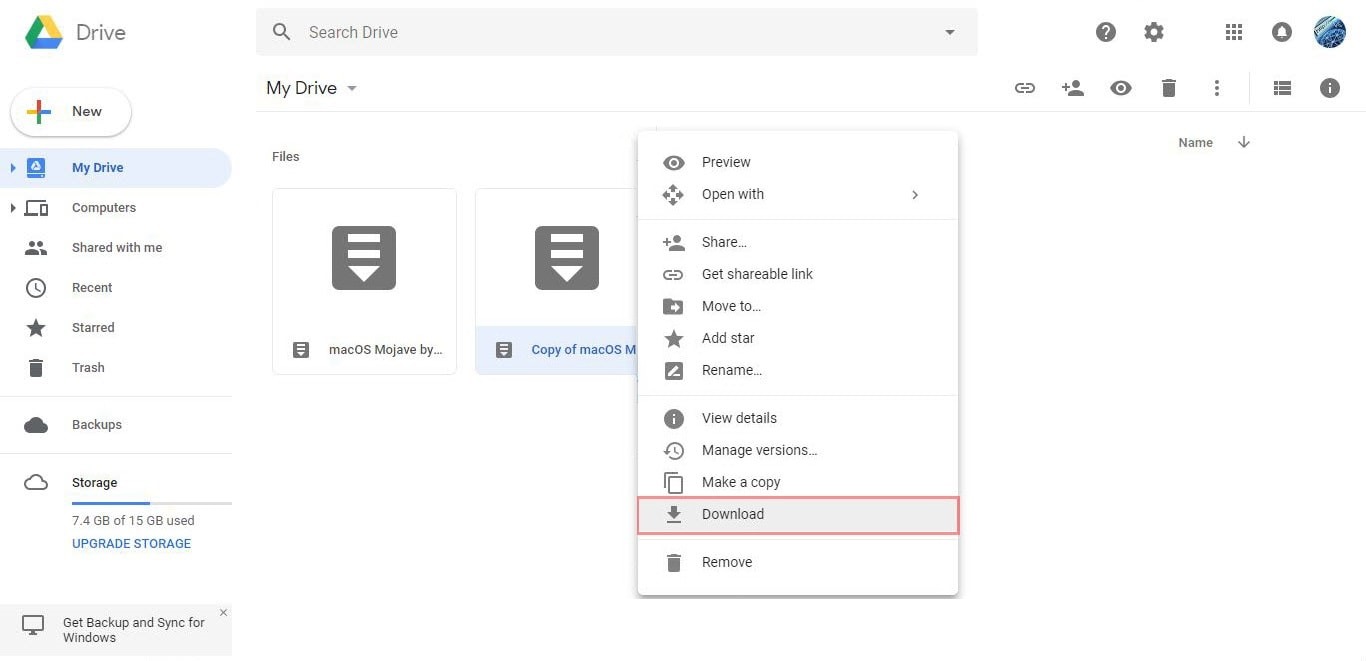
4) After downloading delete both the files from your drive.
Source - www.geekrar.com