Buying a Premium MoonDL Account with Telegram Bot
MoonDL NotesStep-by-step instructions on how to use the 🌕 MoonDL Premium bot to purchase a Premium Key via pay Telegram Stars and then activate a Premium Account (MoonDL.com) for 30,60,90 or 365 days.
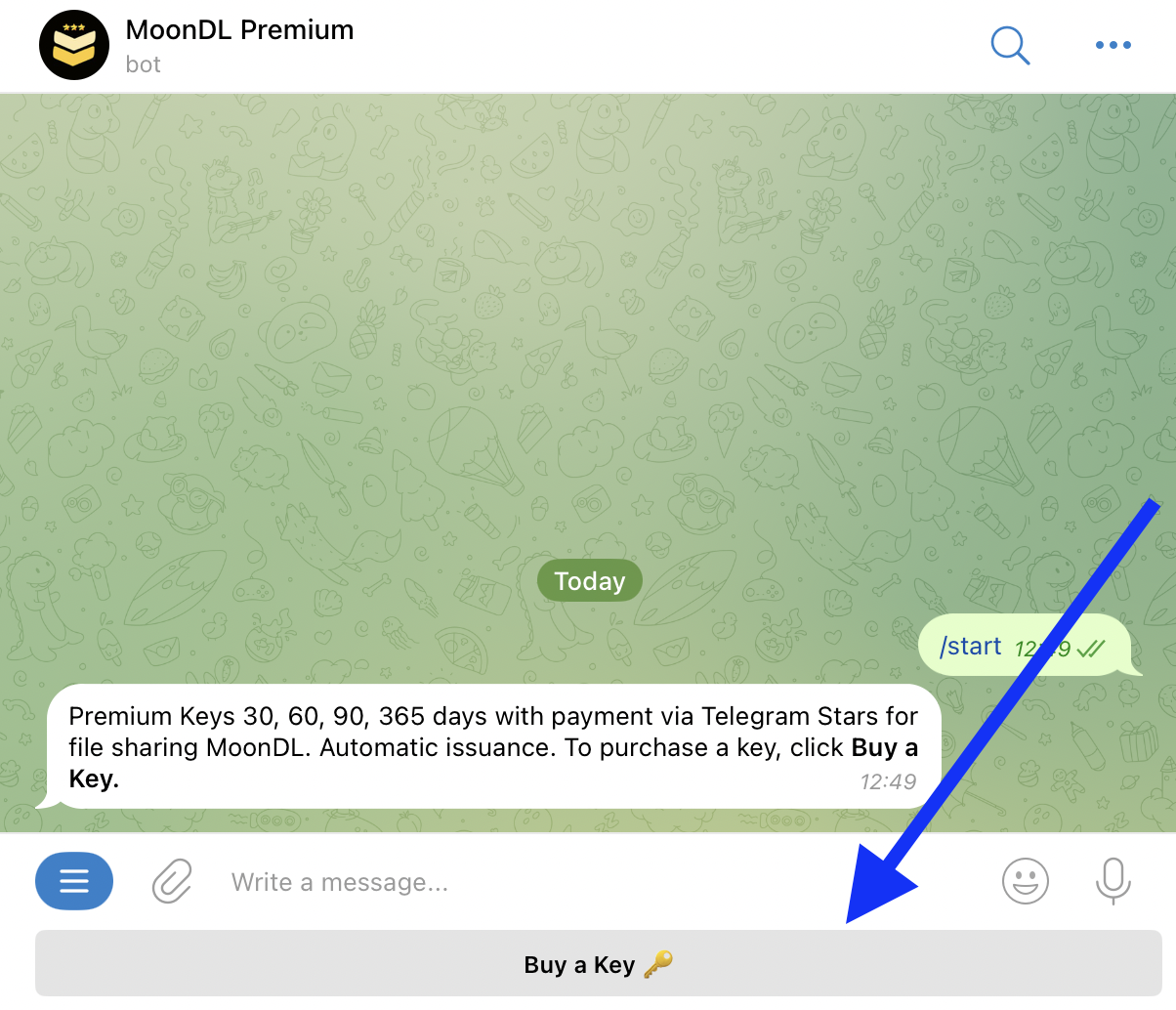
Step 1: Launch the bot https://t.me/moondlstars_bot

Step 2: Click Buy a Key and select the Premium Type:
1. Premium Full Moon or Premium Moon.
2. Select the number of days.

Step 3. Pay via Telegram Stars


Step 4. Successful payment. Receive Premium Key, and activation instructions.

Step 5: Use Premium Key on MoonDL.
Copy the code from "🎁 Your Premium Key:" and paste it on the page: https://moondl.com/account/ in the "Apply Premium Key" field.

Step 6. Your Premium Key is Activated.
Premium type updated to 🌕 Premium Full Moon 30 days

That's all, was shown how to purchase Premium Key through Telegram bot, to get MoonDL Premium Account. Enjoy using MoonDL.com, download any files safely.