Bulk Telegram Account Verification and Download with One Click!
Hstock.orgAfter purchasing Telegram account from our store, you receive a specific download link. How to verify the purchased account?
1️⃣ After placing your order, go to "Profile" —> "Orders."
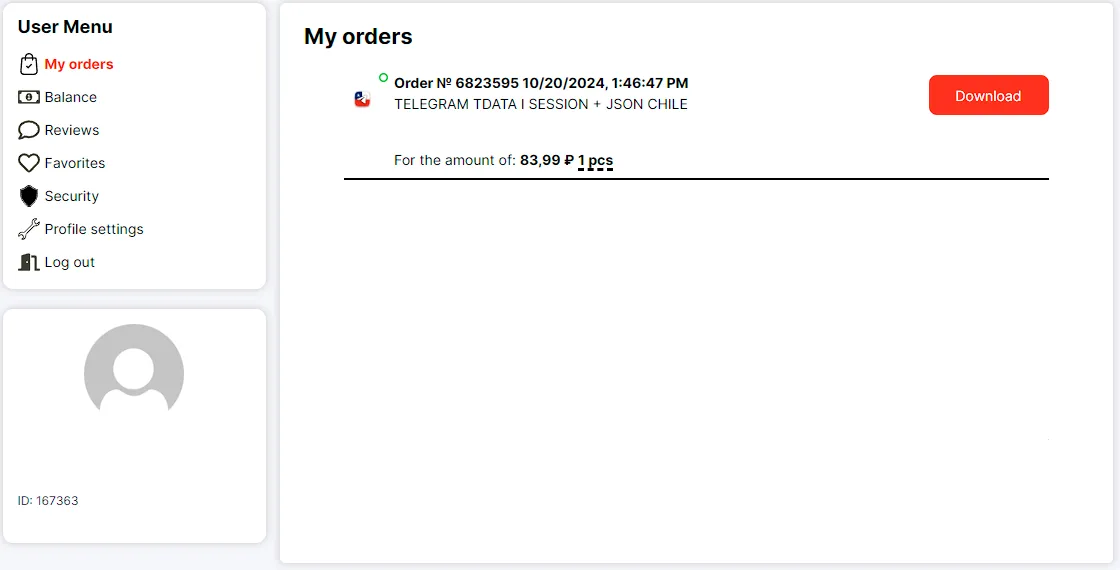
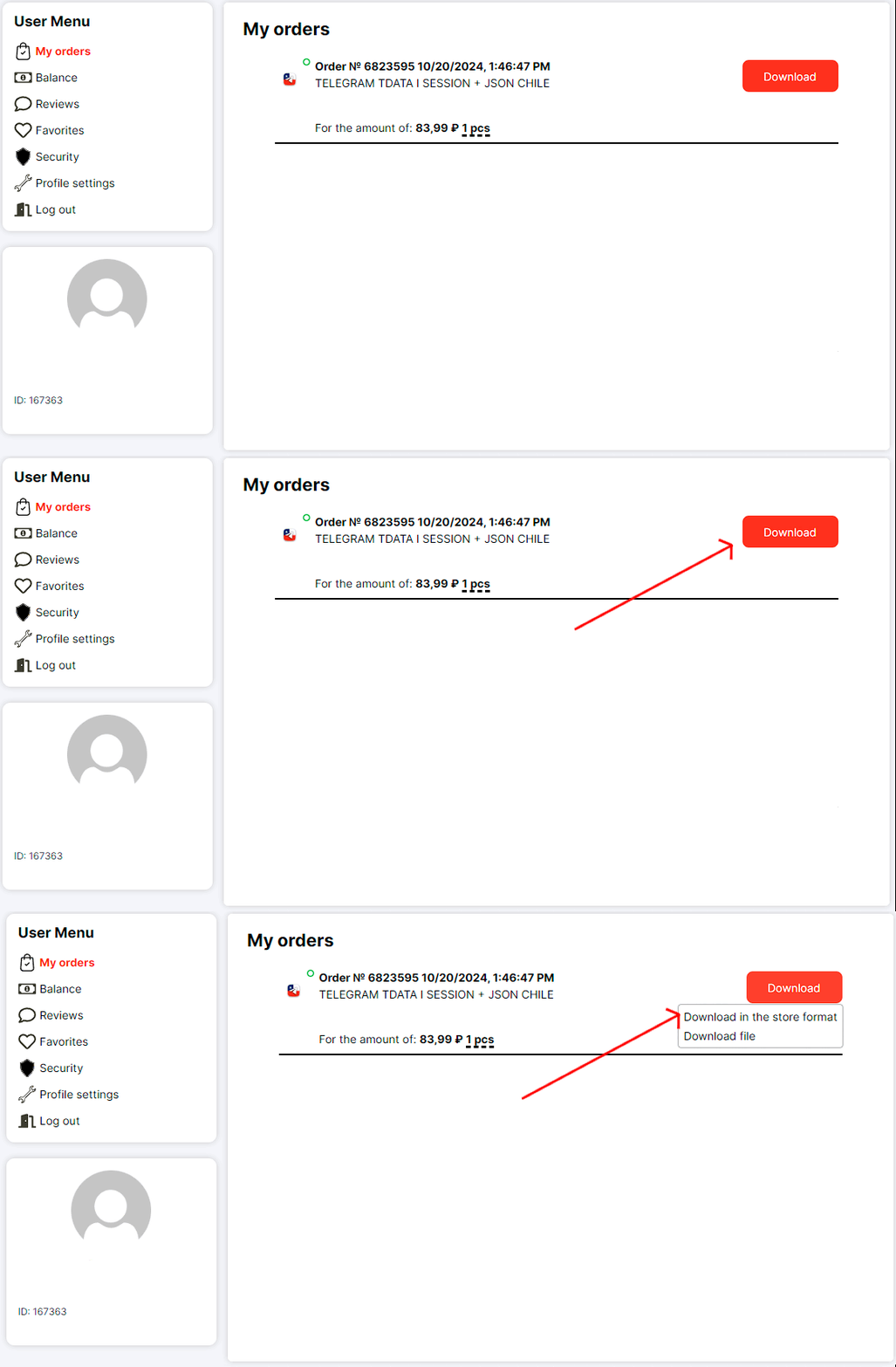
2️⃣ Click the "Download" button —> "Download file in store format."
3️⃣ Open the downloaded text document in Notepad. The format of the links in it is: account link;link to the resource center
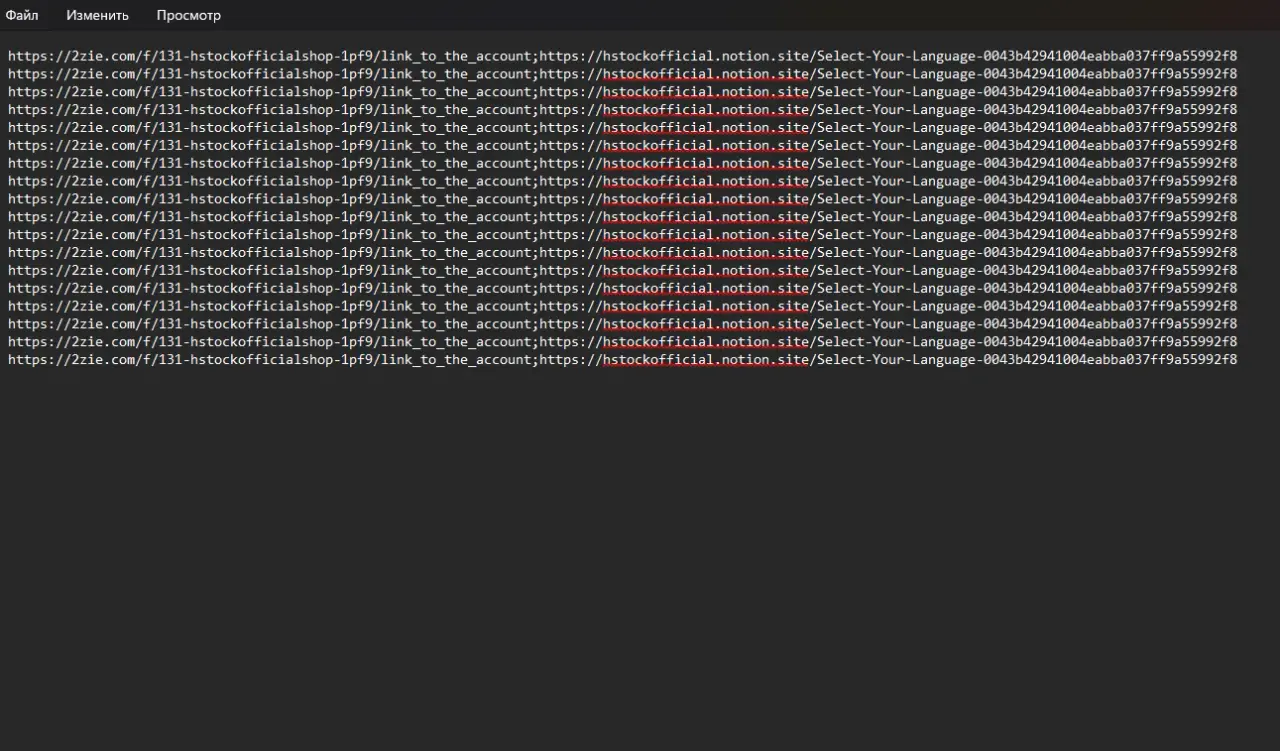
4️⃣ To bulk-check and download accounts on https://client.2zie.com/checker, you need to leave only the account links, removing the resource center links.
For this, copy the resource center link + the ";" sign that separates the links:
;<https://hstockofficial.notion.site/Select-Your-Language-0043b42941004eabba037ff9a55992f8>
Click "Edit" —> "Replace"
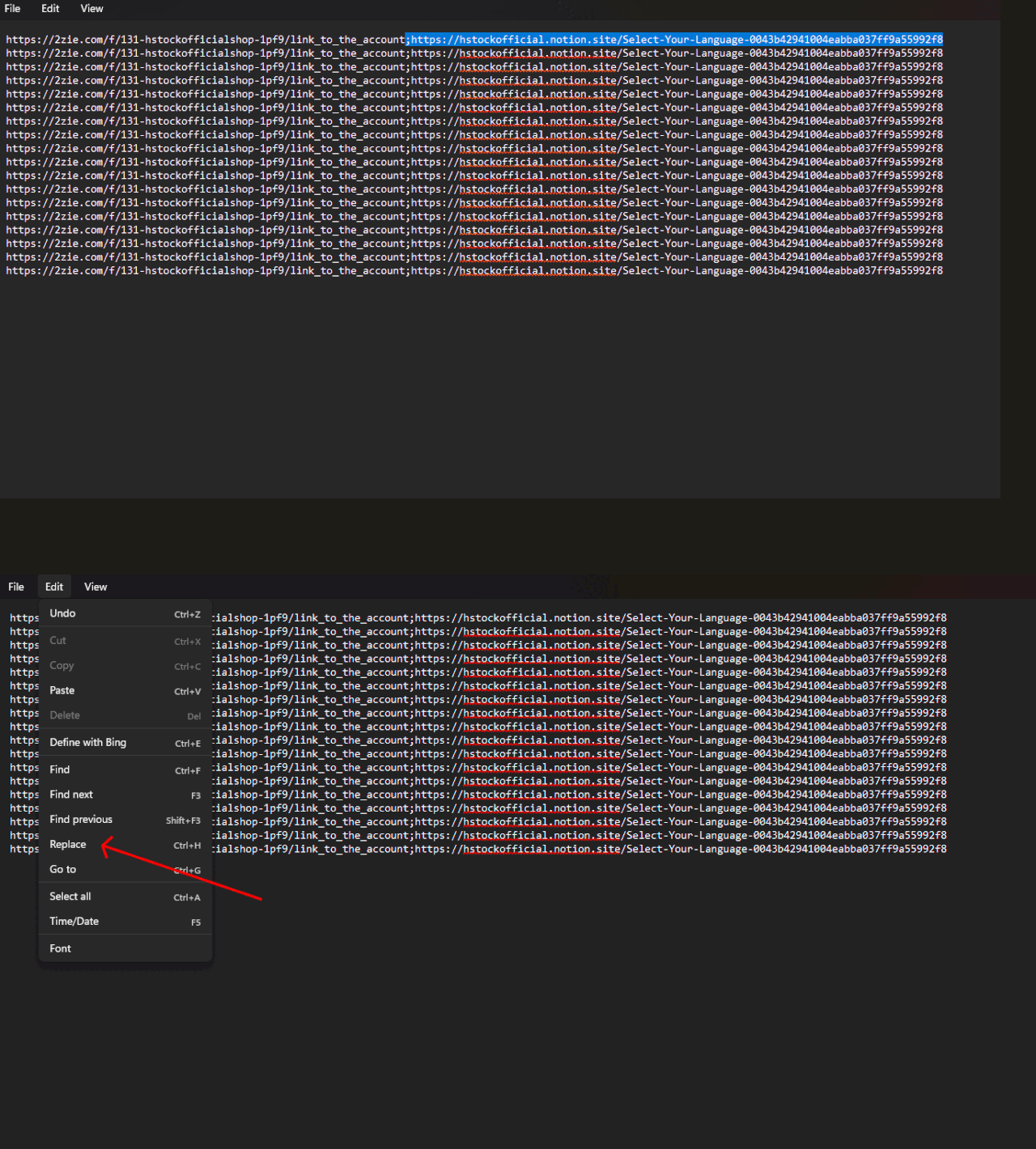
5️⃣ Paste the link in the "Find" field, and leave the "Replace" field empty.
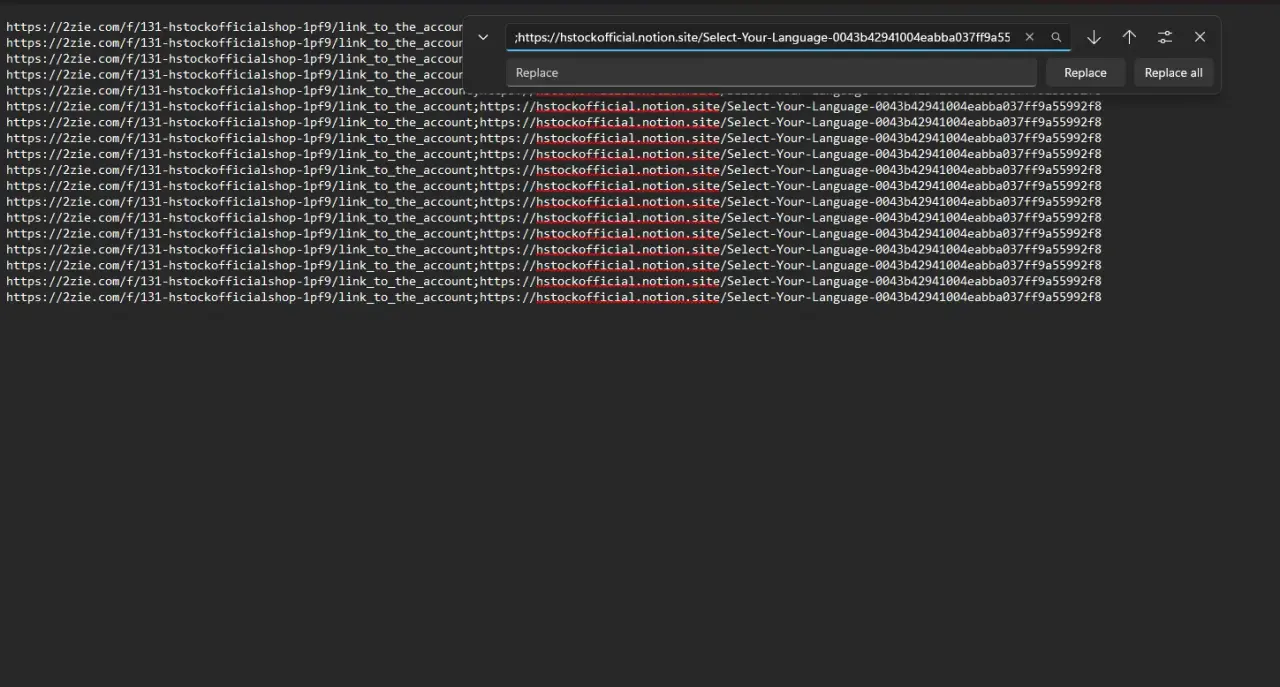
6️⃣ Click "Replace All".
We have now removed all the resource center links, leaving only the account links.
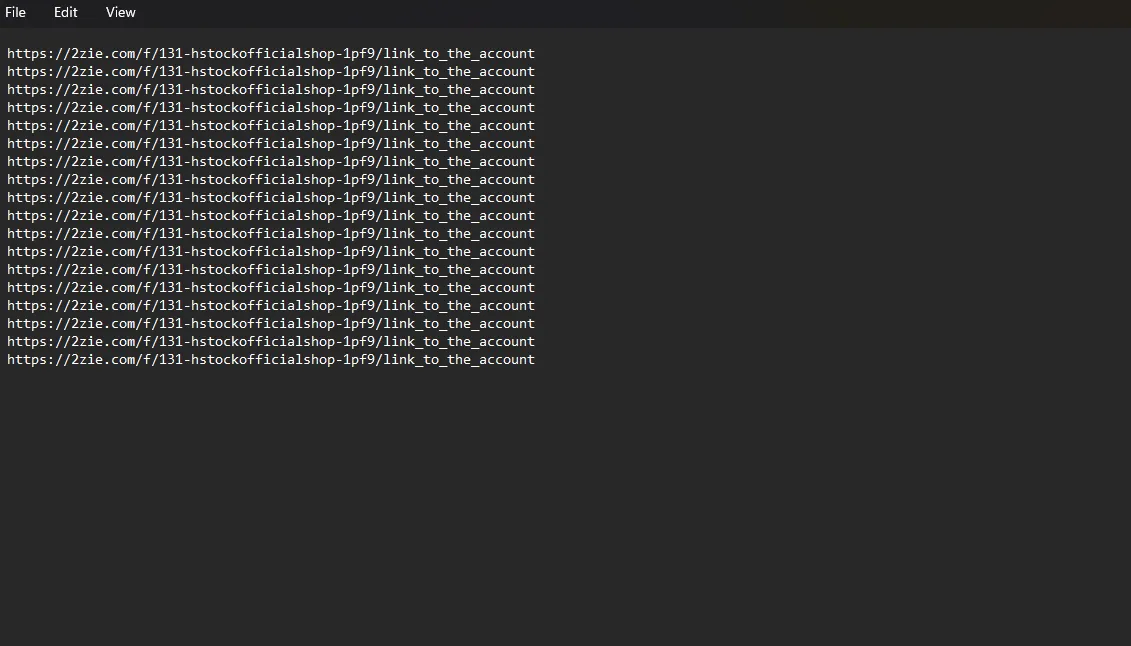
⚙ Checking accounts
1️⃣ Copy the received link.
2️⃣ Go to the website https://client.2zie.com/checker, where you will see two fields: one for entering the link and the other for displaying information.
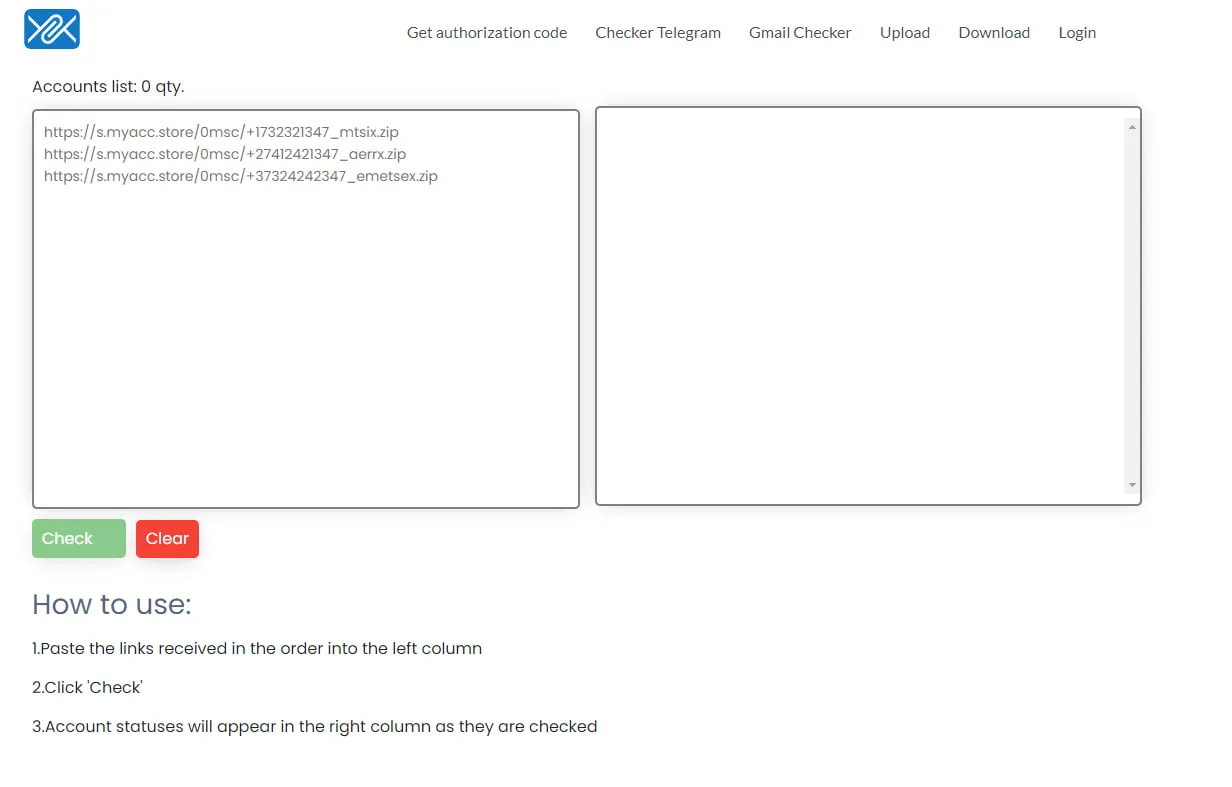
3️⃣ Paste the link into the left field and click the "Check" button.
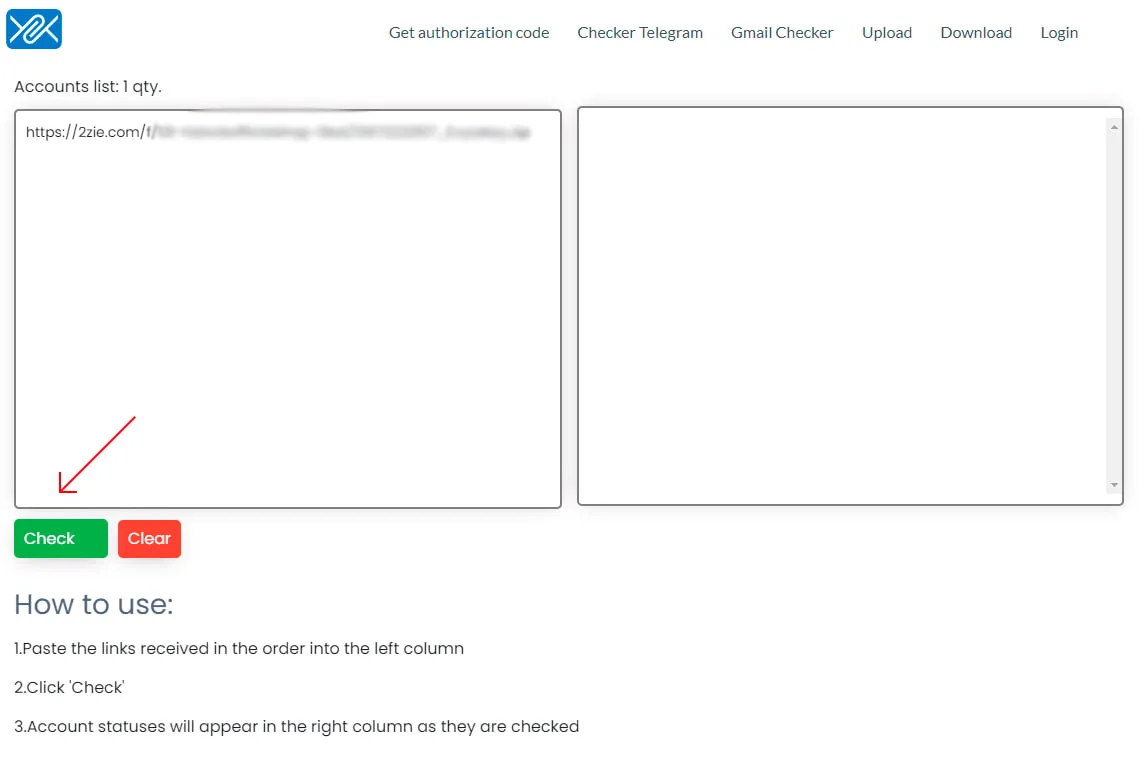
Bulk check and download in one click! No limits on how many accounts you can verify. Just upload your entire order and let the system handle the rest.