Building an Audio Player in Flutter with just_audio
FlutterPulseThis article was translated especially for the FlutterPulse channel. In this channel you will find many interesting things related to Flutter. Don't forget to subscribe! 🚀
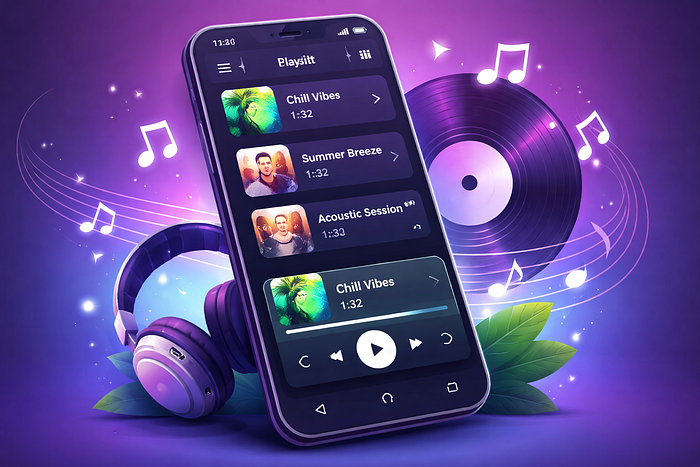
🎵 Building an Audio Player in Flutter with just_audio
If you've been trying different packages to implement an audio player in Flutter — especially one with playlists — then just_audio is one of the best solutions out there. It supports playlists, gapless playback, network streaming, local files, and advanced playback controls.
📦 What is just_audio?
just_audio is a feature-rich audio playback package for Flutter that works across platforms — including Android, iOS, macOS, web, Linux & Windows. You can play:
- Audio from URLs (network)
- Local files
- App assets
- Streamed byte sources
💡 Why I Chose just_audio
I needed:
- A playlist that can handle multiple tracks
- Play/pause/next/prev controls
- Playback from URLs and assets
- Gapless transitions between tracks
- Advanced controls (shuffle, loop, seek)
🛠️ Installing just_audio
dependencies:
  just_audio: ^0.10.5
Then run: flutter pub get
📌 Basic Usage — Play One Track
import 'package:just_audio/just_audio.dart';

final player = AudioPlayer();
await player.setUrl('https://example.com/song.mp3');
await player.play();
📀 Local & Asset Playback
await player.setAsset('assets/audio/song1.mp3');
await player.play();
🎶 Building a Playlist
final playlist = [
  AudioSource.uri(Uri.parse('https://foo.com/track1.mp3')),
  AudioSource.uri(Uri.parse('https://foo.com/track2.mp3')),
];

await player.setAudioSources(playlist, initialIndex: 0);
await player.play();
await player.seekToNext();
🔁 Looping & Shuffle
await player.setLoopMode(LoopMode.all);   // Loop all tracks
await player.setLoopMode(LoopMode.one);   // Loop current track
await player.setShuffleModeEnabled(true); // Enable shuffle
⏩ Seeking & Playback Controls
await player.seek(Duration(seconds: 30)); // go to 30s
await player.setSpeed(1.5);               // 1.5× speed
await player.setVolume(0.5);              // 50% volume
📊 Player State & Streams
player.playerStateStream.listen((state) {
  print('Playing: ${state.playing}');
});
player.positionStream.listen((pos) {
  print('Current position: $pos');
});
🚀 Advanced Features
- Gapless Playback: Tracks transition without silence
- Custom Headers: Set headers for HTTP audio sources
- Error Handling: Catch errors during loading or playback
🧠 Final Thoughts
just_audio is an excellent foundation for building audio experiences in Flutter — from simple players to complex playlist-based apps. By combining it with proper background handling and understanding its platform-level requirements, you can confidently ship a stable, production-grade audio app.
Happy coding! 🎧