Bridge Between Whatsapp And Telegram
@The_Winner_02 @Pandino19 @Propheci
1) Go to replit.com and create an accout
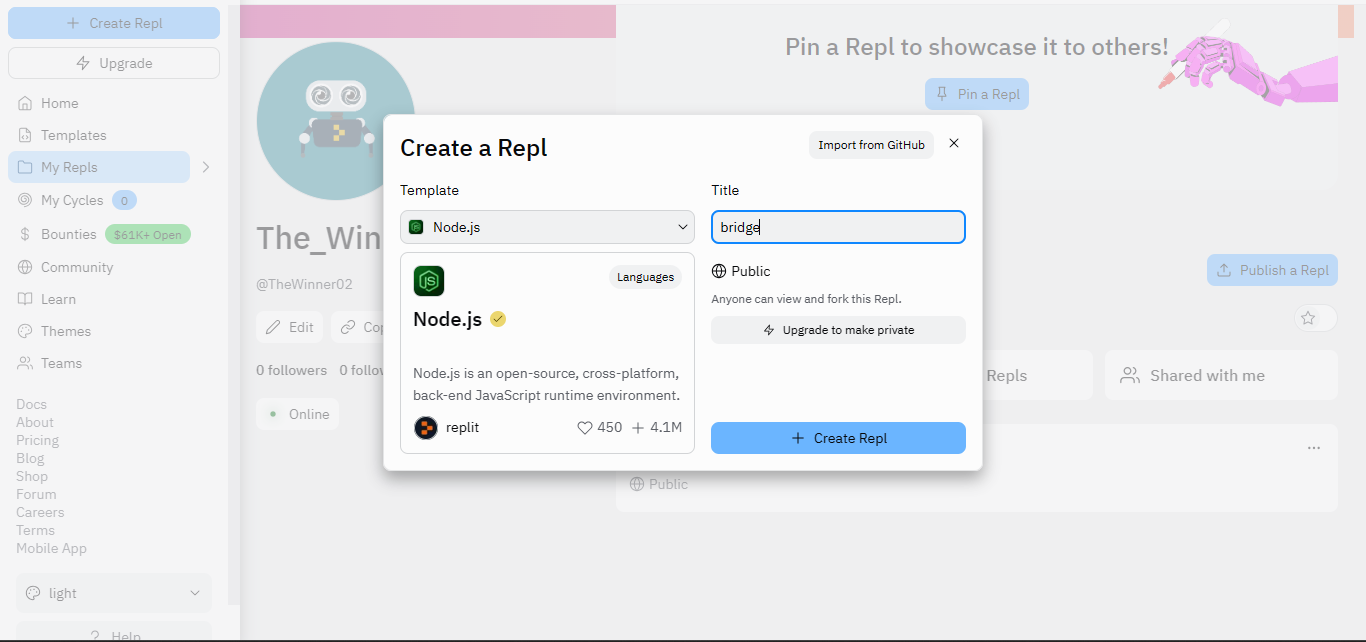
2) Create a new Node.js repls and set a Title
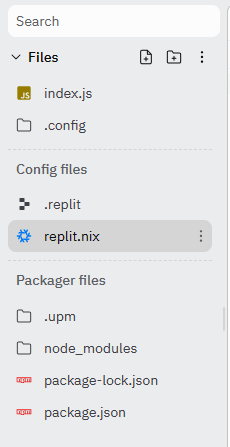
3) Open replit.nix file for add packages to the project
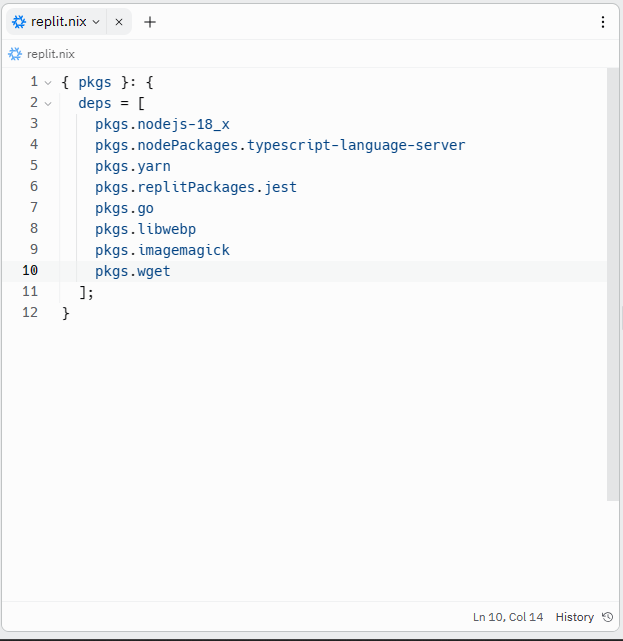
3.1) Add the following packages:
pkgs.go
pkgs.libwebp
pkgs.imagemagick
pkgs.wget
3.2) Go to shell and type "clear" for update the environment
4) Clone the bridge's repository by @Propheci using the following command:
git clone https://github.com/akshettrj/watgbridge.git -b main
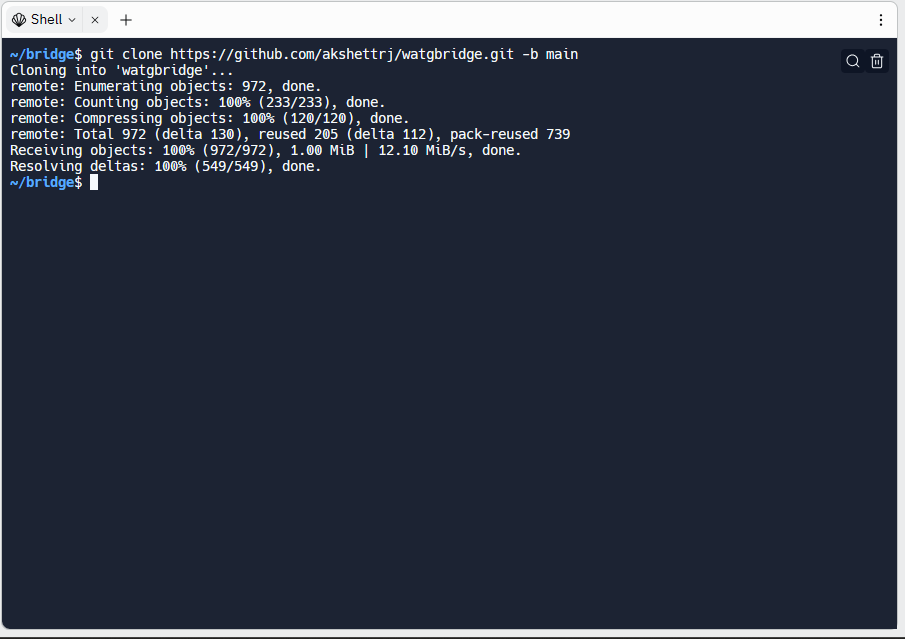
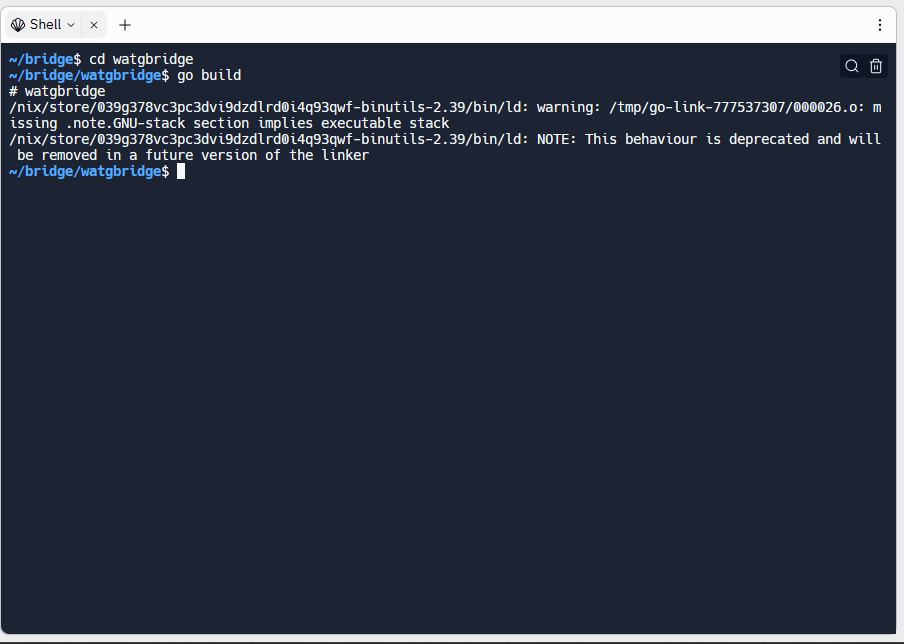
5) Navigate to watgbridge and type "go build" (it make some time)
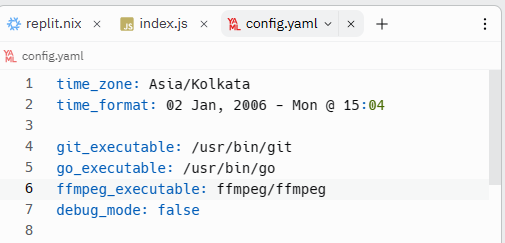
6) Create the config file using "cp sample_config.yaml config.yaml" and configure it. Then copy in home using "cp config.yaml ~/TitleOfProject"
6.1) type "./watgbridge" for lunch the service and scan the QR code for login on it
1) Open index.js and paste the following code:
var { exec, spawn } = require('child_process');
exec('./watgbridge/watgbridge', function(err, stdout, stderr) {
if (err) console.error(stderr);
console.log(stdout);
});
const http = require('http');
const serverHandler = (req, res) => {
res.writeHead(200);
res.end('Alive.');
};
const server = http.createServer(serverHandler);
server.listen(80);
2) Go to betterstack.com and create an account
3) Go to monitor and click "create monitor"
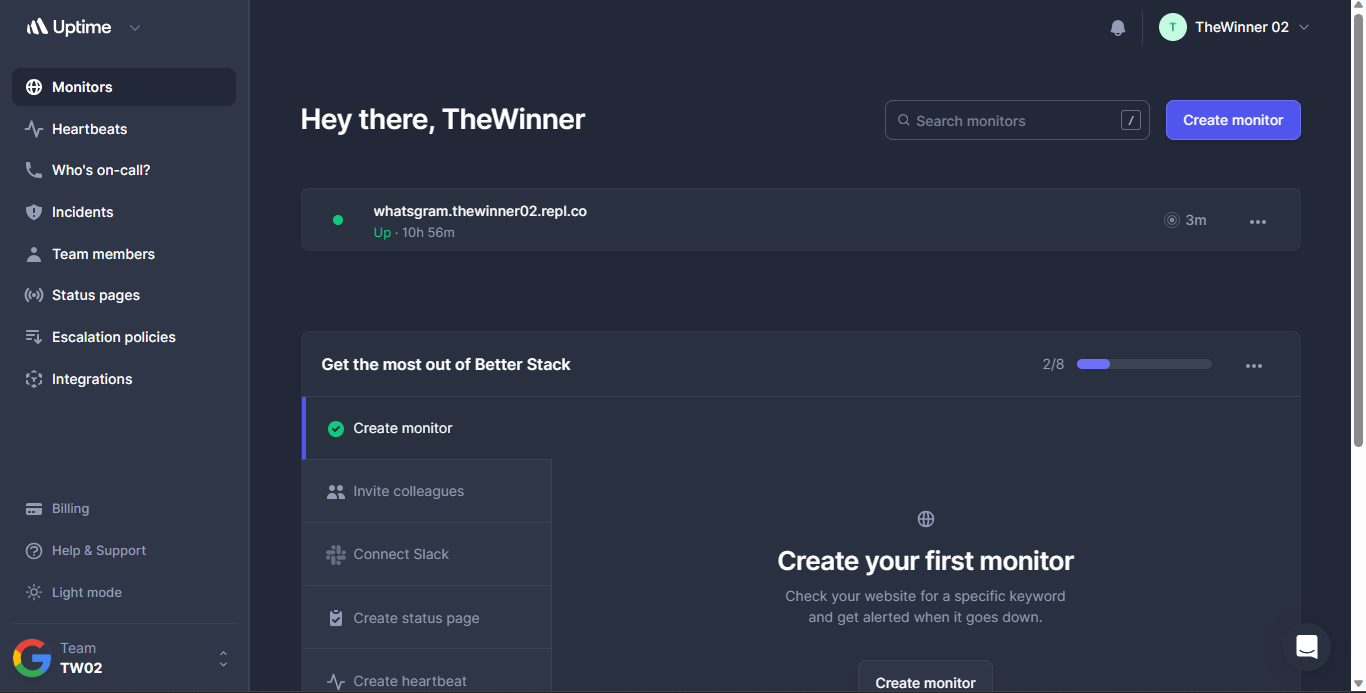
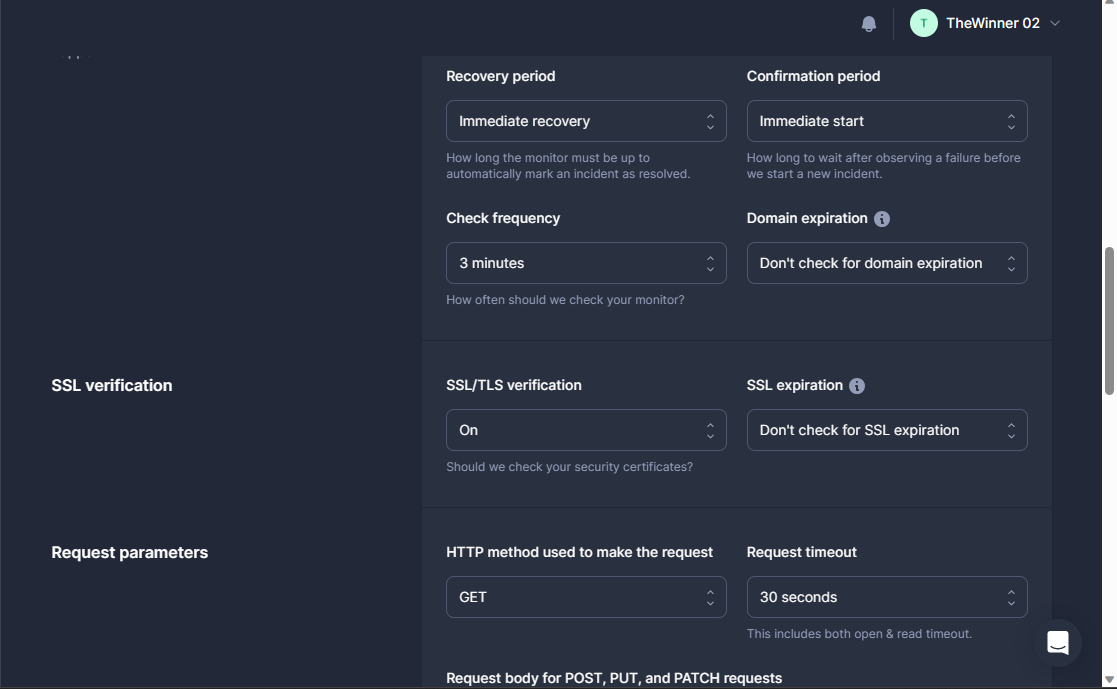
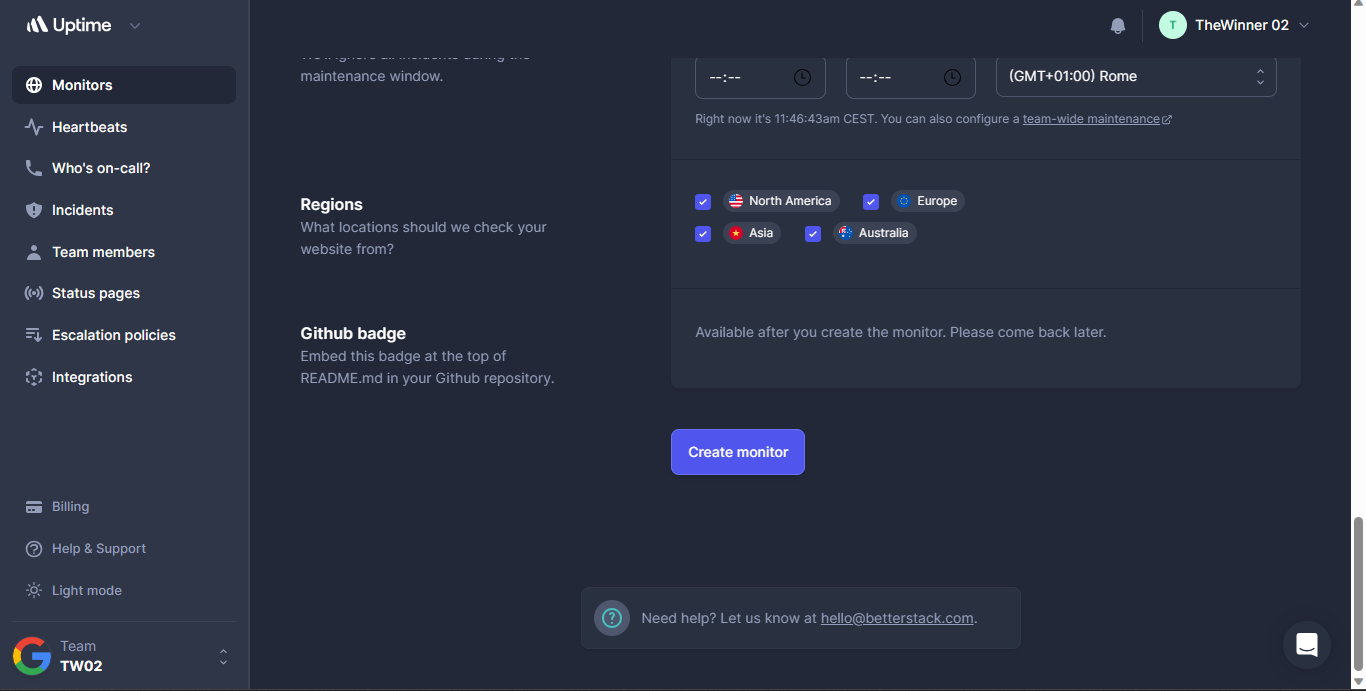
3.1) Set this advanced settings:
4) come back to replit and click "run" for run the node.js code
4.1) a web page will open, copy the link and paste it on betterstack on "URL to monitor"
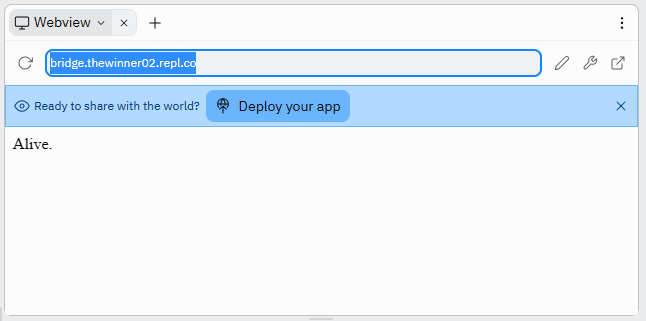
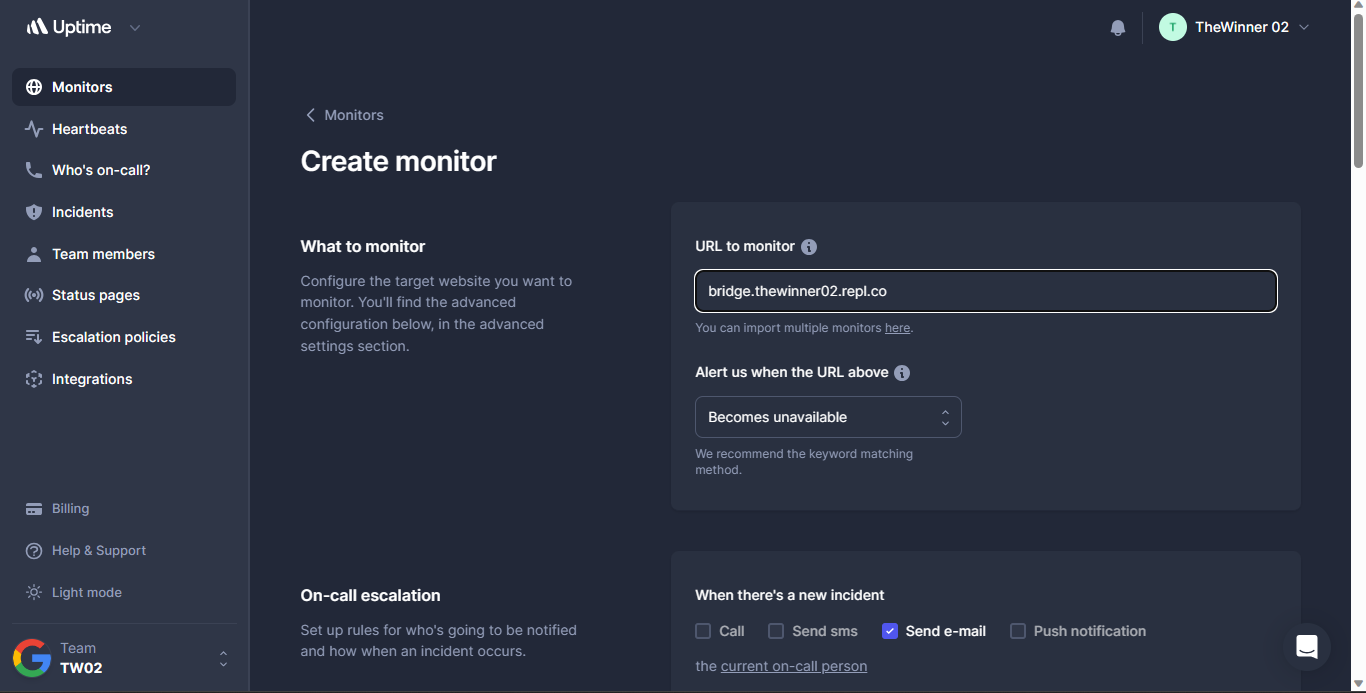
4.2) Scroll down and click "Create monitor"
NOTES: For fix "ffmpeg" type the following command:
wget -O ffmpeg.tar.xz https://johnvansickle.com/ffmpeg/builds/ffmpeg-git-amd64-static.tar.xz
tar xf ffmpeg.tar.xz
mv ffmpeg-git-20230313-amd64-static ffmpeg
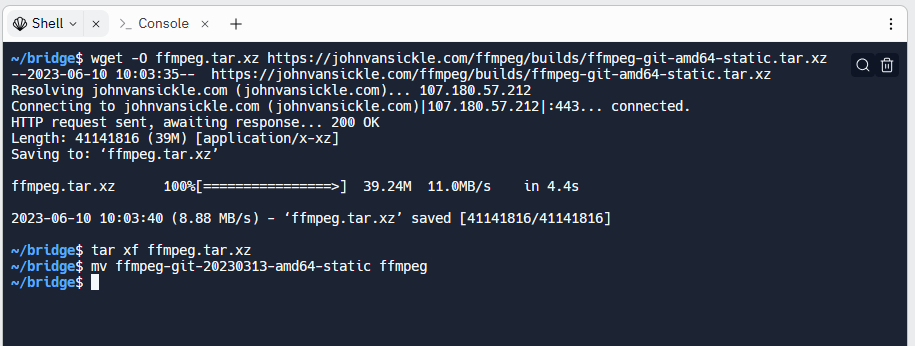
And edit ffmpeg path on config.yaml