Background Audio & Media Controls in Flutter
FlutterPulseThis article was translated especially for the FlutterPulse channel. In this channel you will find many interesting things related to Flutter. Don't forget to subscribe! 🚀
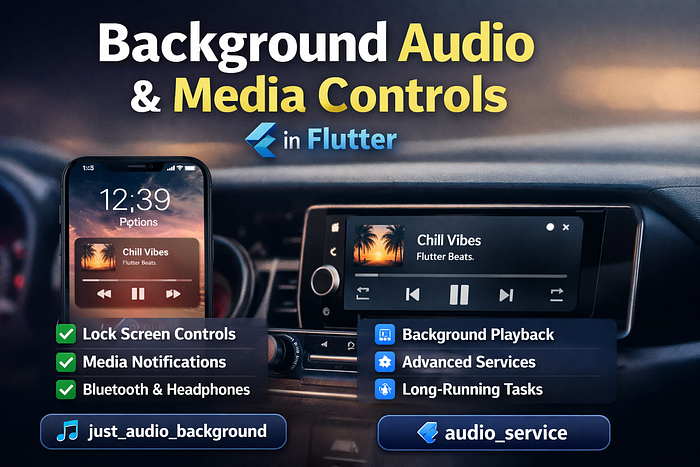
🔊 Background Audio & Media Controls in Flutter
If you want your Flutter app to continue playing audio when the app goes to the background — with proper media controls and system integration — you need to go beyond basic playback.
🎯 What "Background Audio" Really Means
Background audio is not just "audio keeps playing". A proper background audio experience includes:
- Audio continues when the app is minimized
- Media controls on the lock screen
- Notification controls (Play / Pause / Next)
- Hardware buttons (earphones, Bluetooth)
- System-level media awareness
🧩 Two Packages, Two Responsibilities
Flutter audio follows a modular design:
just_audio: Audio playback enginejust_audio_background: Media notifications & lock screenaudio_service: Advanced background execution
📦 Option 1: just_audio_background (Recommended for Most Apps)
If your app needs background playback, lock screen controls, notification media controls, and headset/Bluetooth buttons — use just_audio_background. It builds on top of just_audio and requires very little extra setup.
🛠️ Install Dependencies
dependencies:
  just_audio: ^0.10.5
  just_audio_background: ^0.0.1-beta
🚀 Initialize Background Audio
void main() async {
  WidgetsFlutterBinding.ensureInitialized();
  await JustAudioBackground.init(
    androidNotificationChannelId: 'com.example.app.audio',
    androidNotificationChannelName: 'Audio Playback',
    androidNotificationOngoing: true,
  );
  runApp(const MyApp());
}
🎶 Adding Media Metadata (Very Important)
final playlist = ConcatenatingAudioSource(
  children: [
    AudioSource.uri(
      Uri.parse('https://example.com/song1.mp3'),
      tag: MediaItem(
        id: '1',
        title: 'Chill Vibes',
        artist: 'Flutter Beats',
        artUri: Uri.parse('https://example.com/cover.jpg'),
      ),
    ),
  ],
);
await player.setAudioSource(playlist);
await player.play();
📱 What just_audio_background Gives You
- Lock screen media controls
- Notification play/pause/next
- Headphone & Bluetooth buttons
- Background playback support
- Minimal boilerplate
🚨 When just_audio_background Is NOT Enough
Use audio_service if your app needs:
- Long-running background tasks
- Persistent playback even after app termination
- Custom media queues
- Complex state synchronization
- Foreground services with full lifecycle control
🆚 Which One Should You Use?
- Use just_audio_background if: You want background playback, lock screen + notification controls, UI-driven playback, fast implementation
- Use audio_service if: Playback must survive app termination, you need a true background service, you manage complex media sessions
Start with just_audio_background. Move to audio_service only when you must.
⚠️ Platform Notes
- iOS: Enable Background Modes → Audio; iOS is strict about metadata & interruptions
- Android: Notification channel is mandatory; foreground service rules apply (Android 13+)
🧠 Final Thoughts
Flutter's audio ecosystem is powerful because it is modular. just_audio plays audio, just_audio_background handles system UI integration, and audio_service provides advanced background control. This separation keeps apps stable, scalable, and conflict-free.
Happy coding! 🎧