Asus Launcher Port
Ayra HikariHow to Install
- Download Asus Launcher
- Open magisk, go to modules
- Install from storage, select Asus Launcher, reboot
- After reboot you'll see Asus Launcher force close. That's normal because it need to be set as default launcher.
- Go to Settings > Apps > Default Apps > Launcher > Select Asus Launcher
- All done, enjoy
How to Uninstall
- Go to magisk, module
- Delete Asus Launcher module
- Reboot
In case your device was bootloop and want uninstall:
- Go to recovery
- Flash Asus Launcher again
- Reboot
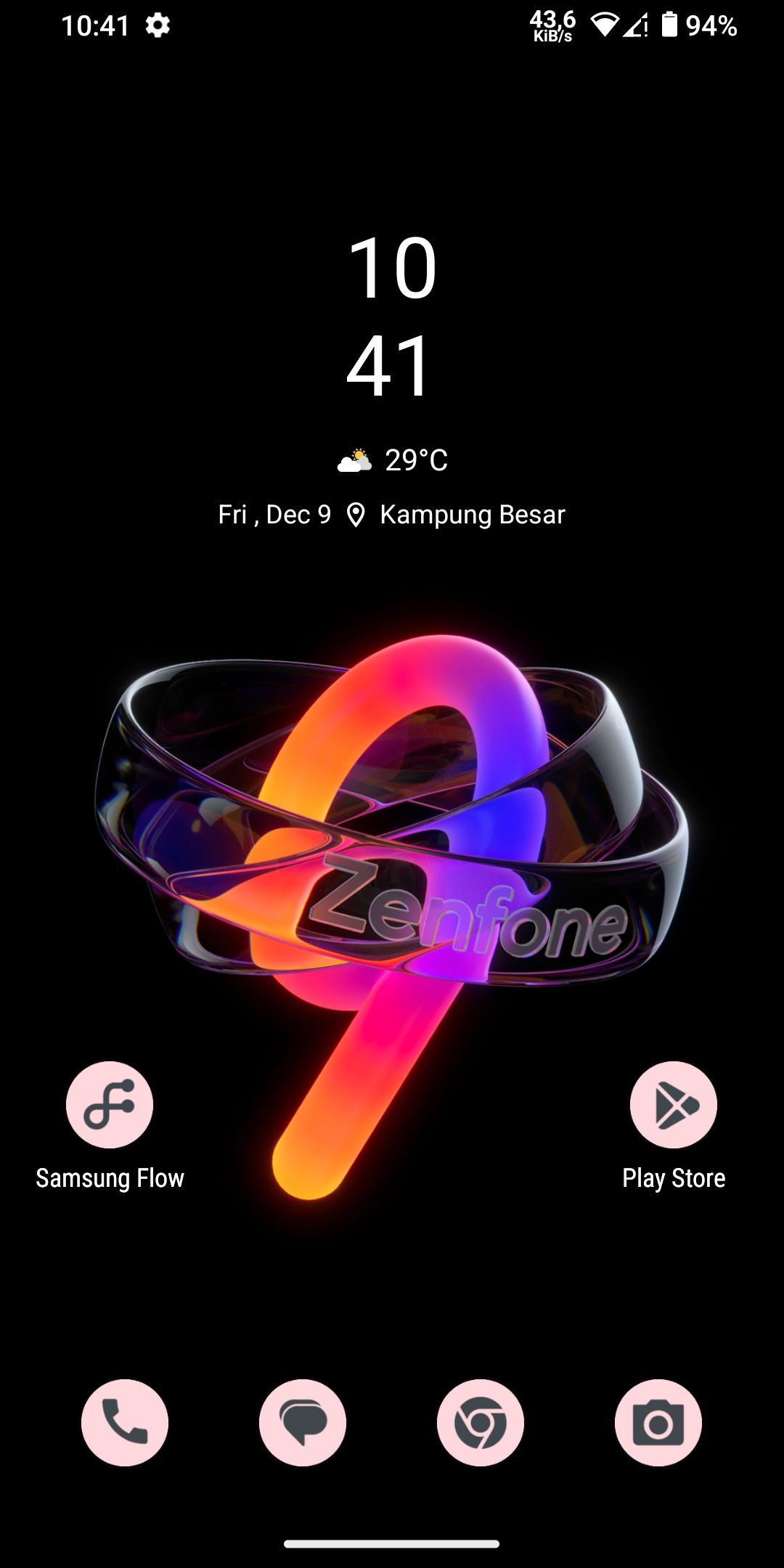
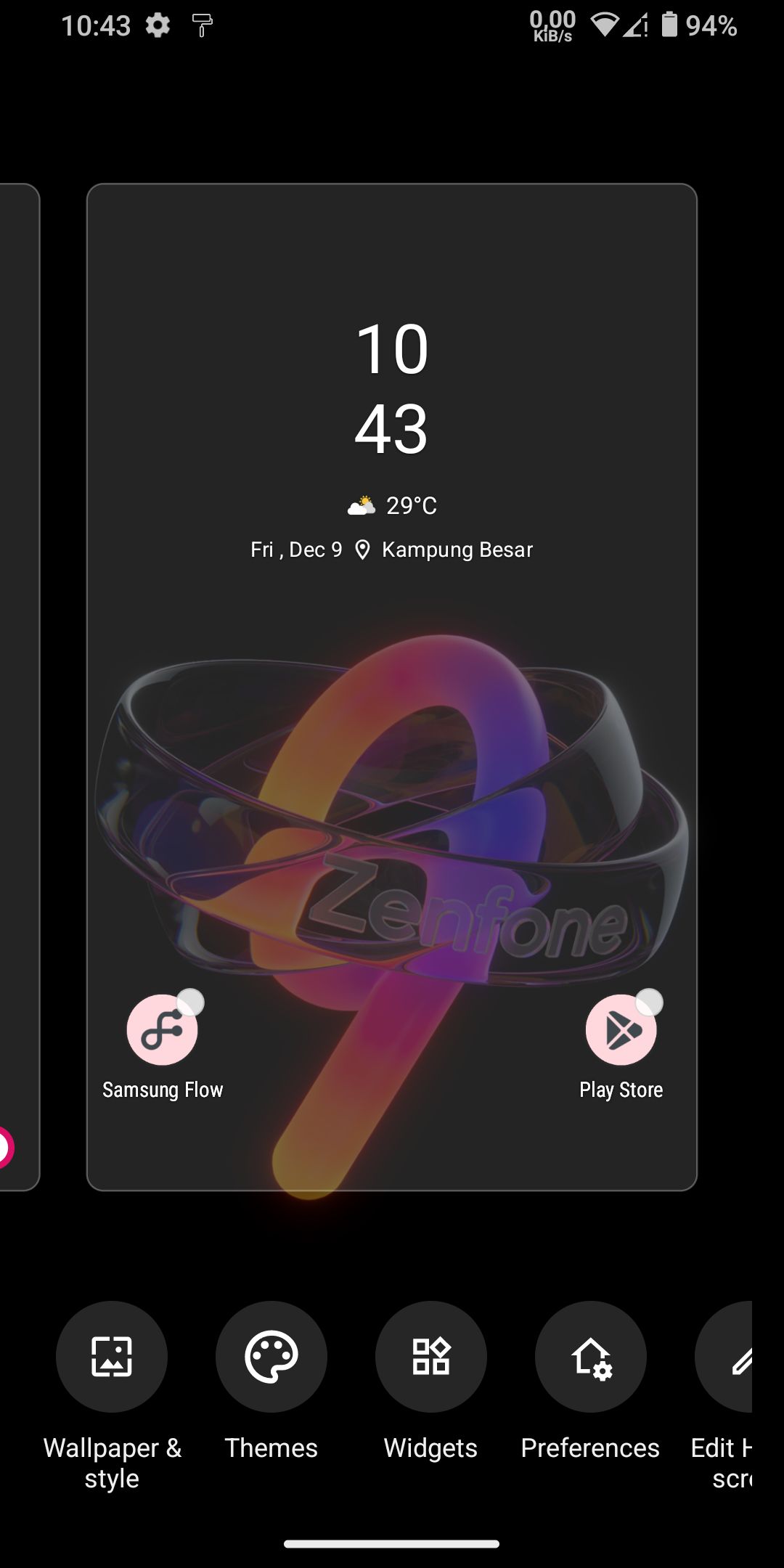
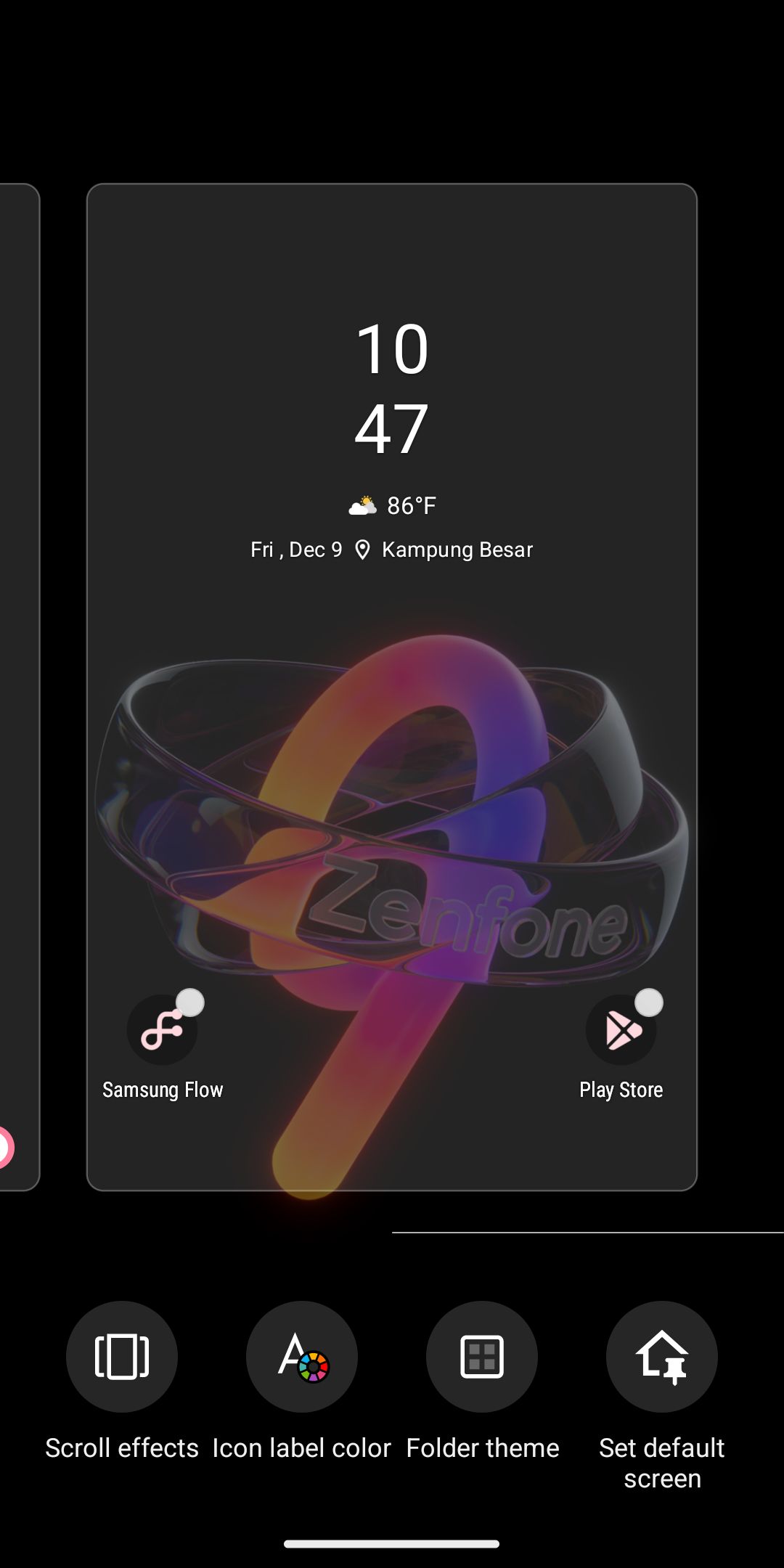
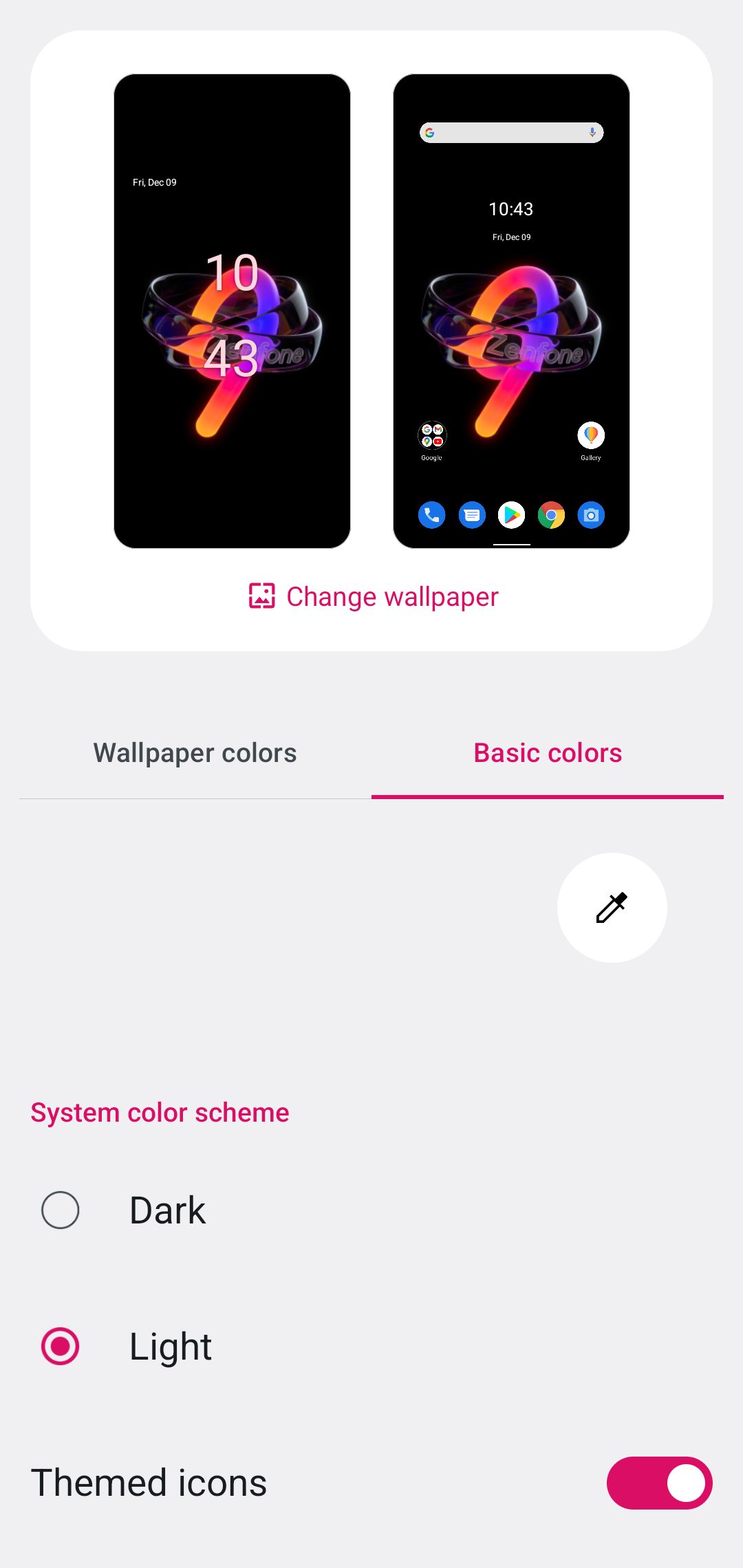
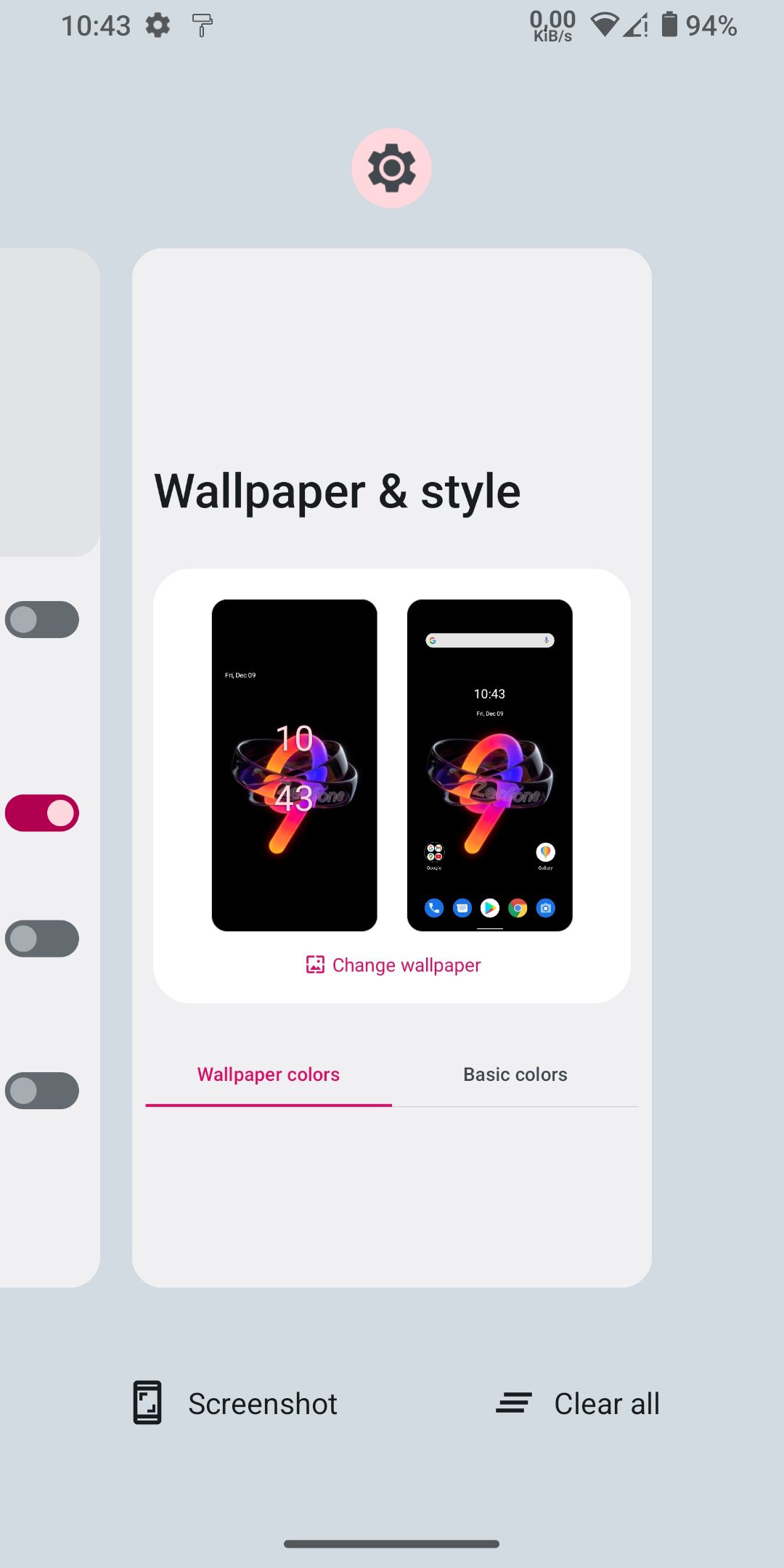
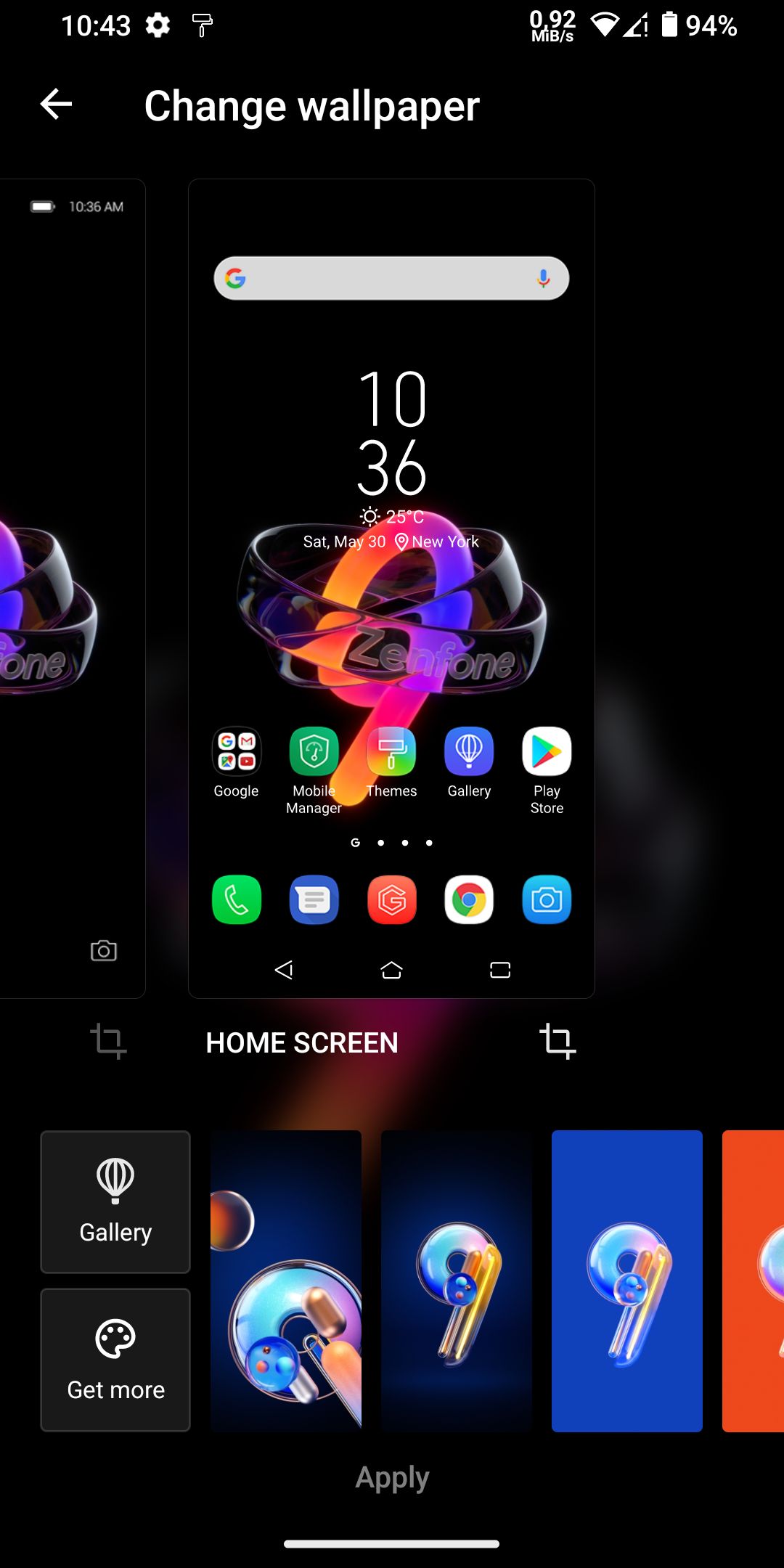
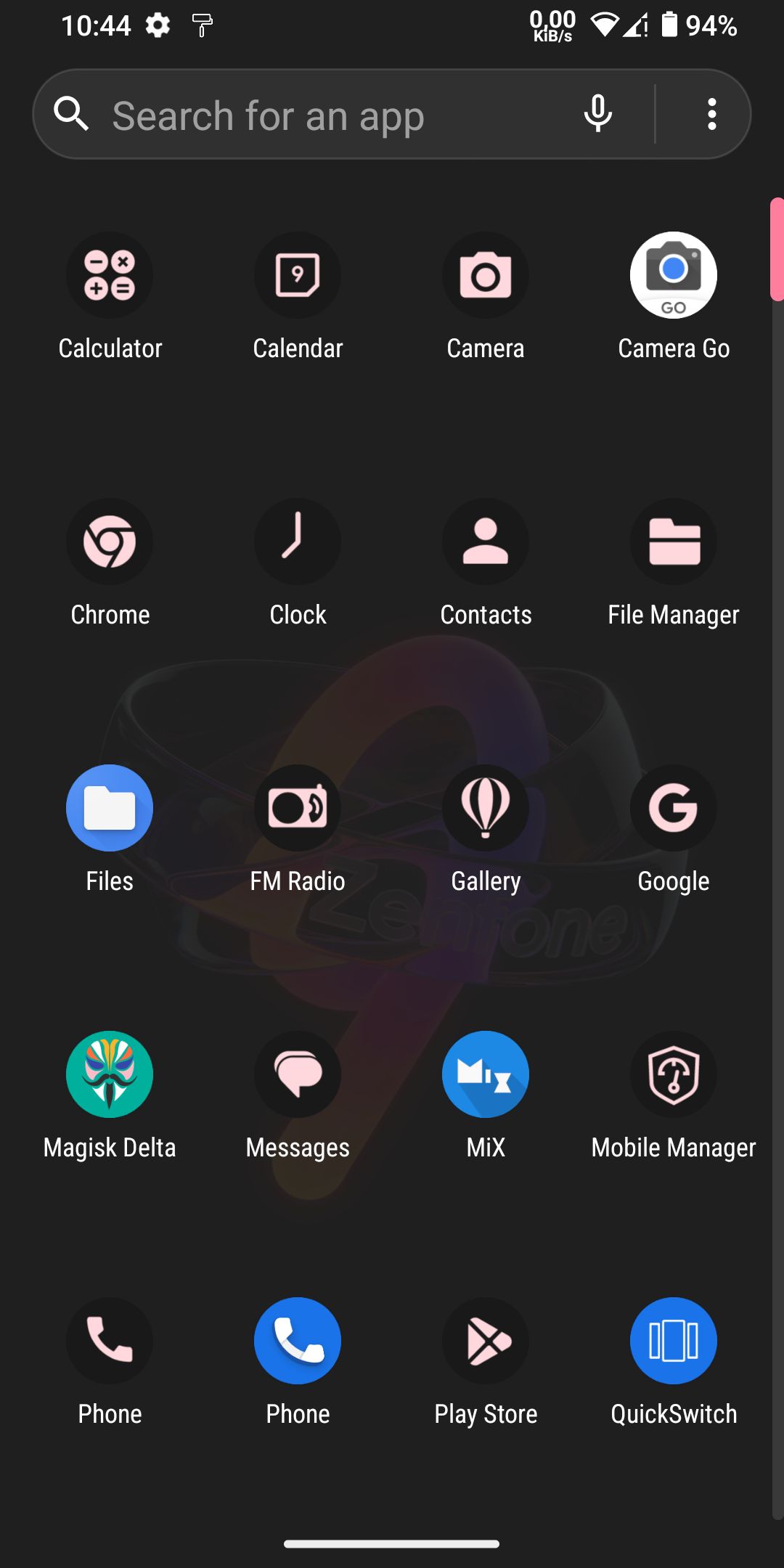
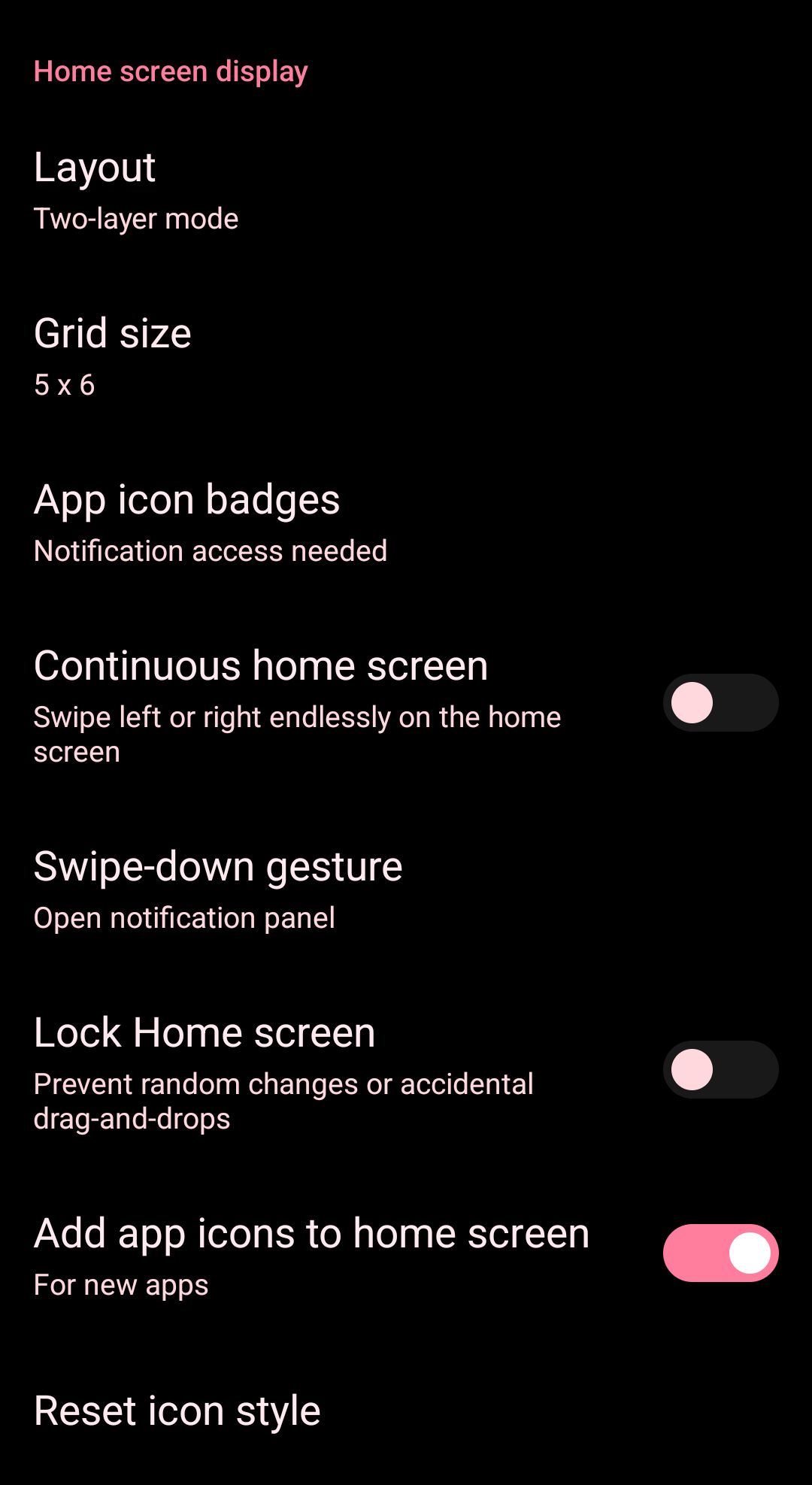
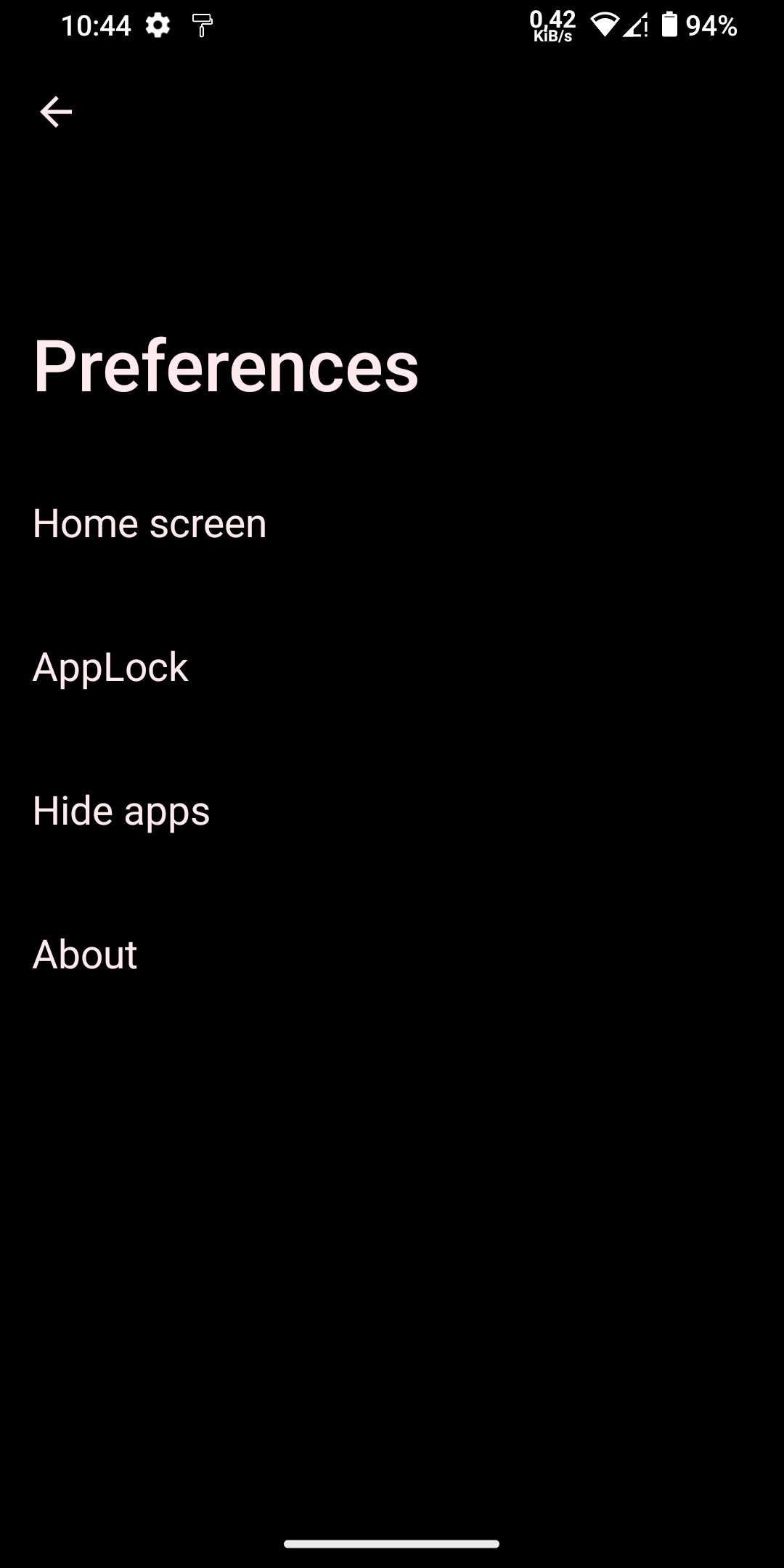
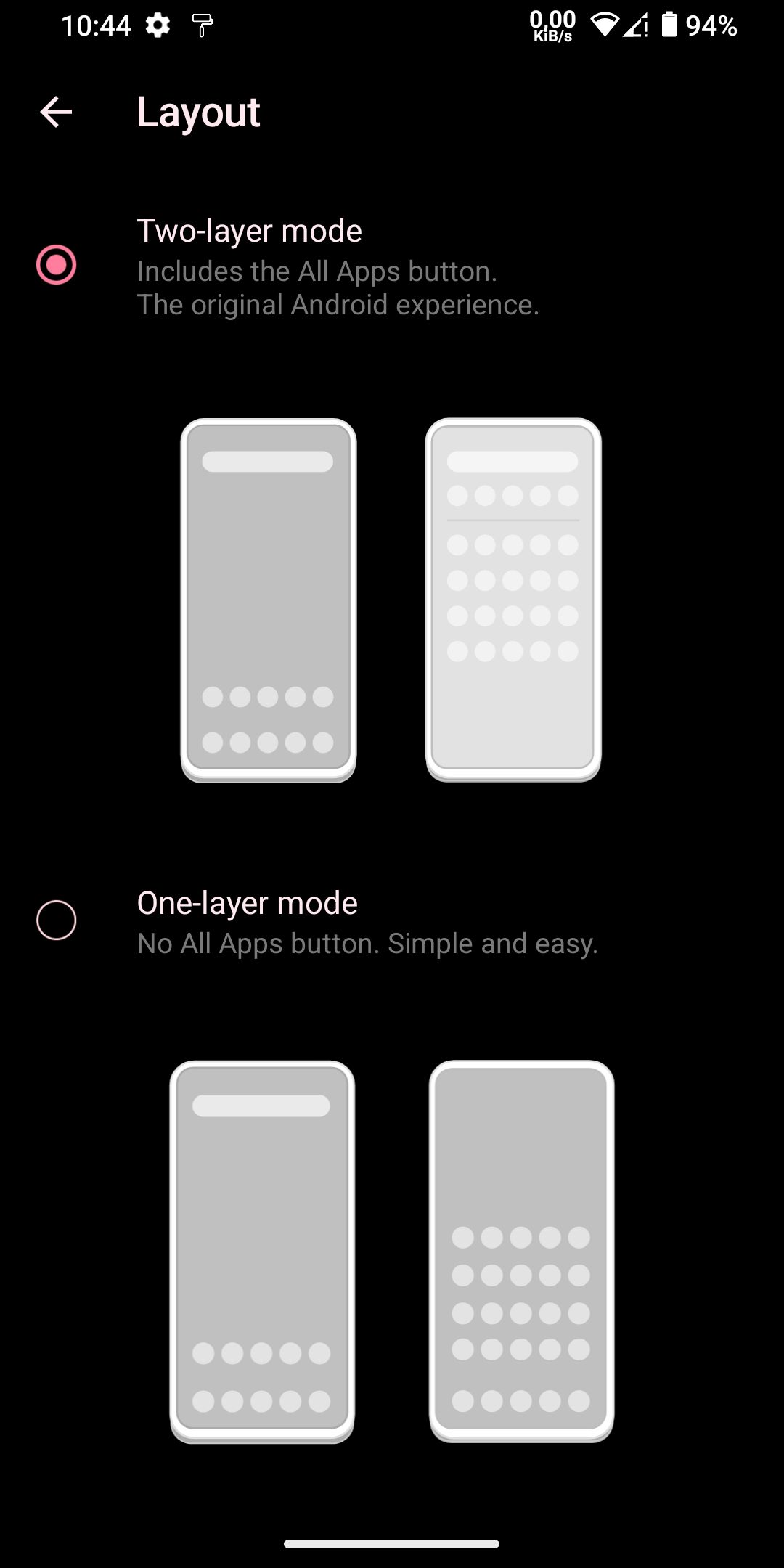
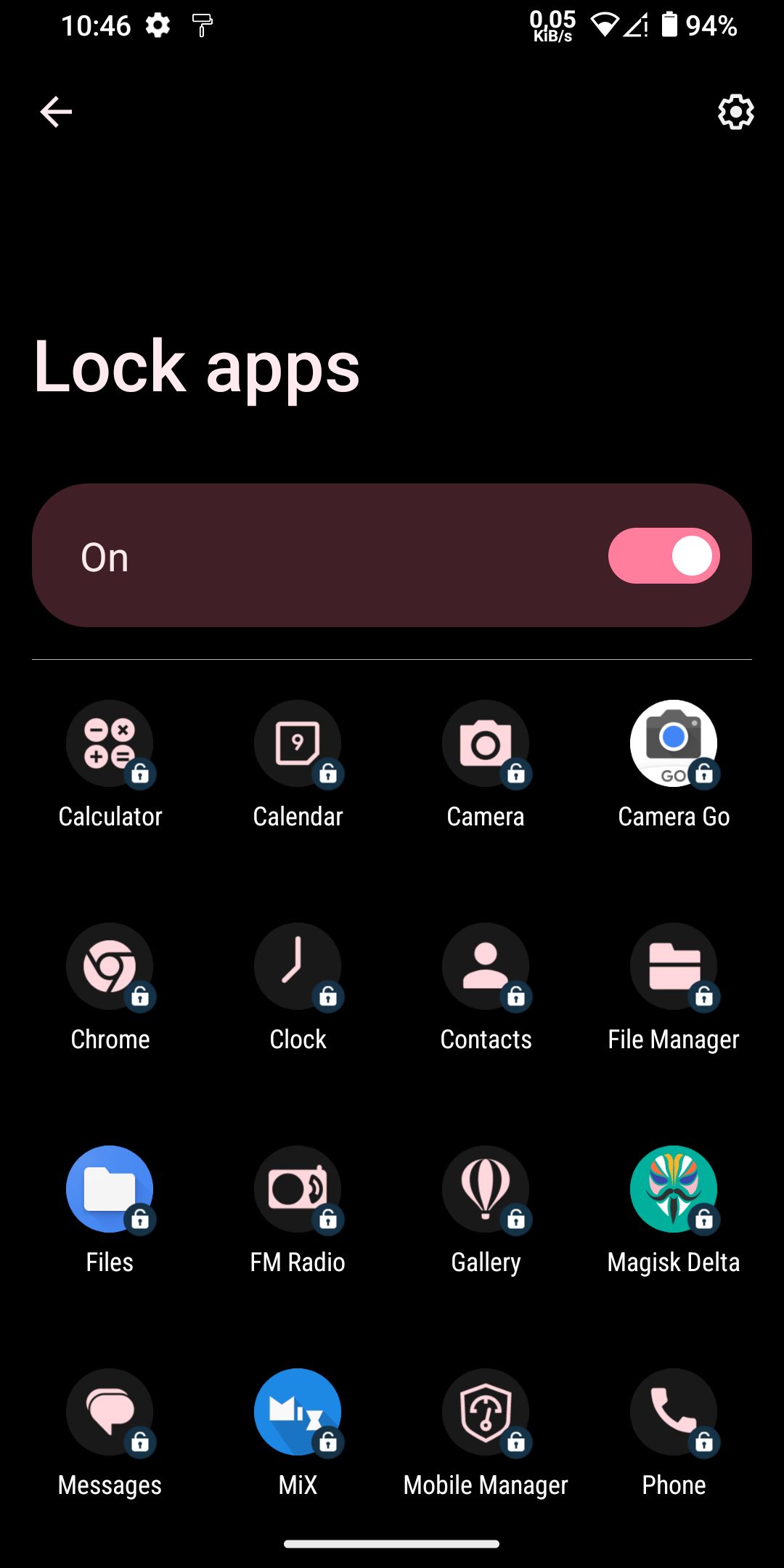
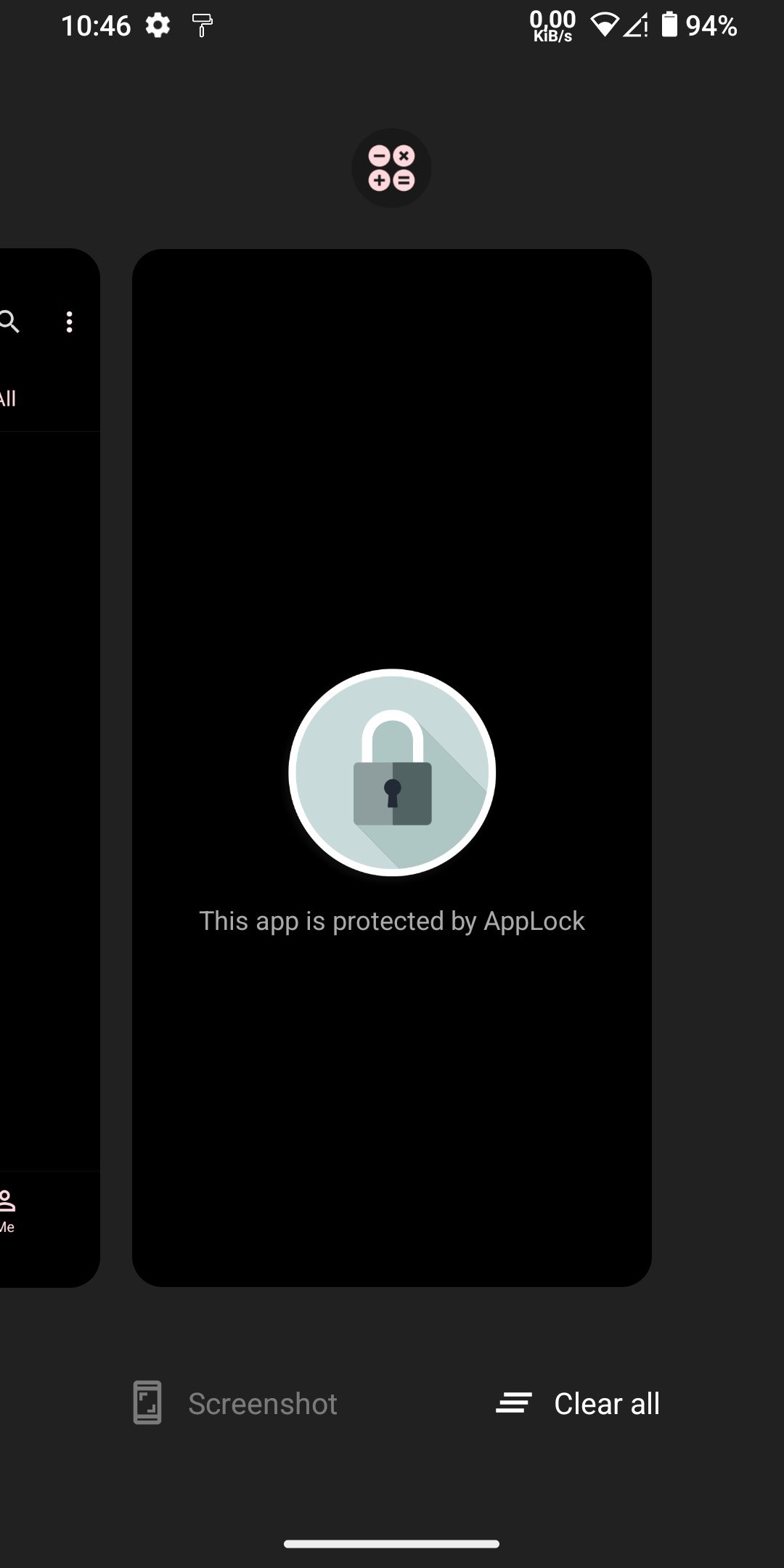
Screenshot