Android 12 Pixel5 SGSI for Lavender
ruhend
Description:
Pixel5 SGSI.
Patched using SGSI-build-tool.
Tag: SPB1.210331.013
⬇️⬇️⬇️⬇️ Download link is at the very end ⬇️⬇️⬇️⬇️
Note:
Do not reboot till told to do so!
Step-by-step instructions:
- Download and install OrangFox latest beta here: OF-Beta_Download
- Wipe cache and Dalvik-cache and format data partition.
- Flash this zip.
- Flash neXus-EAS kernel depending on your configuration.
- Then flash the Magisk-23.0
- Then flash Gboard-New-UI (after reboot, redo this to add functionality)
- Optional: install lagfix-for-a_and_ab by MacTavishAO
- Format Data(If facing boot issue)
- Reboot!
- IMPORTANT: Set a password, and update your Gboard to beta and follow step at Gboard-New-UI
Next Optional Steps:
- Enable gxoverlay in the settings...
- Flash riru, riru-lsposed, kdrag0n's android extension.
- Flash Gboard-New-UI every time Gboard is updated.
- Install Pavlova UI for A12.
- Set DPI to anything between 452 and 458 in Developer options to scroll bar issue in notification panel while playing music.
Note:
- Manually mount SD car
- Gboard-New-UI enables 51 flags in flag_value.xml and adds smooth-props for a buttery gesture experience.
- If booting into Fastboot, long-press the power button to force reboot, and then it should work!
- Set the password immediately the moment you boot. (If not you will be stuck at recovery next time).
- If you set a password and recovery doesn't decrypt it is because it is not supported. Click the back or home button and you should be in!
- If you are facing Google Play Store stuck at downloading issue, disable Magisk-hide in Magisk settings!
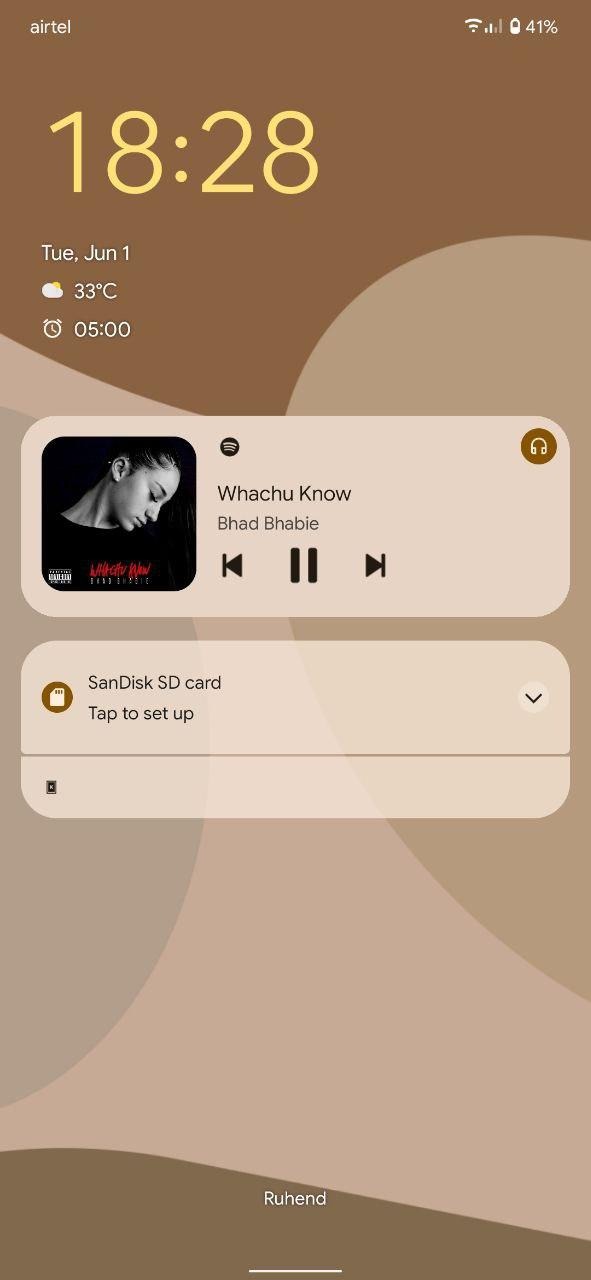
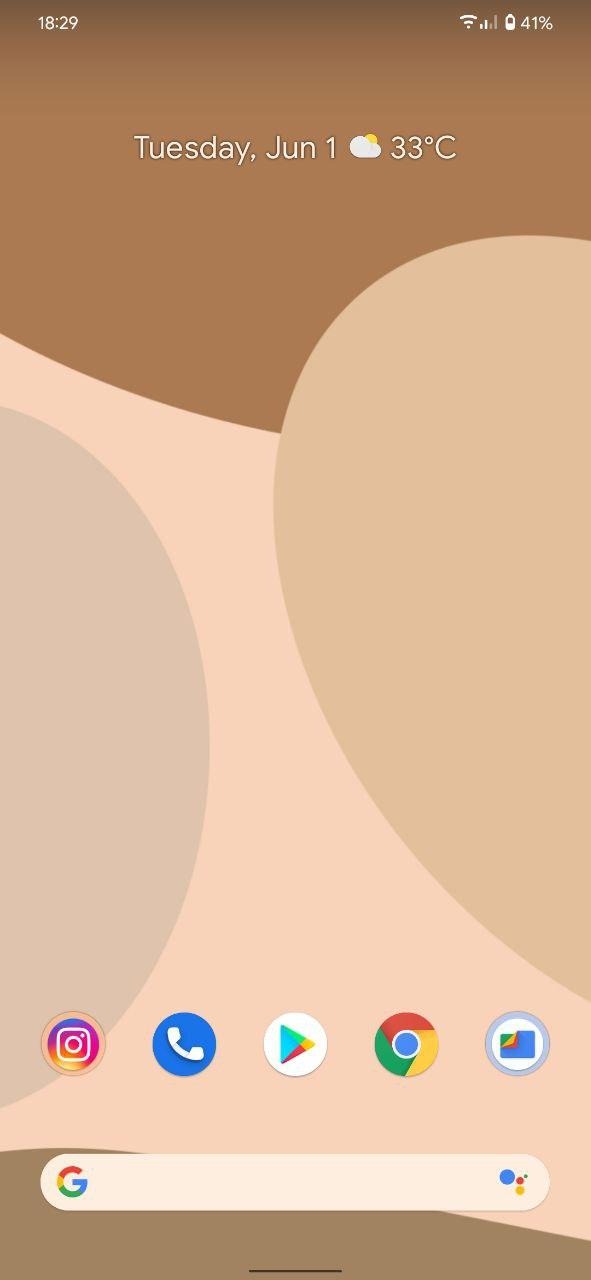
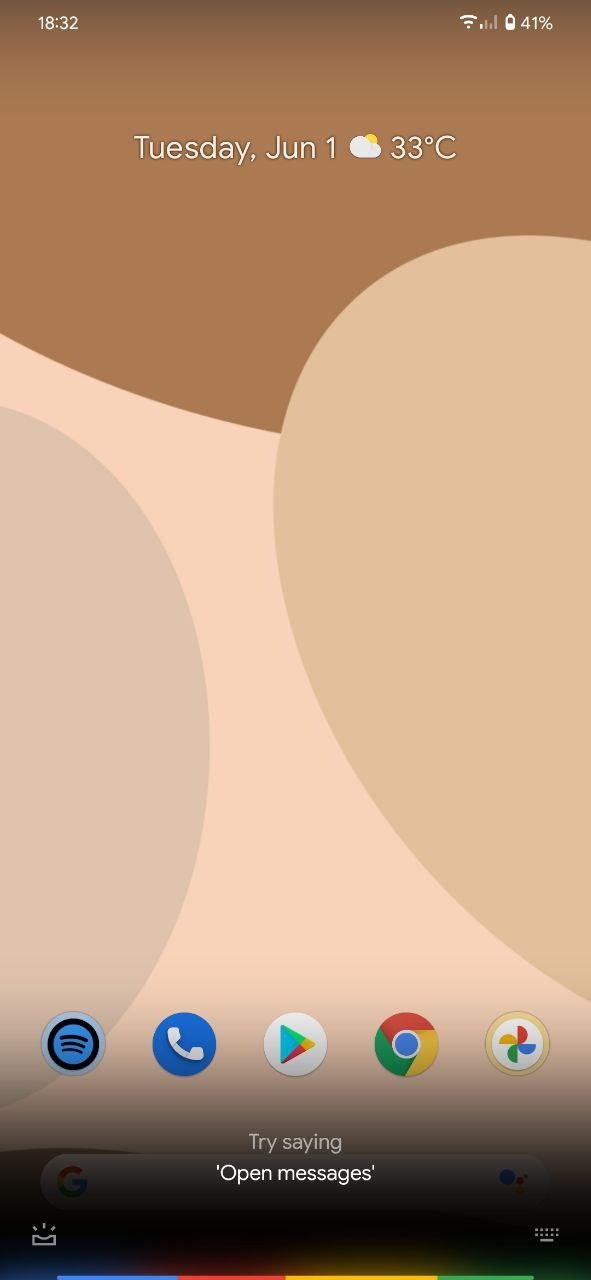
Screenshots:

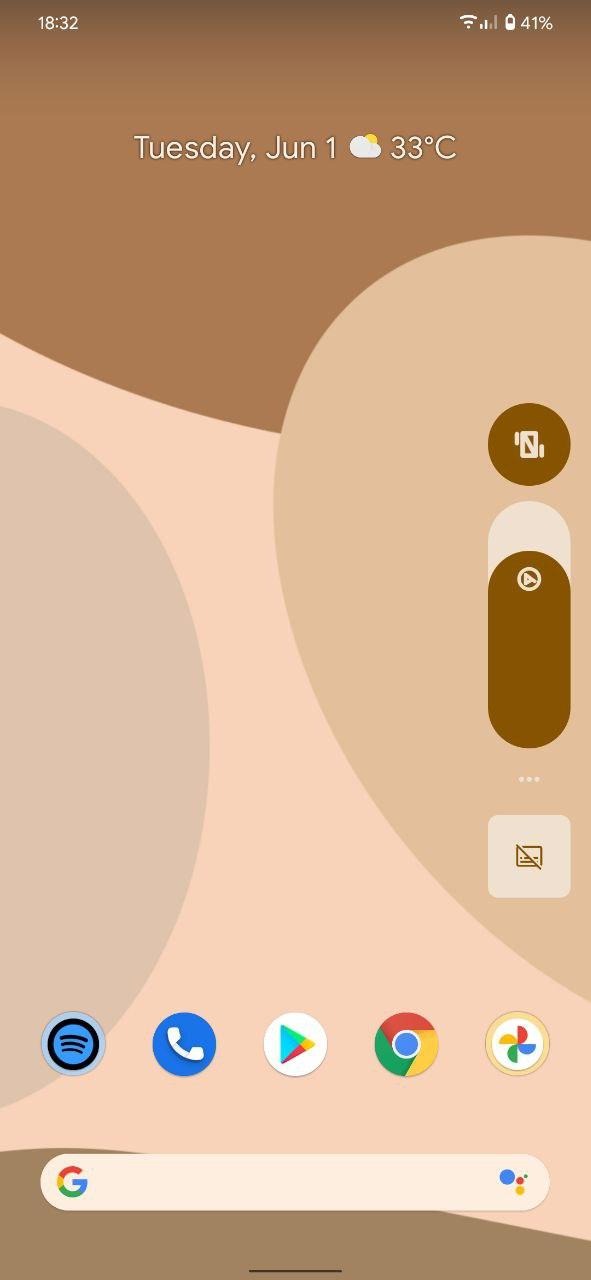
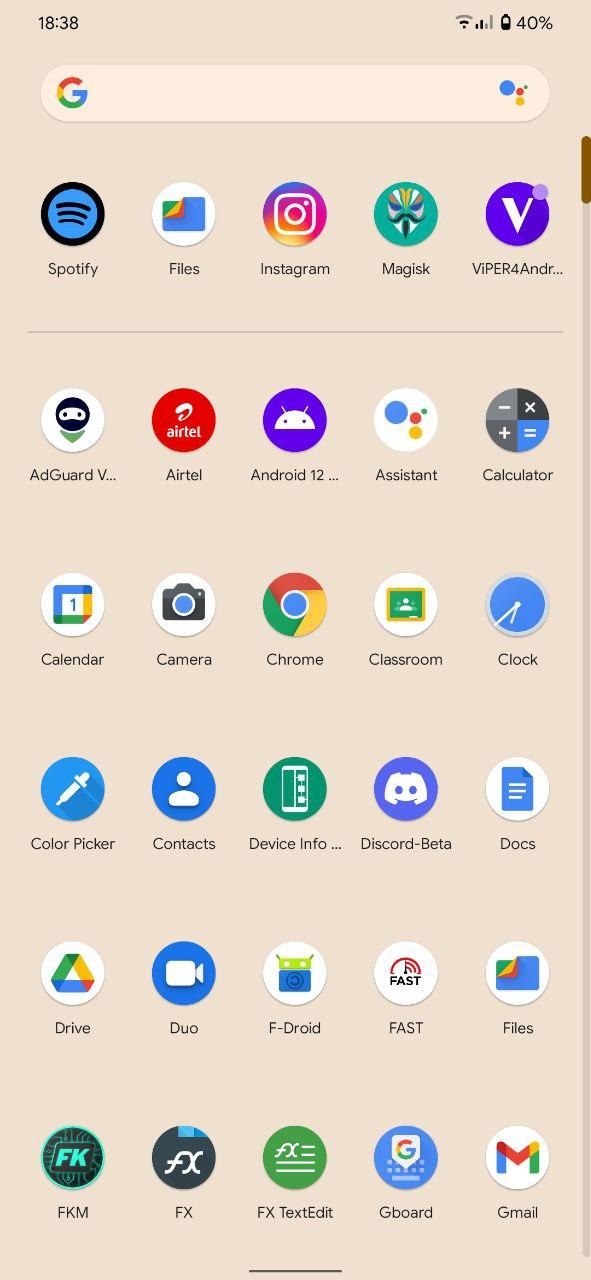
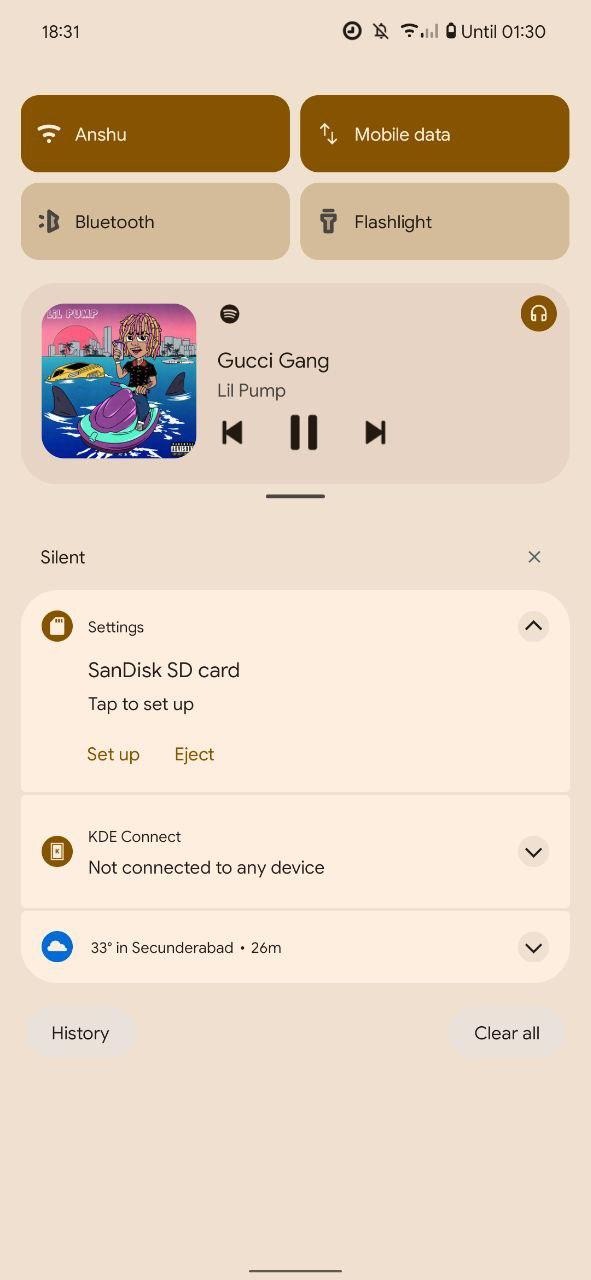
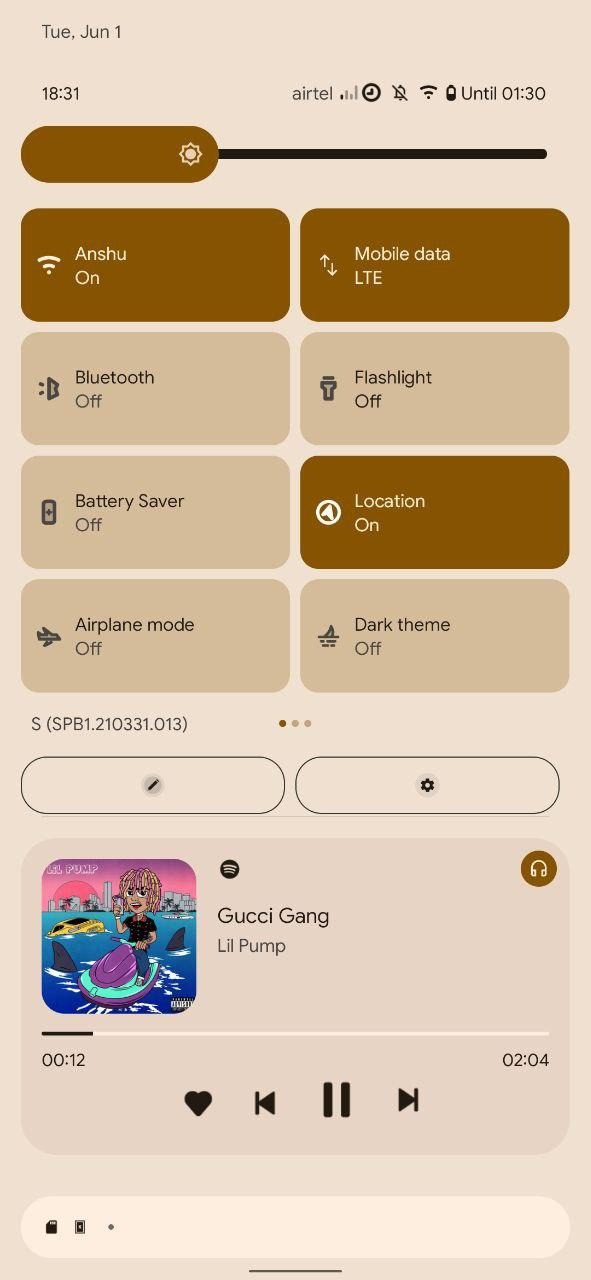
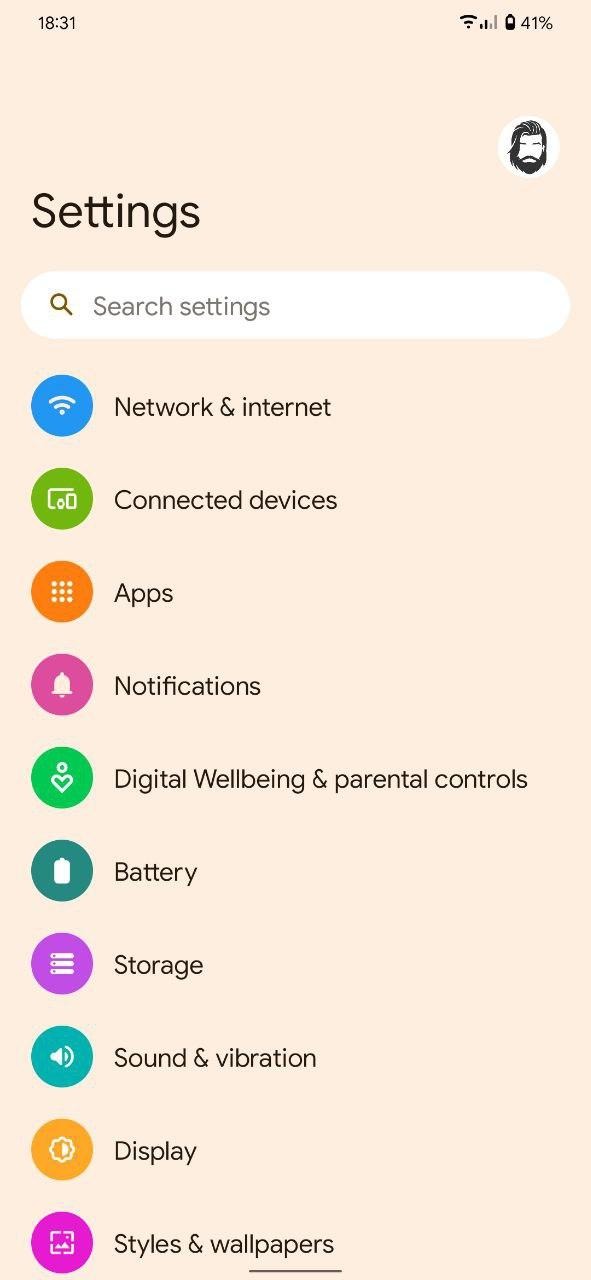
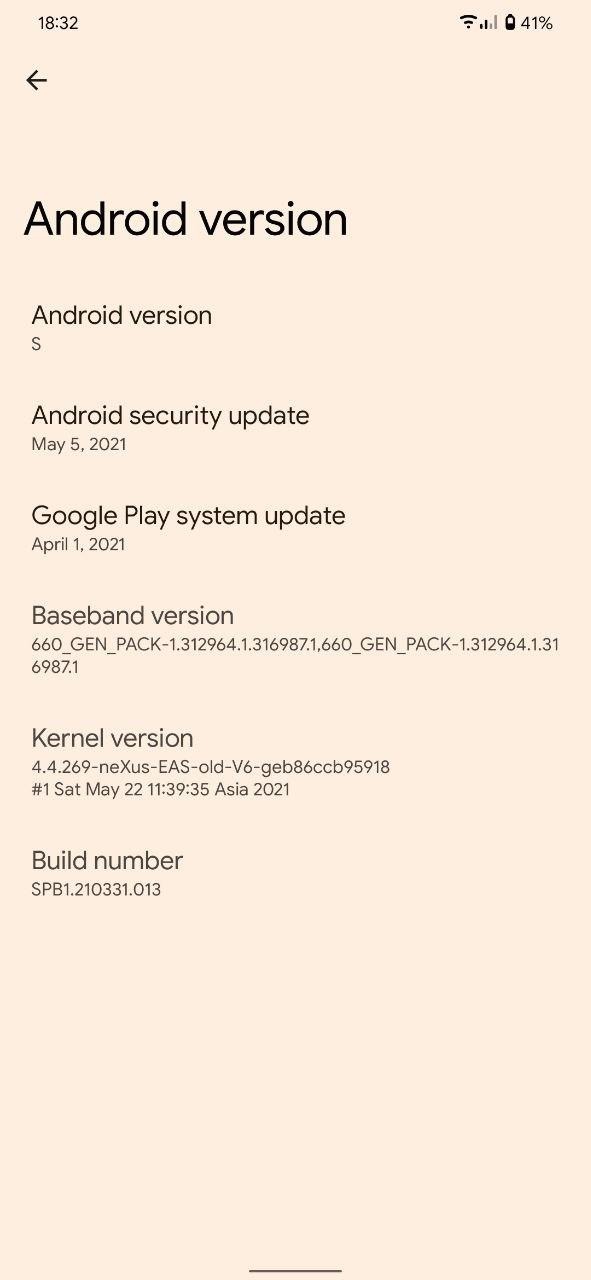
Downloads:
Link: SourceForge
Mirror: GDrive
Mirror: GDrive (@not_for_anime)