AltStore Download and Installation Guide
AltStore Download and Installation
Preface
● AltStore supports iOS 12.2 (and above)
● Windows 10 is a required operating system
Prerequisite
● Players will be required to download Altserver, iTunes, and iCloud
(Note: Please do not download the Microsoft Store version of iTunes and iCloud)
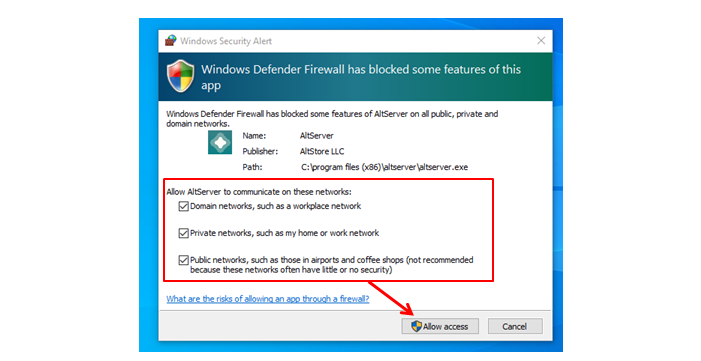
● Please whitelist AltServer on your Windows firewall
Altstore Official Website: Click Here
1. After downloading, there will be two files in the zip file. Choose Altnstaller.msi for download.
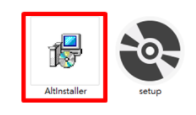
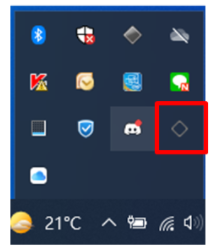
2. After installation, the program will not appear on the desktop directly, you need to search for "Altserver" on your computer to open the application and connect to the iDevice.
On first start up, a Windows Defender notification will pop up. Please select “Private networks” and “Public networks” and "Allow access.”
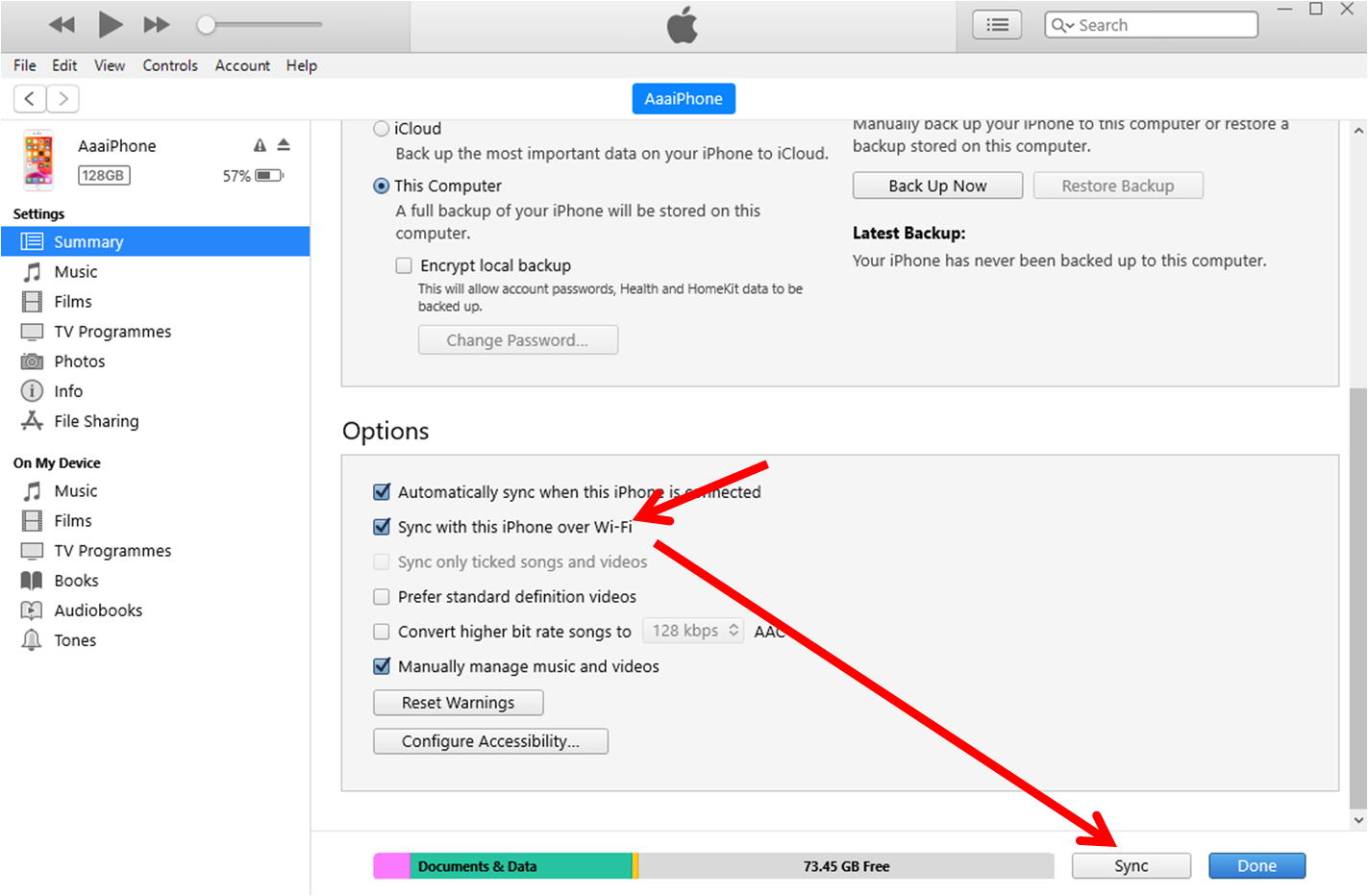
3.It is recommended to enable Wi-Fi sync for your phone.
(This is an optional function. If a player wishes to bypass and download Altstore through a wired connection, then they can skip this step.)
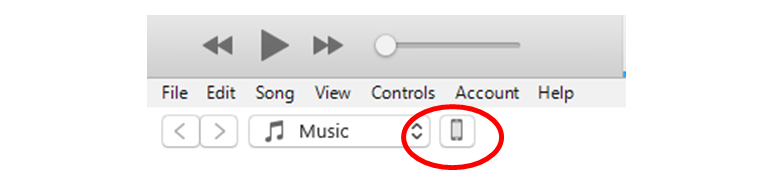
Connect your iDevice to a computer and open [iTunes] →「Summary」→「Sync with this iPhone over Wi-Fi」→「Sync」
After completing the set up, a wired connection will no longer be required. For future instances, your iDevice and computer just have to be on the same Wi-Fi network.
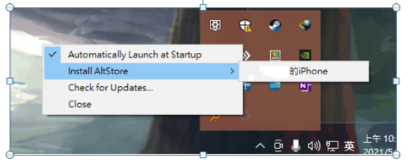
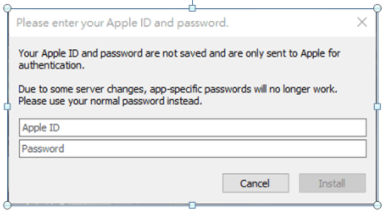
4. After opening the application, go to the bottom right corner and find the application icon from the “Show Hidden Icons” and right click “Install AltStore” → XXX’s iDevice. After selecting, you will required to enter your Apple ID and password. After confirming, the AltStore App will be installed in your device and show up on the homepage.
Enter your Apple ID and Password.
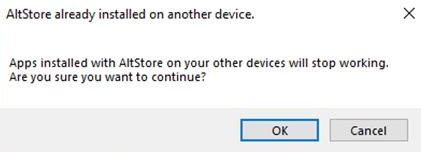
Click “OK.”
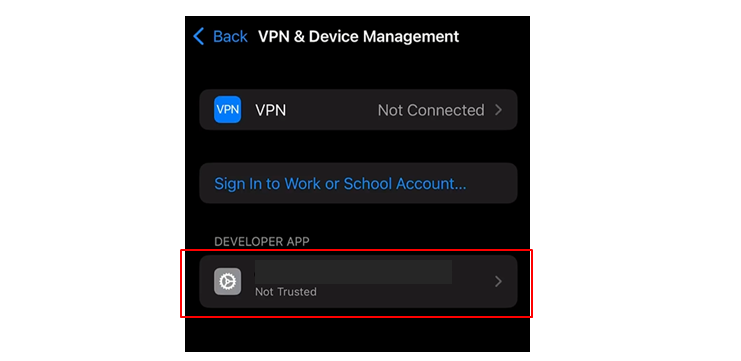
5. Before activating the Altstore App, please head to “Settings”→“General”→“VPN & Device management” on your phone. Find “DEVELOPER APP” and tap Trust to activate the Altstore App.
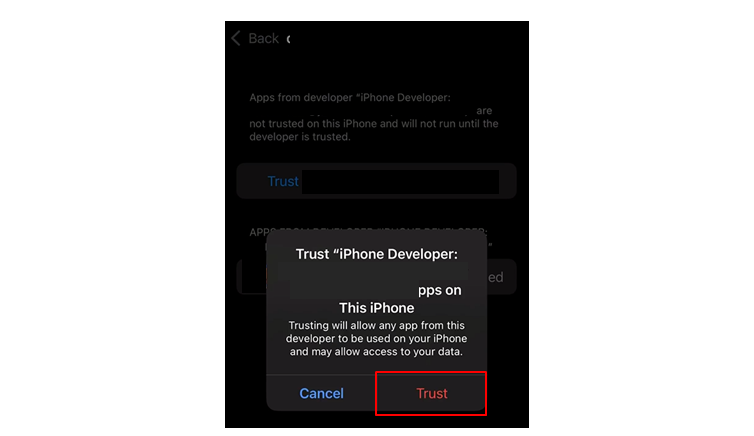
Tap “Trust.”
Installing the IPA File
1. Open the AltStore APP.
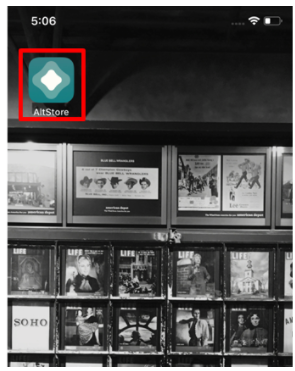
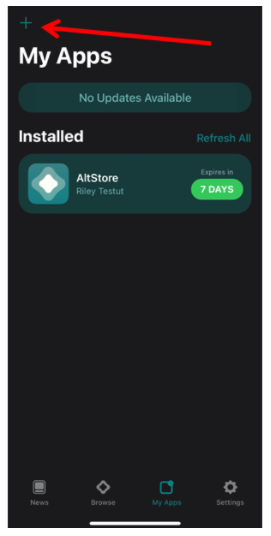
2. Tap “+,” select the IPA file you want to install to install it.
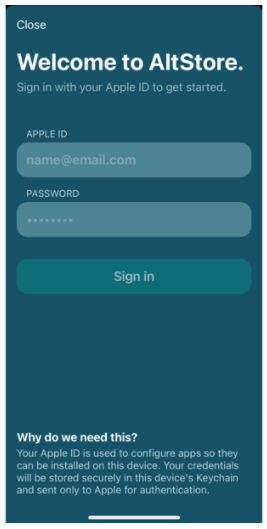
3. Enter your Apple ID and Password.
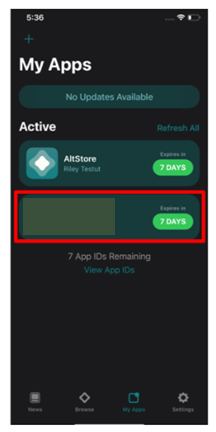
4. The IPA file will start downloading after signing in and will appear on your homepage after installing. Now you can start having fun with the game!
How to Refresh the App When It’s Expired
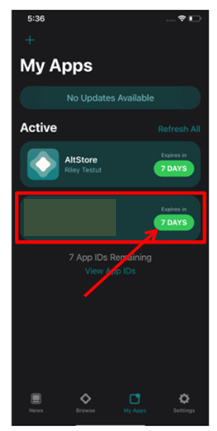
Due to the limitation from iOS, the Apps have to be refreshed every 7 days. Refreshing method: Connect your device to a computer with AltServer (with either Wi-Fi or a cell phone cable). Activate the App and tap its icon to refresh it.