Airdrop-Complete Guide —Symphony Finance
Pratik Sharma
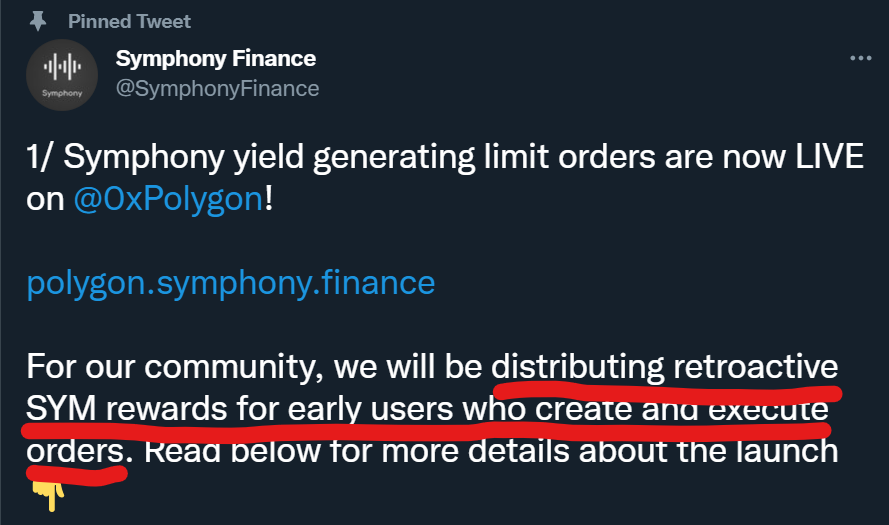
They have just launched their mainnet on Polygon and has announced on Twitter that users who create and execute orders on their platform will receive their $SYM token as rewards later.
Follow the steps below to create a limit order.
Getting started:
Switch your network to Polygon network. Make sure you have $100 or above in one of the supported assets. (Minimum trade size is $100.)
Supported Assets: $MATIC/$ETH/$USDC/$USDT/$WBTC/$DAI/$AAVE
Step 1:
Head to https://polygon.symphony.finance/.
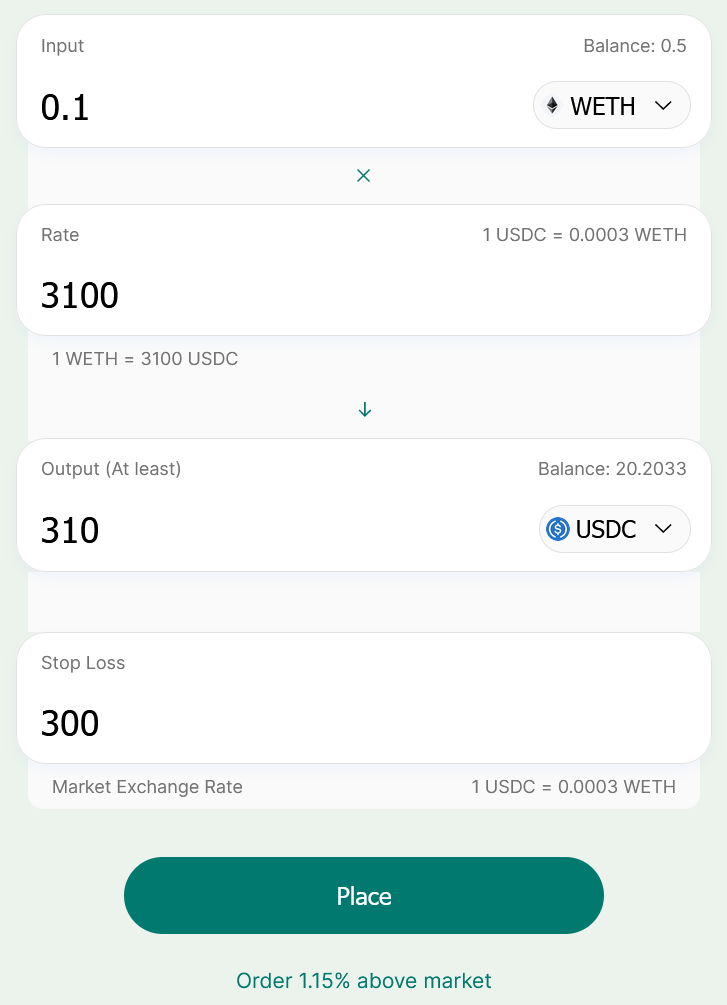
To create a order,
1. Choose the input asset (the asset you will be selling).
2. Choose output asset (the asset you will be receiving).
3. Fill in the input amount (Minimum trade size is $100).
4. Set the limit at “Rate”. If the price is above the limit the order will be filled.
5. Optionally you can also set a stop-loss. If the output falls below it the order will be filled. (The stop-loss is the minimum output you will receive. Don’t enter a price.)
6. Click confirm on Metamask to create the order.
Step 2:
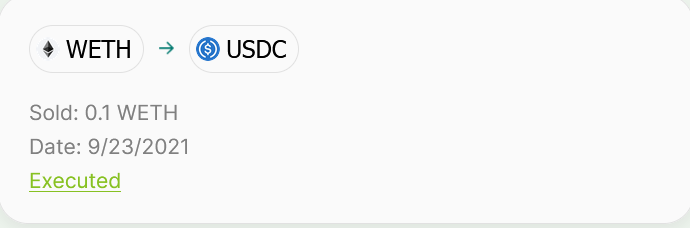
This is what you will see this after your order has bee placed.
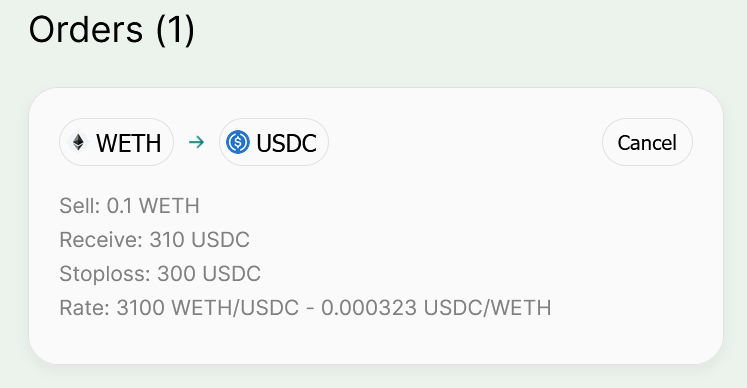
And this after the order is executed
Step 3:
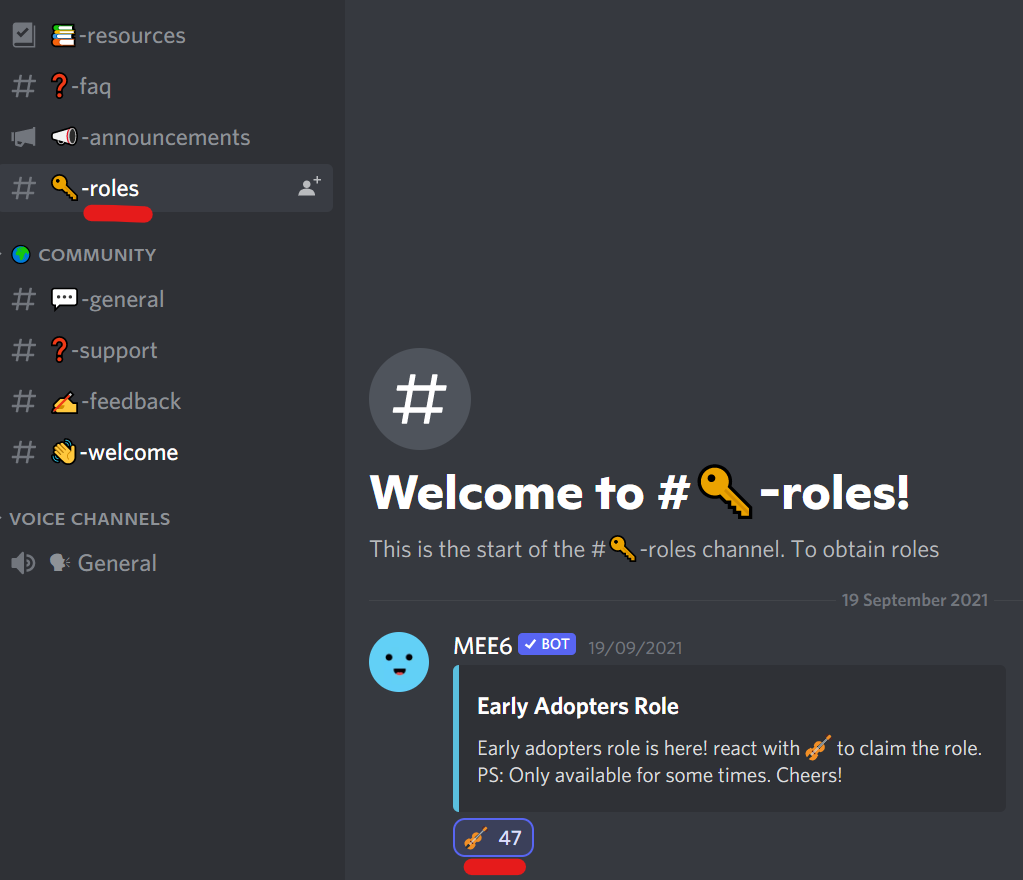
That’s all. If you find any bugs, please report to the team at their discord server. (You can also get a Early Adopters Role for now.)
💫Follow Us To Receive The Latest Airdrop Updates.
⚡Telegram channel:
https://t.me/Earn_With_Crypto_Looters💫