Adjudge - faculty feedback application
Adit ShahWell, this application was designed by me for an in-house project for my university. Hence, few credentials I have released here.
It had been over a year since I have been learning web development and just over 3 months learning back-end application development. Nevertheless, this back-end development was with PHP. I did not like PHP and with the advent of JavaScript, learning an old language seemed obsolete to me. Moreover, I was flattered with the asynchronous events in various JavaScript frameworks. I had not tried any of those and had never been through production world back-end development.
It was a chance for me to get hands-on experience with JS. Working with normal HTML/CSS was very impressive but also had an overhead of writing many lines of code for including every new element. However, I came across React JS designed by Facebook, in which we can design our components and also reuse the component designed.
Initially, I searched for various react based material design UI and got material-UI which is the best front end framework. It took me a few days to learn and use react and design the new components. I prepared the student dashboard UI (currently present in my web-app) and thought if I could design the back-end, thereby completing a full-stack development application and gaining much-required experience in the field of web technologies. Also, React JS is an open-source framework.
Then, I found the Node JS suitable for my application's back-end support. Node JS had been improving over the years and the best module inheriting it is Express JS. Express JS has various components for complete back-end development. Also, one needs to write less code for express compared to Node to do the same work.
In my application, the students rate their faculties and a head-faculty can view the average scores given to him/her. This way, the identity of a particular student is kept hidden. Currently, we are giving feedbacks through Google Forms.
I am listing every component used and its function in my application below:
React + material-ui : designing core components(https://material-ui.com/)
React Router : routing the requests
JQuery : Ajax request handling and animation(https://jquery.com/)
JSON Web Token(JWT) : Client-Server authentication
Password Hashing
Body Parser : parsing the body of the client request
I used PostgreSQL Database : pg module(for that API)
Node Mailer : mailing the reset link to the intended user
Express Router : handling the server side routing
HTML : for smaller components
CSS : styling the webpage
For instance
Account button animation, I have created with jQuery.


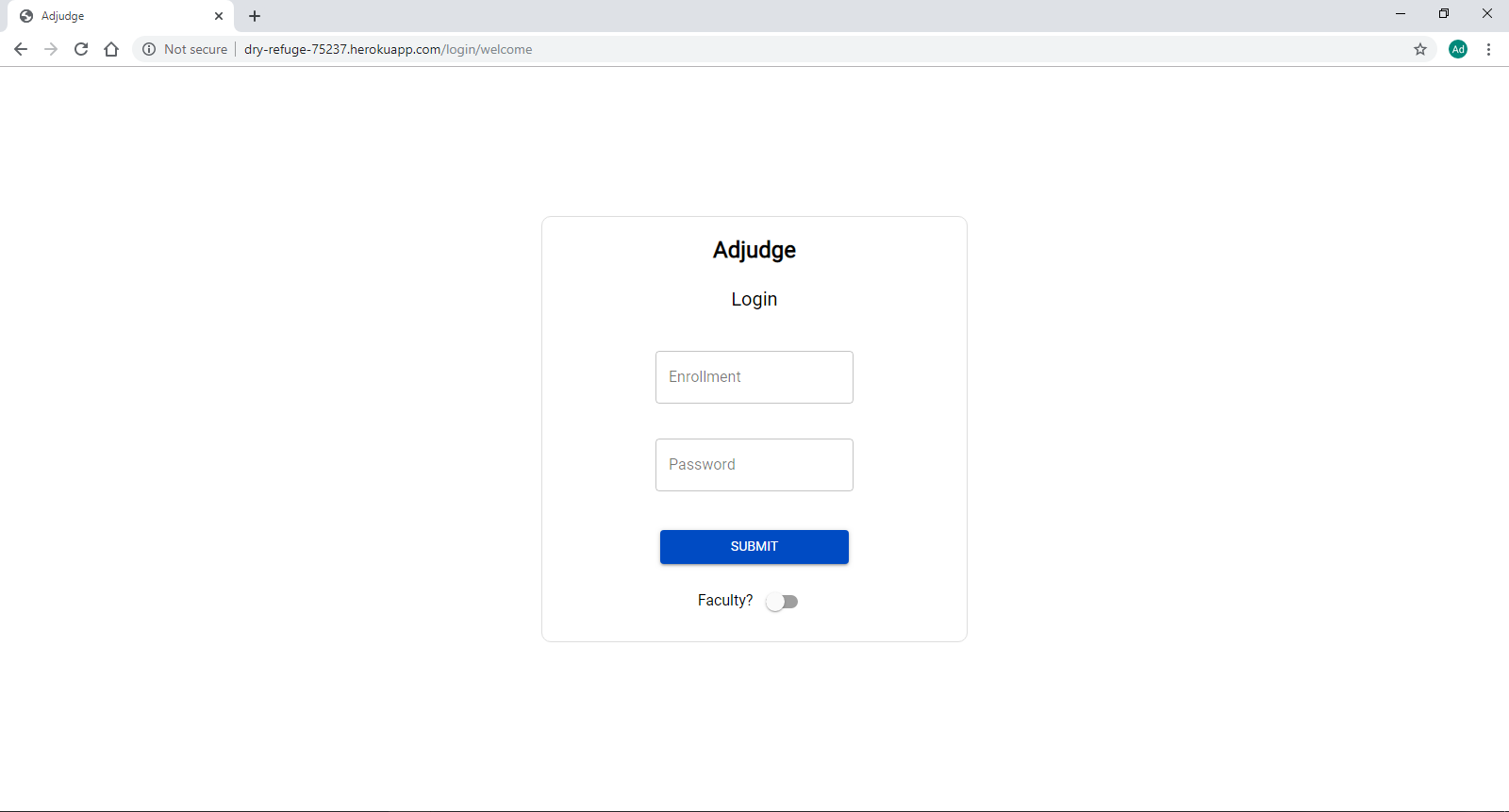
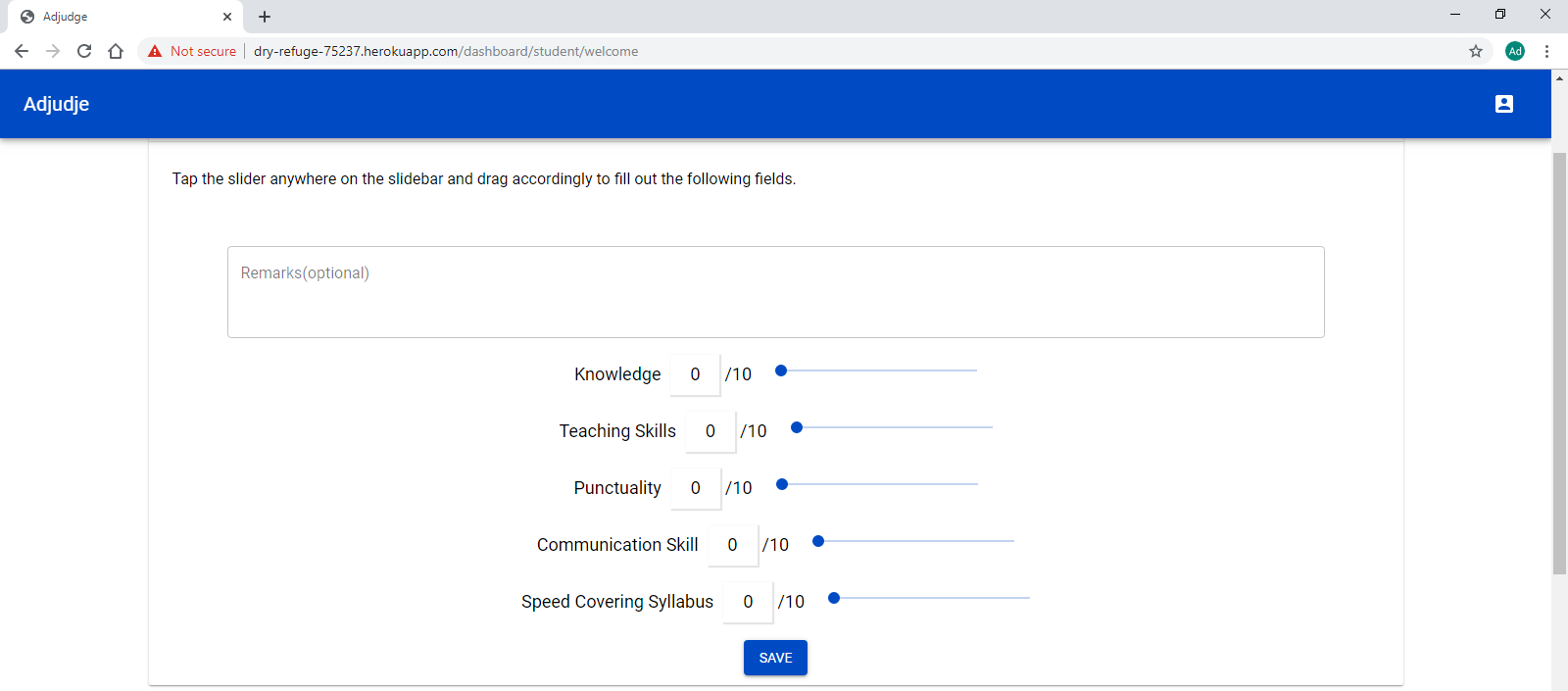
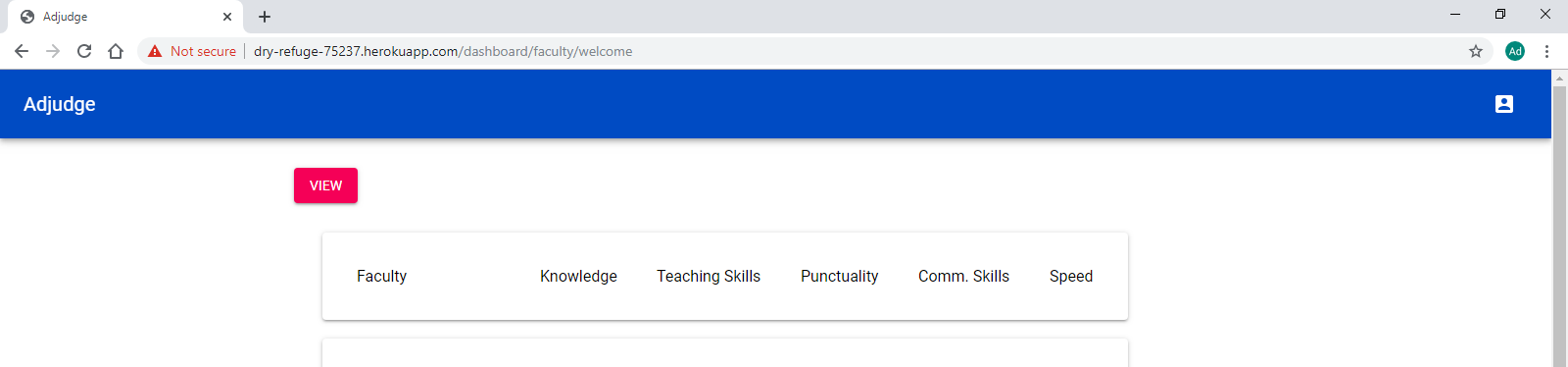
The application link is as follows:
https://dry-refuge-75237.herokuapp.com/login/welcome
Student dashboard:
userId - 1641100045 password - adiu45adad
Faculty dashboard:
userId - fid007 password - canting0.9 [*3rd last character is zero.]
Link to download the project:
The zip file will prompt you to enter a password.
You will have to contact me for that
Drop me an email at the following address: