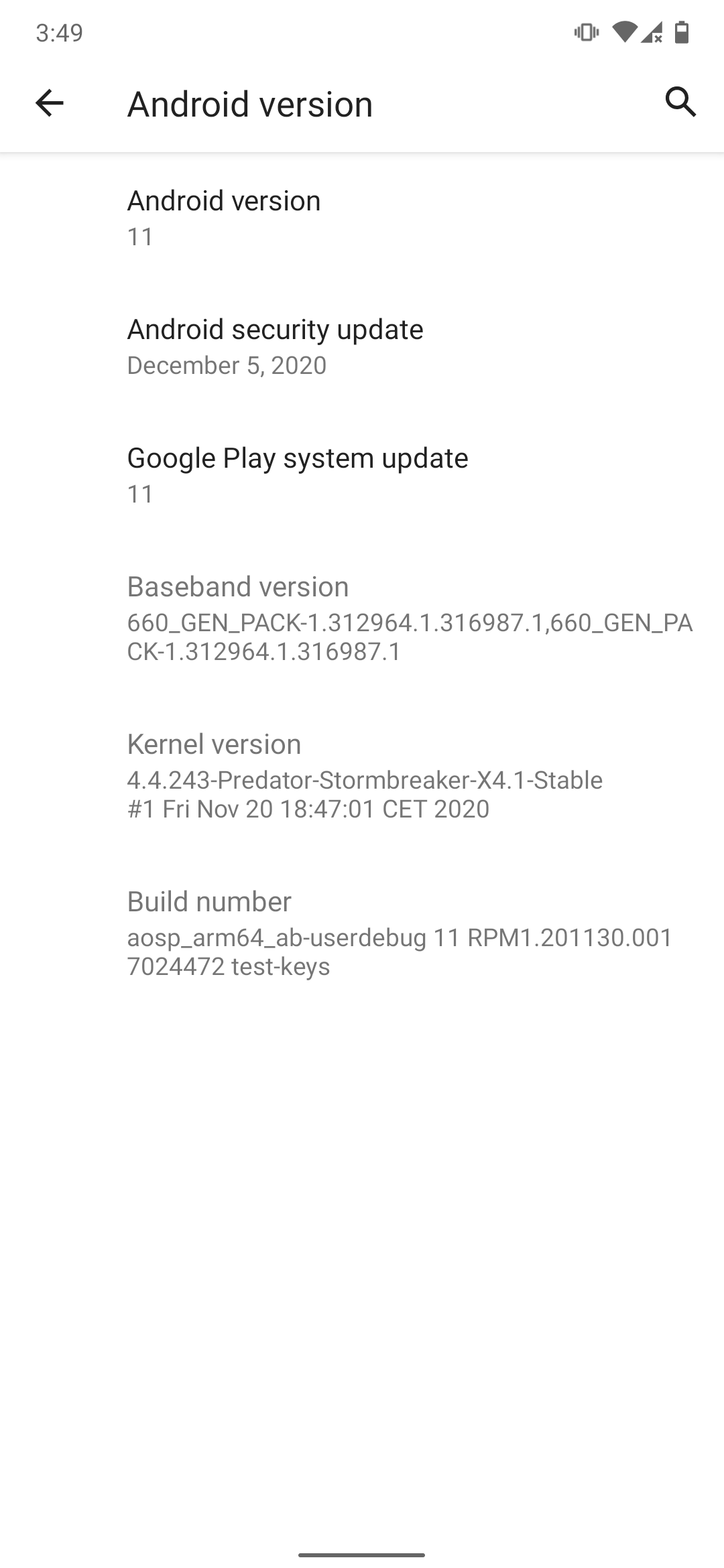
AOSP 11 gsi for Redmi Note 7 (lavender)
🌻
Downloads:
GSI:
https://androidfilehost.com/?fid=17248734326145681189
Vendor: (The provided link contains EvolutionX 5.1 A11 vendor. A different vendor can be used.)
https://androidfilehost.com/?fid=10763459528675594392
Gapps: (Do not use Full. Stock is recommended)
Fixes zip:(Recommended)
https://androidfilehost.com/?fid=17248734326145681544
Root:
https://androidfilehost.com/?fid=8889791610682947381
How to install:
-Format data.
-Wipe Dalvik-Cache.
-Flash Vendor.
-Flash system.img as system.
-Reboot Recovery.
-Flash Gapps.
-Flash Fixes zip
-Flash Magisk (optional).
-Reboot.
Note:
-If magisk manager is not present after flashing magisk and boot-completion. Install the magisk manager app present in the magiskcu.zip. Reboot the device.
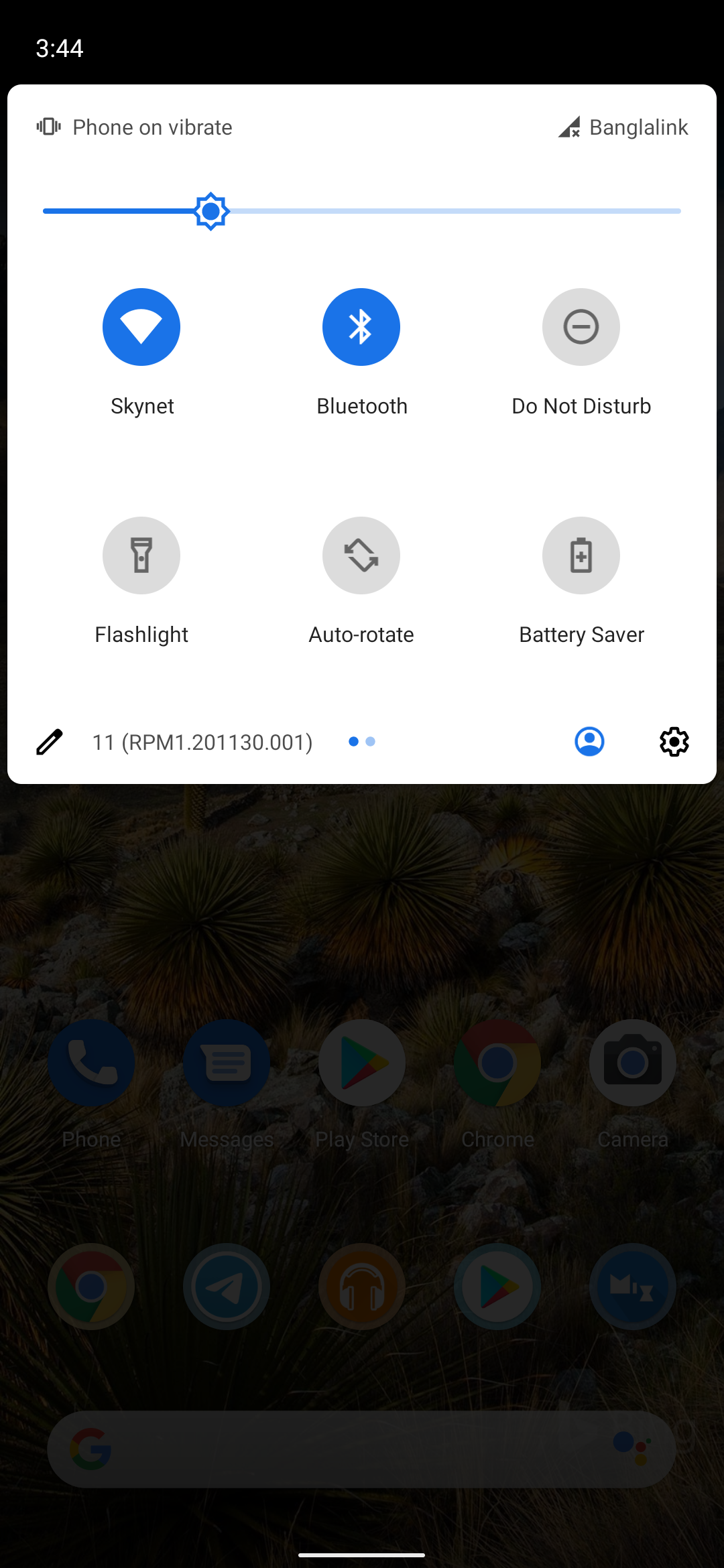
-If quick settings panel lags, disable the blur from settings>system>developer options>enable blurs. (disable the toggle and reboot)
-feel free to pm @Flame9914 if facing any issues.
Changes:
-December Build.
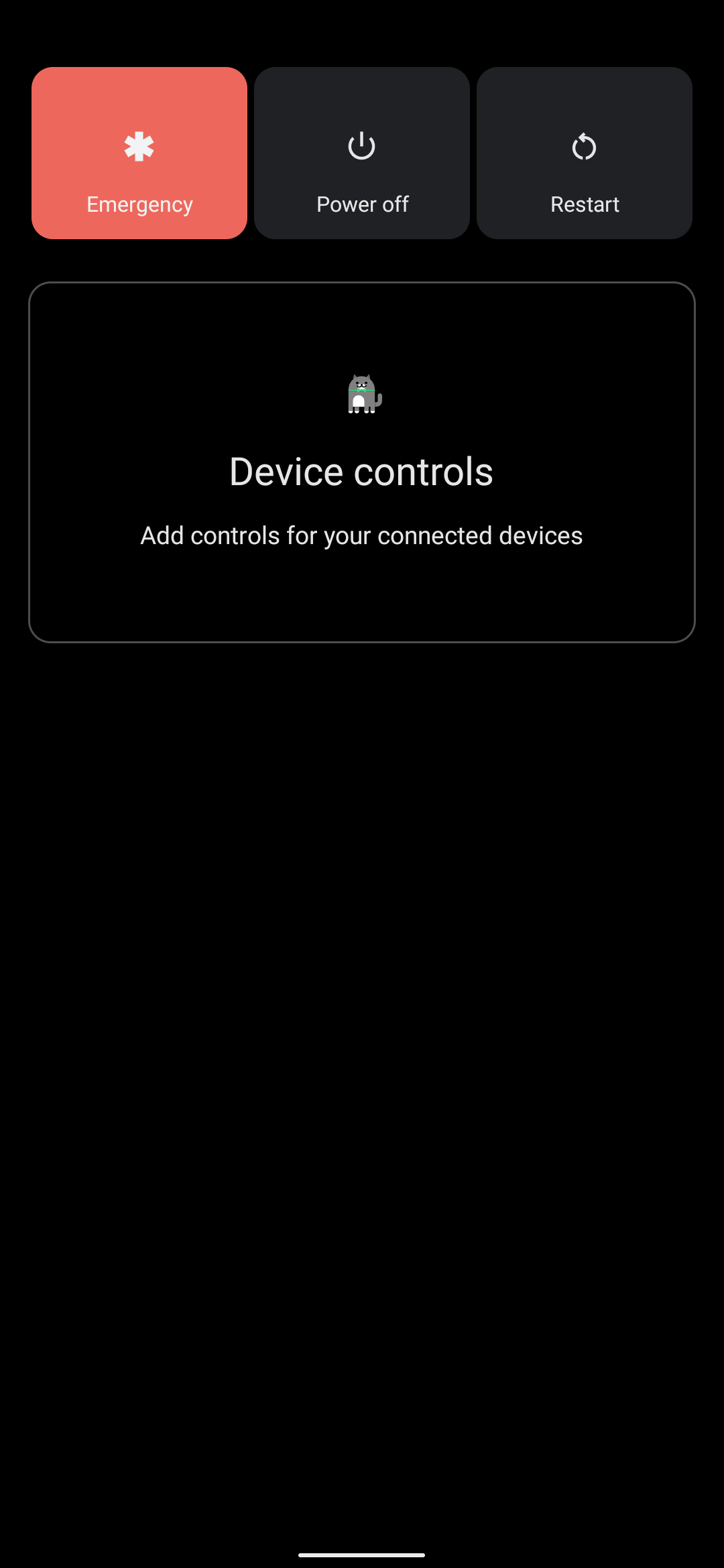
-Working Power Menu Device Controls.
-New Emojis (unicode 13.1)
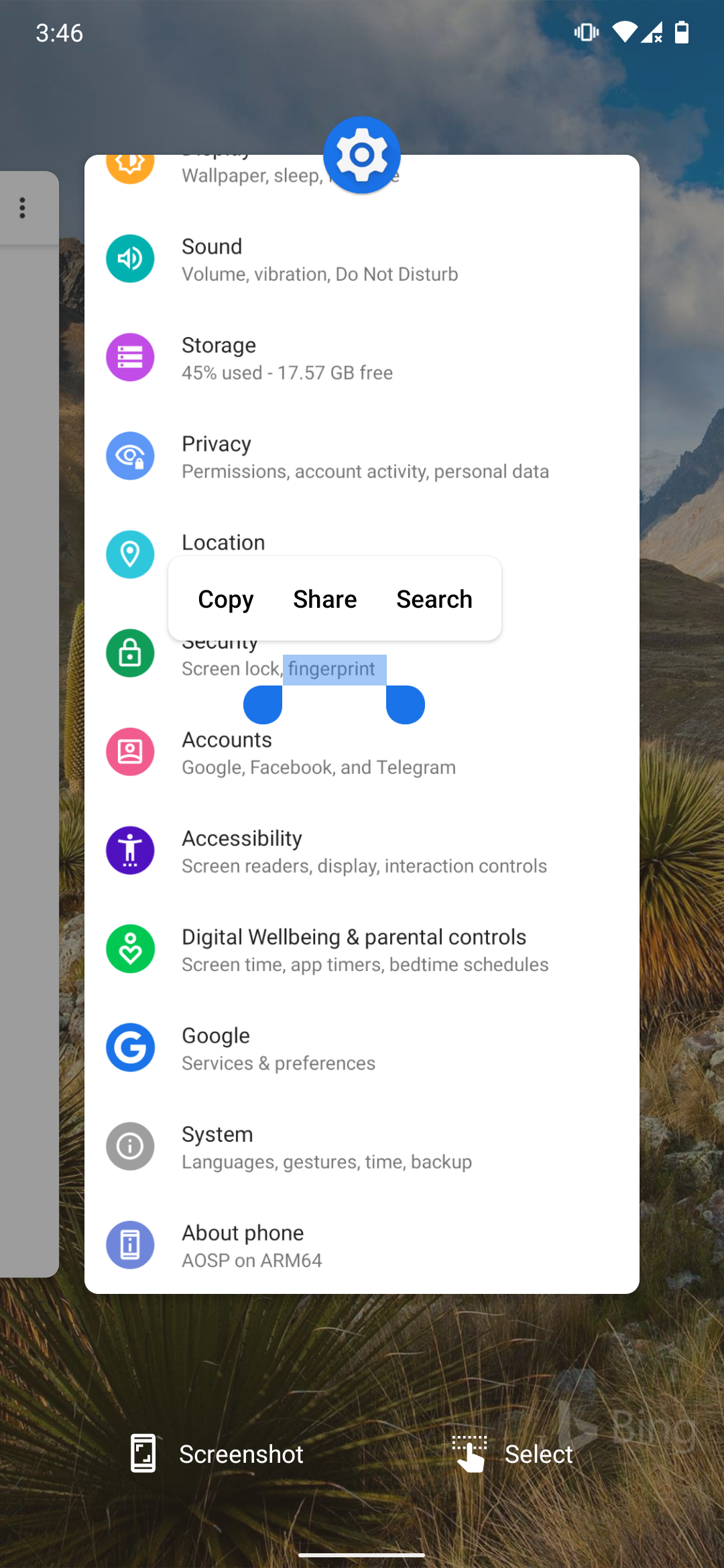
-Faster Screenshot Capture.
-In-Call Audio Fix. (Added Qualcomm Libraries)
-GSI file system fixed. Recovery can now mount system partition without breaking the GSI.
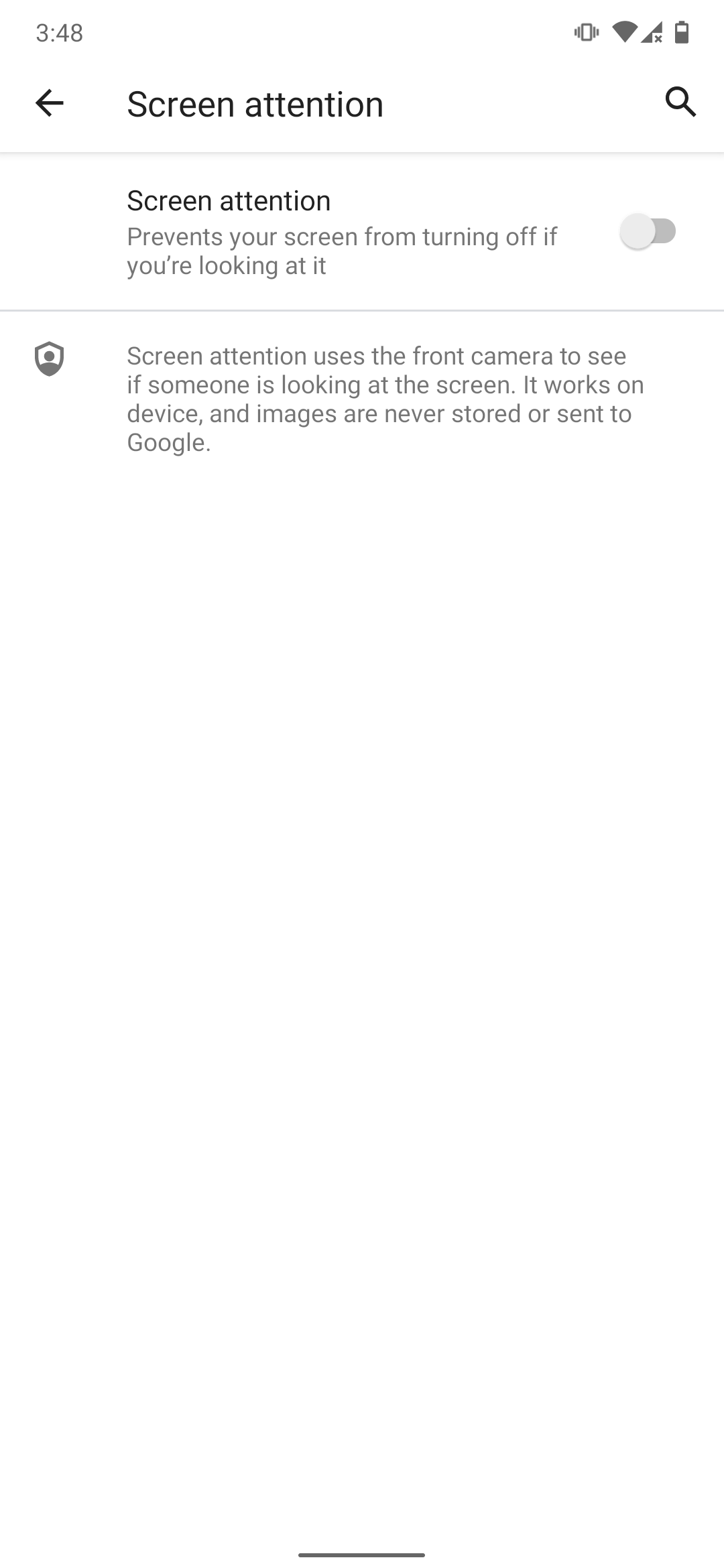
-Added Webview Overlay. (Was missing in AOSP).
Bugs:
- VoLTE.
Credit:
-Mohamed Saeed @M7mDSa3eD
-🌻 @Flame9914
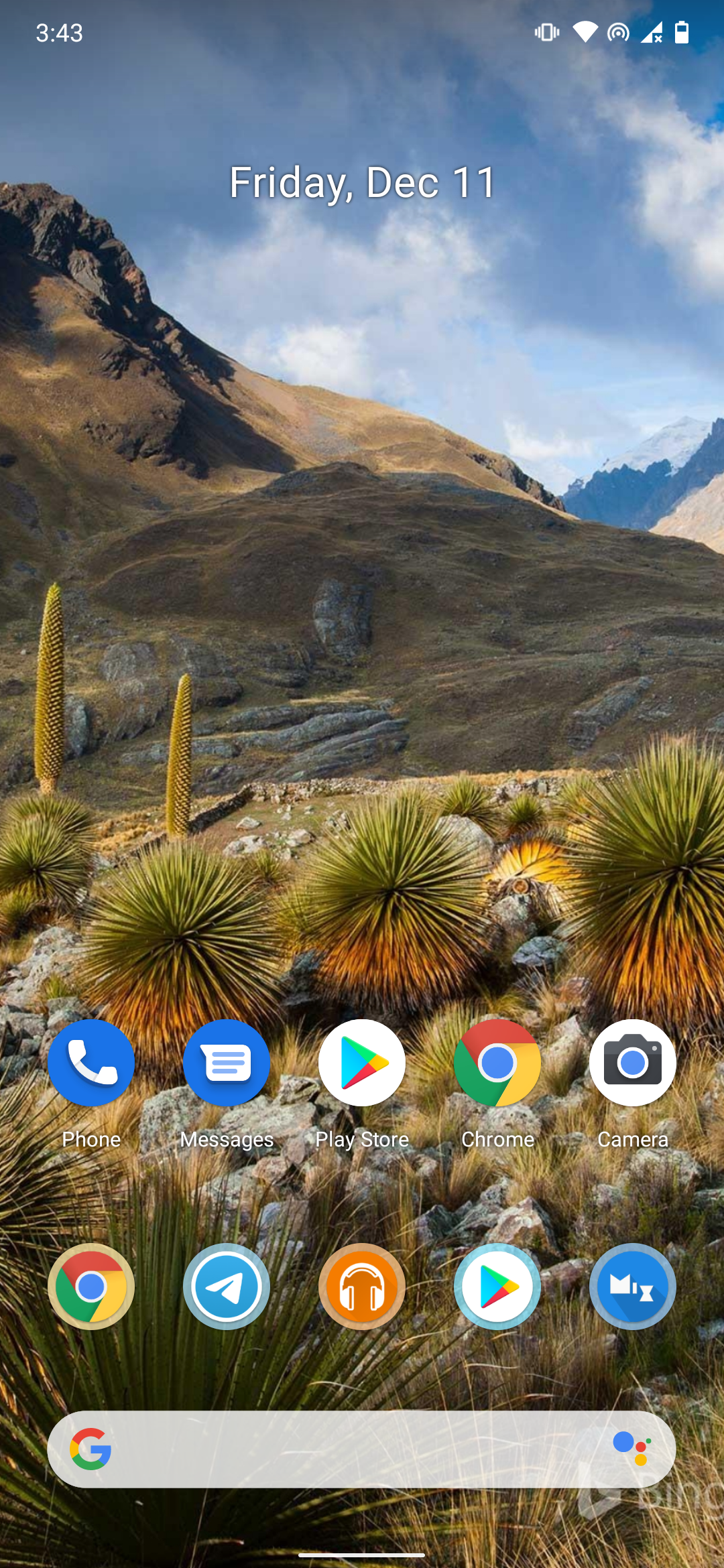
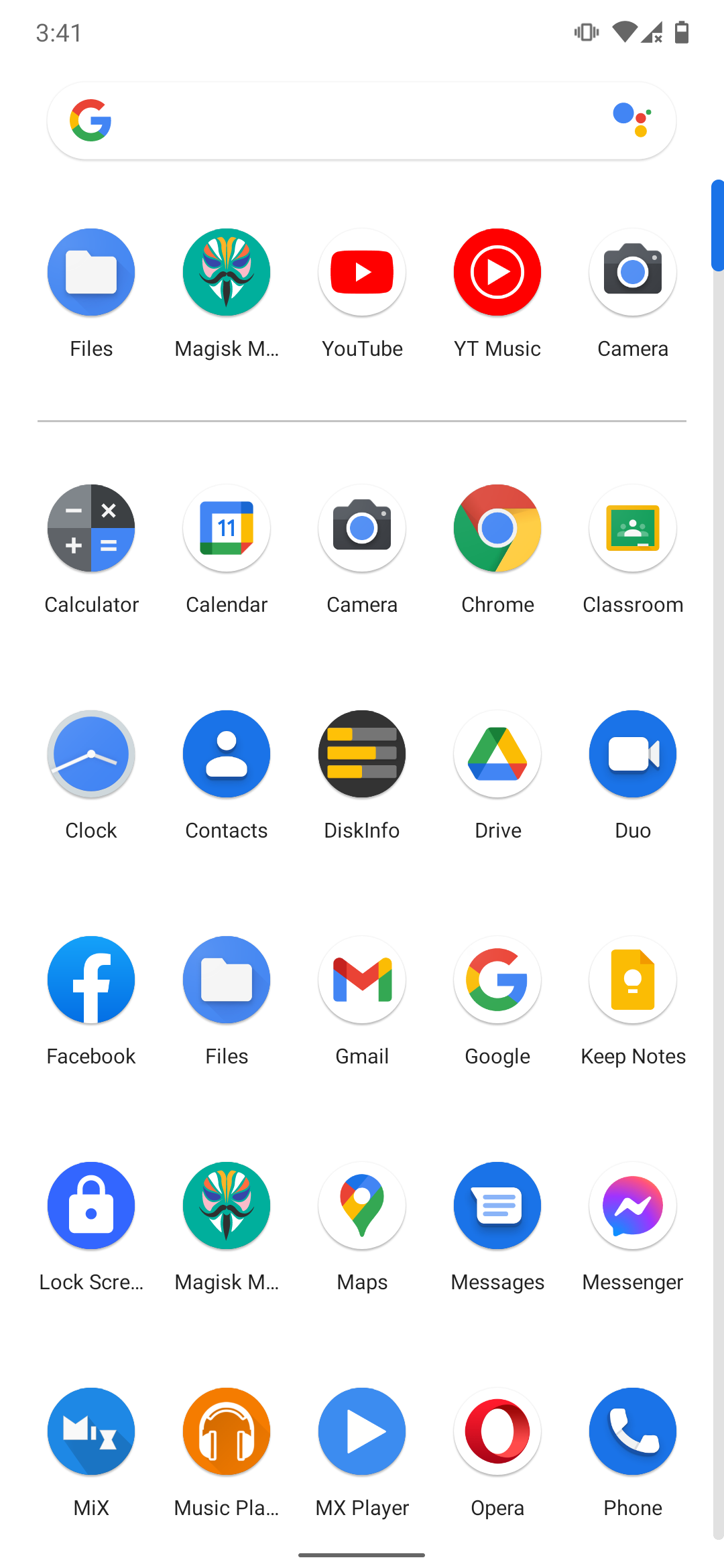
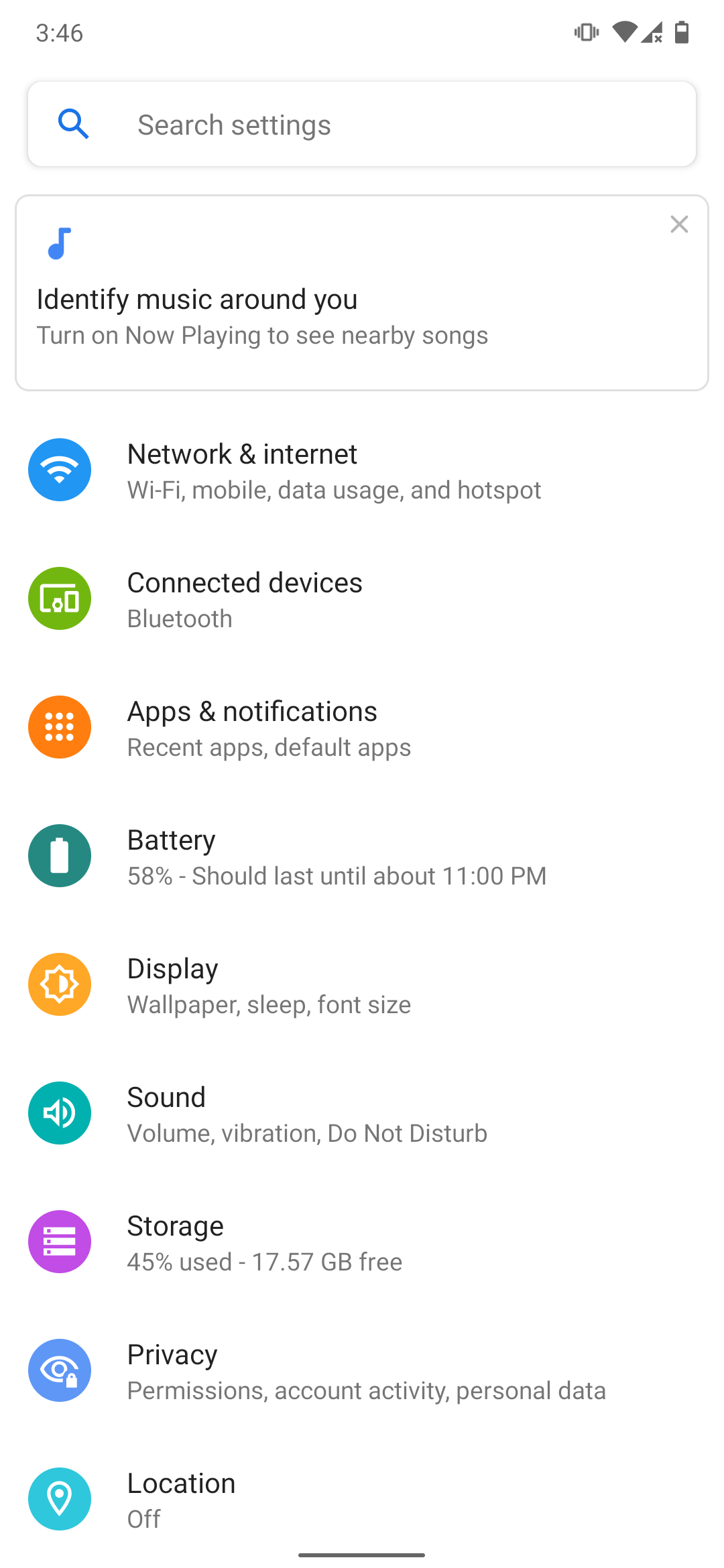
Screenshots: