AGC Config Guide
VSAGC 8.X / 9.X
Steps to Load configs
1. Go to Camera Settings > Load Custom Files > Import
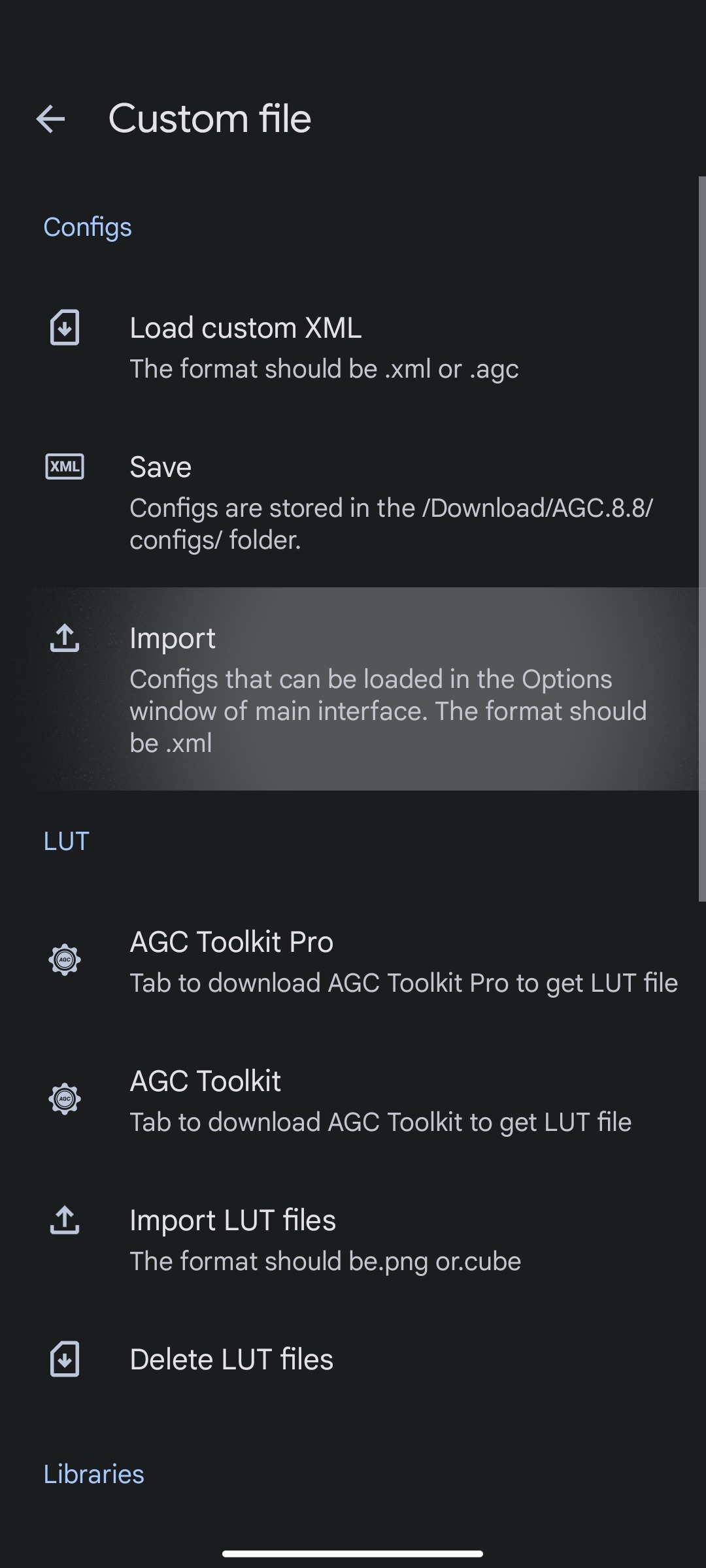
2. Select the downloaded configs (.AGC file) from the popup and import them, multiple configs can be imported at once.

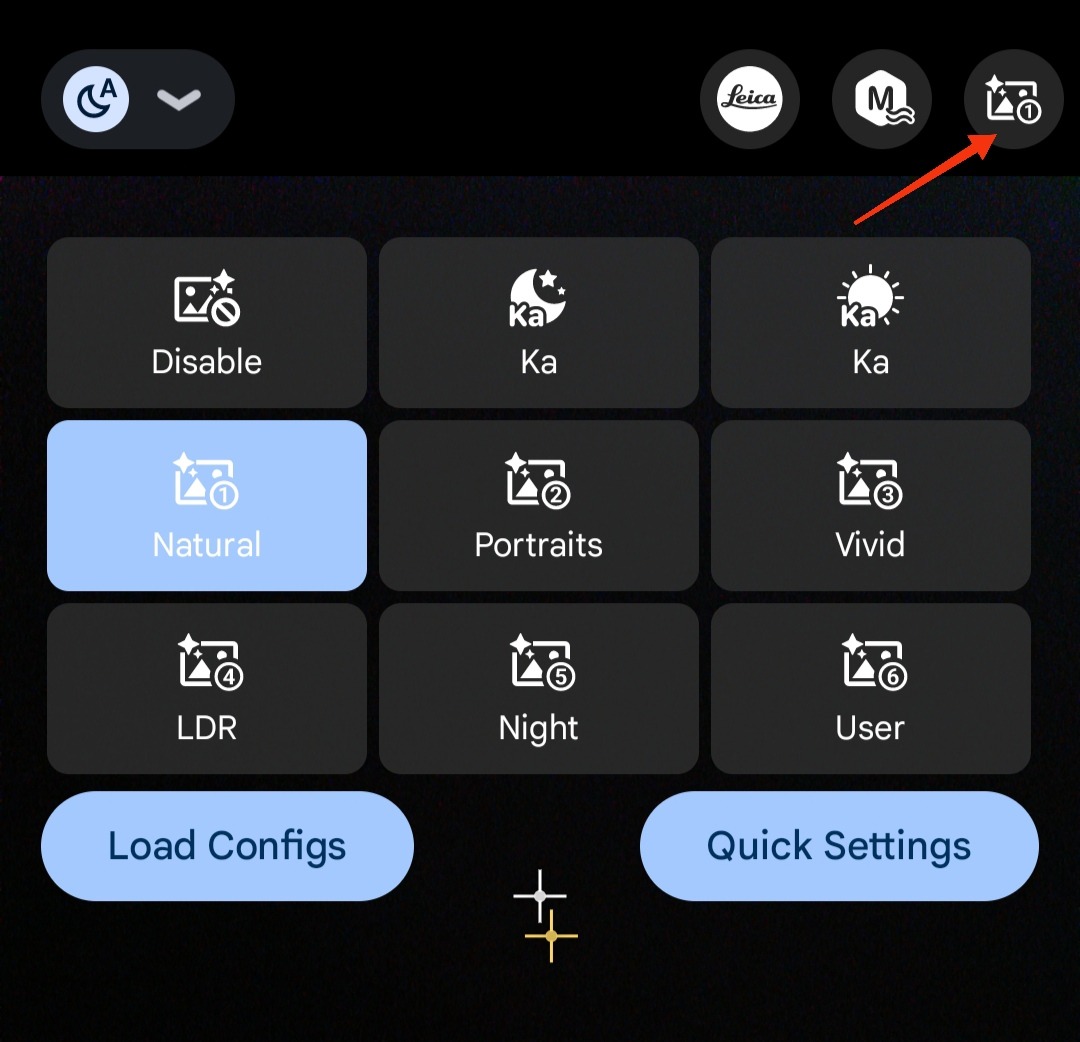
3. Load the Config from the Main screen by clicking on the icon at the top right corner and select "Load Config"

Profiles:
To switch between different available profiles, just tap on the icon on the top right corner