10 Best Video Downloaders For Firefox To Use In 2024 Download Youtube Videos Directly From Mozilla F
Download PDF
10 Best Video Downloaders for Firefox to Use in 2024
Using a video downloader for Firefox, you can download video and audio content directly from this browser to your PC and play them even without an Internet connection. Mozilla Firefox extensions allow users to download videos in different formats and from various resources.
Top 10 Video Downloaders for Firefox
- Download Video and Flash - Downloads in 4K
- Video Download Helper - Detects embedded video
- Video Downloader Professional - Intuitive UI
- Ant Video Downloader - Highly customizable
- Free Download Manager - Simultaneous downloading
- CocoCut - Downloads live broadcasts
- Video Downloader Pro - Secure extension
- 1-Click YouTube Video Download - User-friendly
- Easy YouTube Video Downloader - Download button
- YouTube Download Plus - Quick downloading
Using these video downloaders for Firefox, you can quickly and effortlessly find and download videos in almost any format and quality. These extensions are free and user-friendly, so even beginners will cope with the task.
1. Download Video and Flash — Our Choice
- Downloads in 4KRich format support
- Downloads HD videos
- Provides access to more than a thousand websites
- Allows getting Facebook content
- Sometimes fails to detect the video you want to download
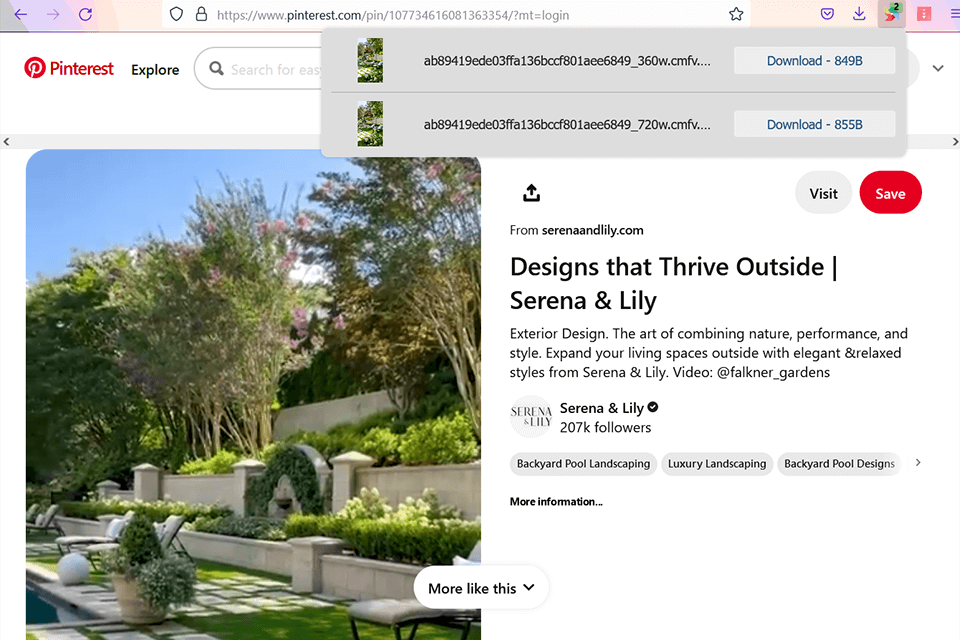
Download Video and FlashVerdict: It’s a free and very easy-to-use Firefox video downloader that allows getting the needed file in a couple of clicks. You can enjoy your favorite clips from YouTube and DailyMotion in the highest quality right on your PC.
The extension is absolutely user-friendly. Click on the extension icon in the browser and wait for a few seconds till the downloading process is over.
2. Video Download Helper
- Detects embedded videoSupports simultaneous streaming
- Works with popular video sites
- High download speeds
- Video conversion
- Occasional lags
Video Download HelperVerdict: Downloading music, videos, and even pictures from the majority of media streaming platforms is a breeze with this program. it is also a handy free video converter that allows to change audio and video formats and combine several pieces into a single file.
When it detects an embedded video available for downloading, the toolbar becomes backlit. You need to go to the menu and choose the needed clip. For example, when on the YouTube page, you can download a video directly to your file system.

3. Video Downloader Professional
- Intuitive UIAgile downloading
- Optional size of a window when playing a clip
- You can add clips to the list
- Shows videos available for simultaneous downloading
- RTMP-protected files can’t be downloaded
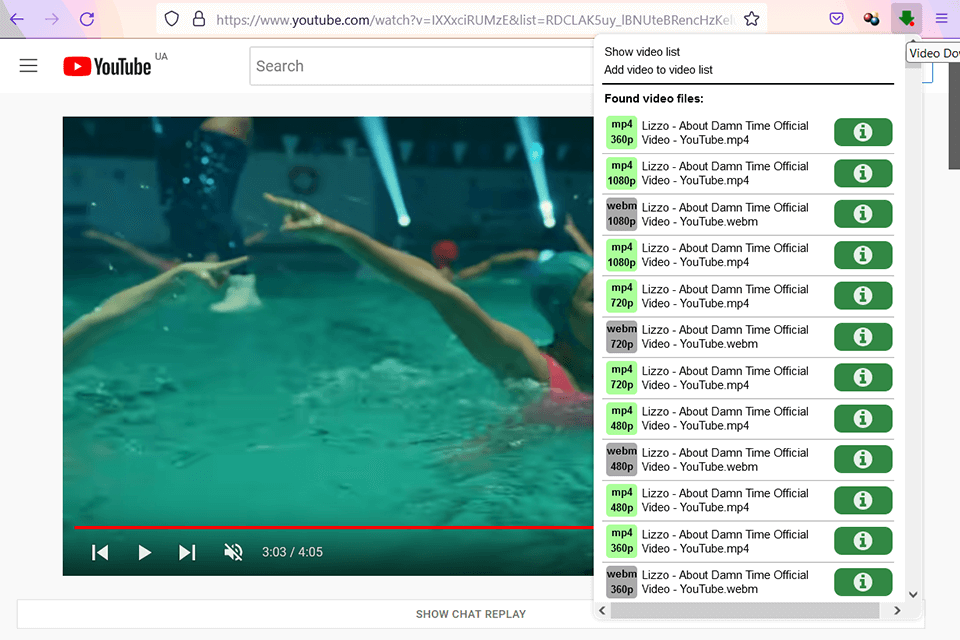
Video Downloader ProfessionalVerdict: Video Downloader Professional is great not only for downloading videos Firefox but also for adding them to the list for further usage. Thus, it’s no need to return to the site to see that video. You can then immediately save them to your hard drive by simply the “Download” button.
This online video downloader has an intuitive menu and tabs. It is compatible with popular video streaming sites.
4. Ant Video Downloader
- Highly customizableNewbie-friendly
- Supports HTTP, FTP, and RTMP protocols
- Has a download list
- Allows arranging files
- Windows-compatible only
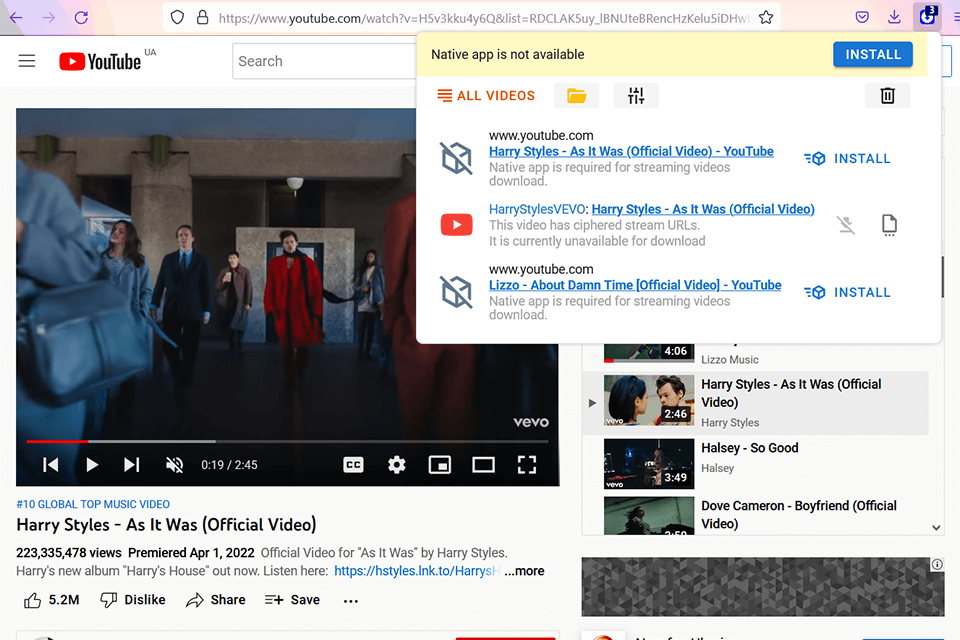
Ant Video DownloaderVerdict: Downloading videos from the majority of video hosting sites is a no-brainer task if you use this extension. Start with installing it in a browser and click “Download” to initiate the process. In the menu that opens, you will see the videos available for download.
What’s more, you can control the quality of sound and pictures, by clicking on the Gear and specifying the appropriate parameters. This browser extension with a companion app for downloading and merging clips is currently available only for Windows.
5. Free Download Manager
- Simultaneous downloadingCompatible with many types of proxy servers
- Video conversion feature
- Batch downloading at high speed
- Resume interrupted processes
- Not for total novices
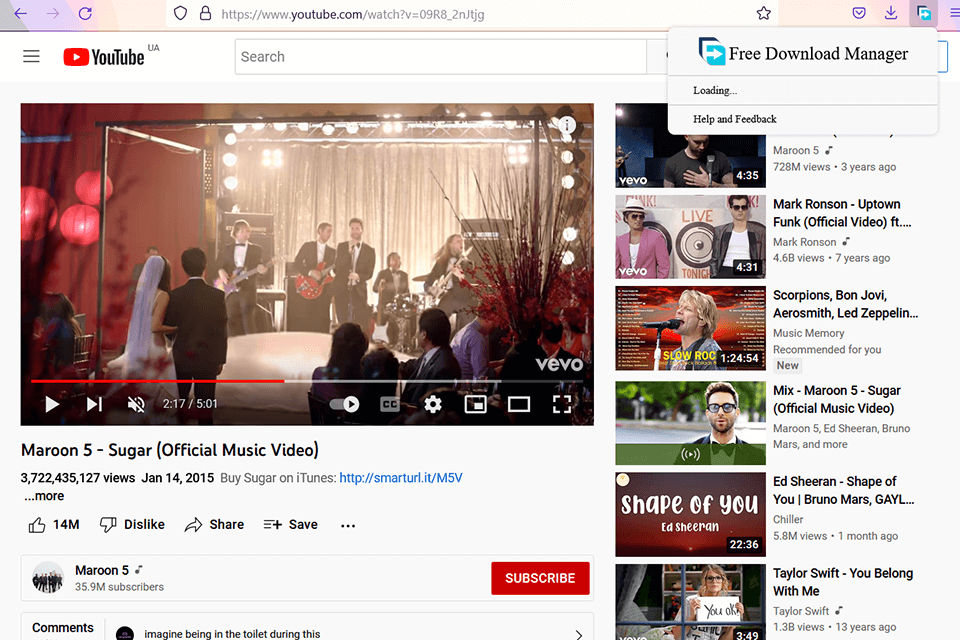
Free Download ManagerVerdict: This service for downloading videos Firefox supports videos that are under HTTP, HTTPS, FTP, and BitTorrent communication protocol. It is free and open-source, and can be used safely under the GPL license. The user-friendly, modern interface is compatible with both Windows and macOS.
You can drag and drop links from the web browser, preview audio, and video files before downloading, convert files to desired formats, take advantage of batch download mode, as well as handle large files without issues. It can resume broken downloads without damaging parts of a video.
6. CocoCut
- Downloads live broadcastsOne-click download
- Registration-free
- Downloads live broadcasts
- Access to thousands of websites
- Sometimes you need to play a video before downloading
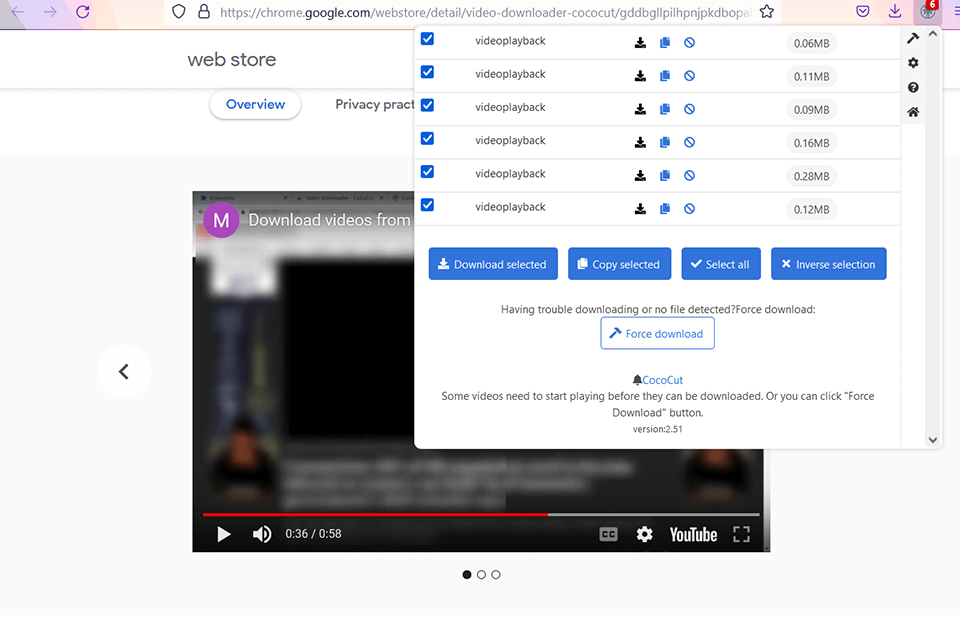
Verdict: The program supports many video formats and provides access to multiple sites. The product is absolutely free and works without registration. With it, you can download videos, live broadcasts, and music.
If you need, you can preview a video before downloading, examine its format and size, and change these settings on the download page if necessary.
7. Video Downloader Pro
- Secure extensionSearch feature
- Protected from ads, spyware, or malware
- Supports all formats
- Super-fast
- Playback size is small
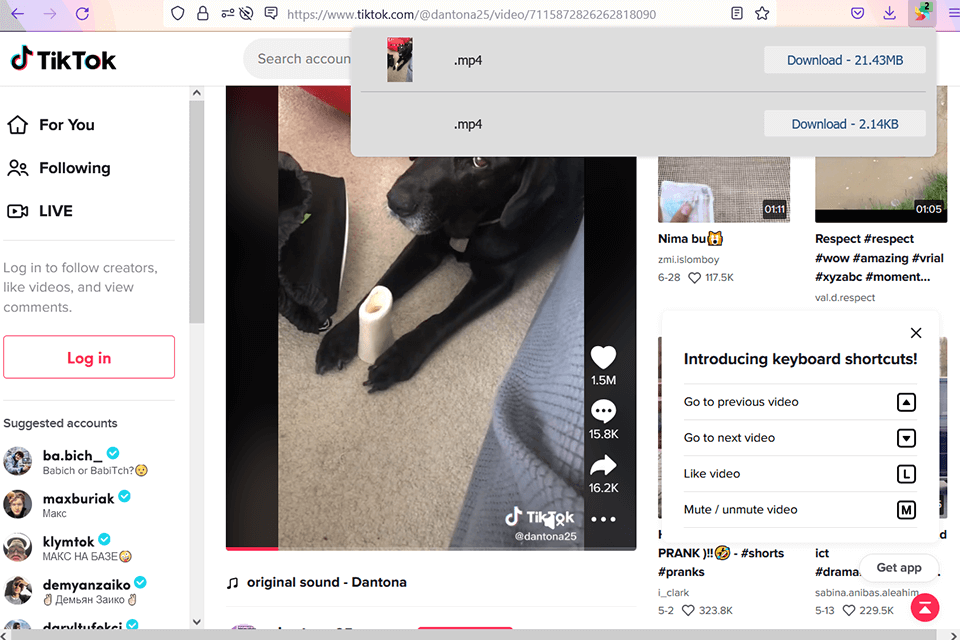
Video Downloader ProVerdict: It is the best video downloader for Firefox if you are looking for a fast, free, and secure service. Just click on the extension icon to see the files available for downloading. Select a file and wait for a while to have it on your computer.
You don’t have to spend time looking for available music and video content – Video Downloader Pro does it for you. Another handy feature is called TravelBar Video Downloader Pro. It helps you travel cheaper by offering the best deals on flights and hotels when you look for them.
8. 1-Click YouTube Video Download
- User-friendlyInstant download
- Plenty of formats to choose from
- Completely free
- Quick downloading from YouTube
- For Windows only
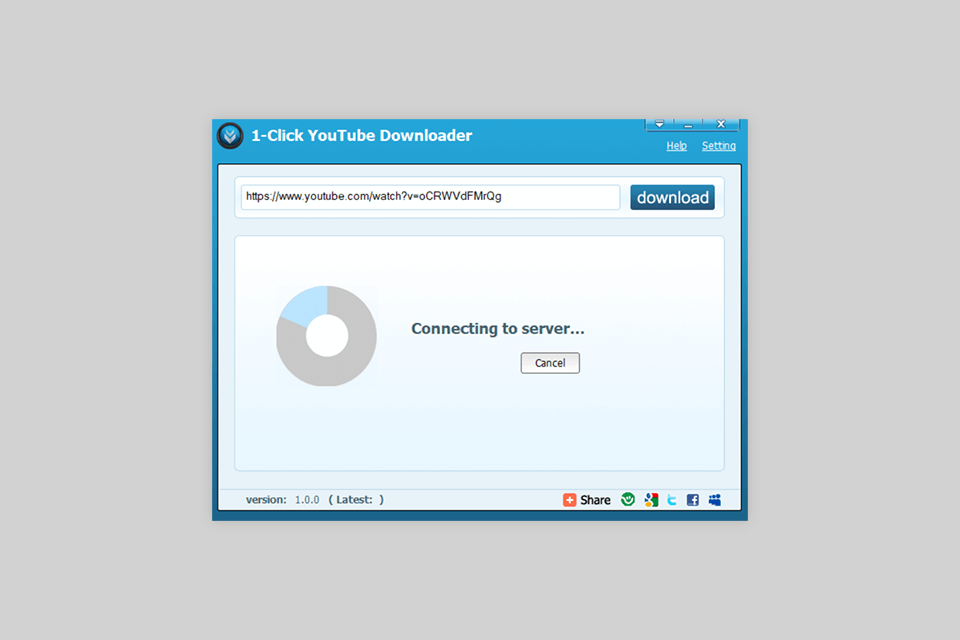
1-Click YouTube Video DownloadVerdict: This free YouTube downloader is very intuitive and fast. The program lets users download videos in all video formats.
The developers took care of usability by placing the Download button right below a video on YouTube.
9. Easy YouTube Video Downloader
- Download buttonWorks without installation
- Extracting music from video
- High quality of downloaded videos
- Simple embedded UI
- Provides paid options
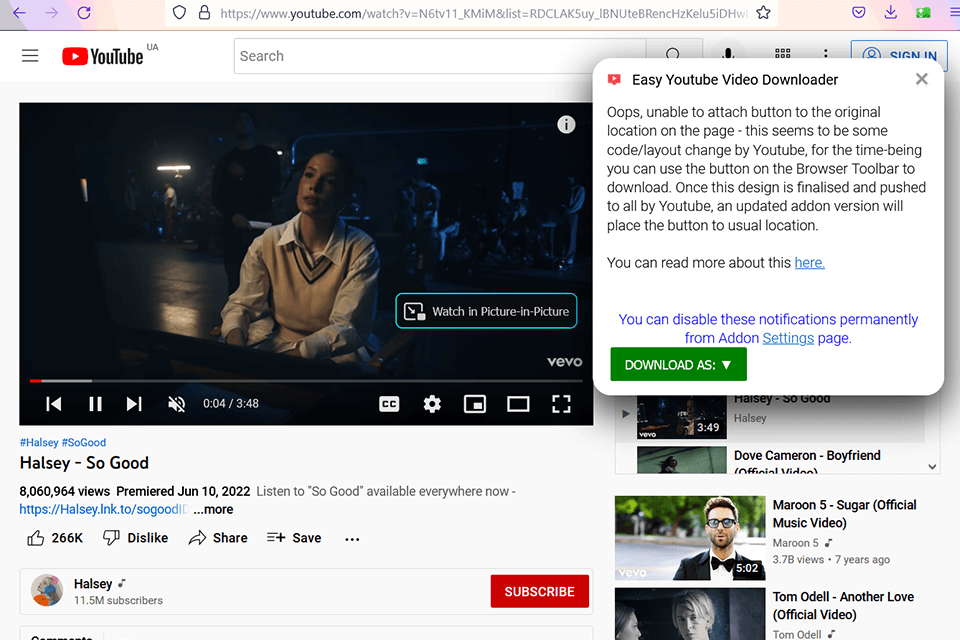
Easy YouTube Video DownloaderVerdict: This is an easy-to-use Firefox video downloader with extensive format support, fast operation, and straightforward menus. Among YouTube downloaders for Mac, this program stands out with its ability to download 1080p Full-HD clips.
Users appreciate its simple UI built into the bottom of the YouTube video player. What’s more, you can download multiple videos in one go. In addition to downloading options, it also allows extracting music from YouTube videos.
10. YouTube Download Plus
- Quick downloadingSimple UI
- Lightweight
- Can save videos as music
- Reminder of available clips
- The choice is limited to Creative Commons-licensed of license-free videos
YouTube Download PlusVerdict: After activating this extension in the browser, you can save YouTube clips to a computer immediately. This downloader provides an icon to the Firefox toolbar informing you about clips you can download.
By clicking the corresponding buttons, you can send a video link to a proper downloading platform for MP3 or MP4. What’s more, it allows you to save a YouTube file in audio format. This can come in handy when extracting music from a video to further edit it, or if you want to have just an audio file for listening.