How To Schedule Text Messages On Android
learnandroideasilyWe are here with a method for How To Schedule Text Messages On Android. Yes, it is possible in your android device and you can implement on your android device and schedule your SMS to send them later. So just proceed with below method.
Steps To Schedule Text Messages On Android:-
Step 1. First of all, you need to disable your default messaging app notification otherwise you will get two notification on every message that you receive. In your android just navigate to the Settings -> Sounds & Notification -> App Notification -> Turn off messaging app notification.

How To Schedule Text Messages On Android
Step 2. Now in your android device download and install the app Textra SMSin which you will be able to schedule your SMS.

How To Schedule Text Messages On Android
Step 3. Now open the text app and type your message to the recipient you want to send the message.

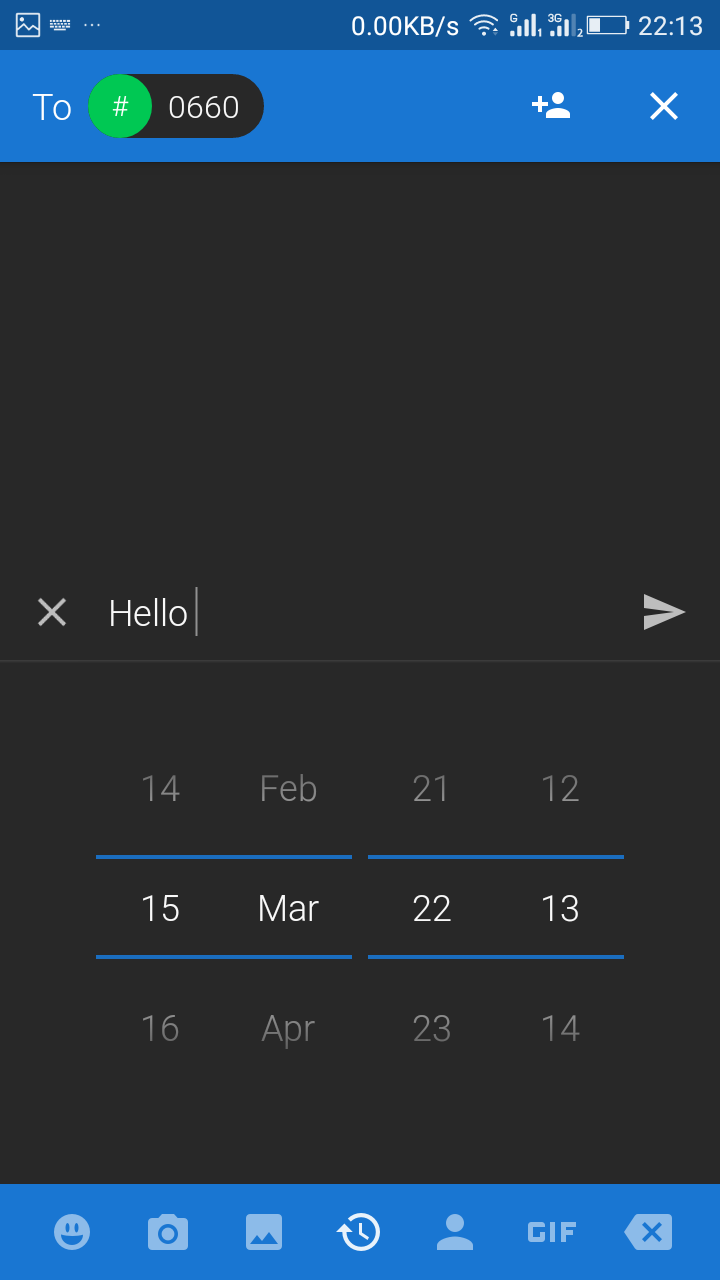
Step 4. Now tap on plus button and at below of the keypad, you will see a clocksign option, just tap on it.

How To Schedule Text Messages On Android
Step 5. Now set the time after which you want to send your message and then tap on send or arrow button.
How To Schedule Text Messages On Android
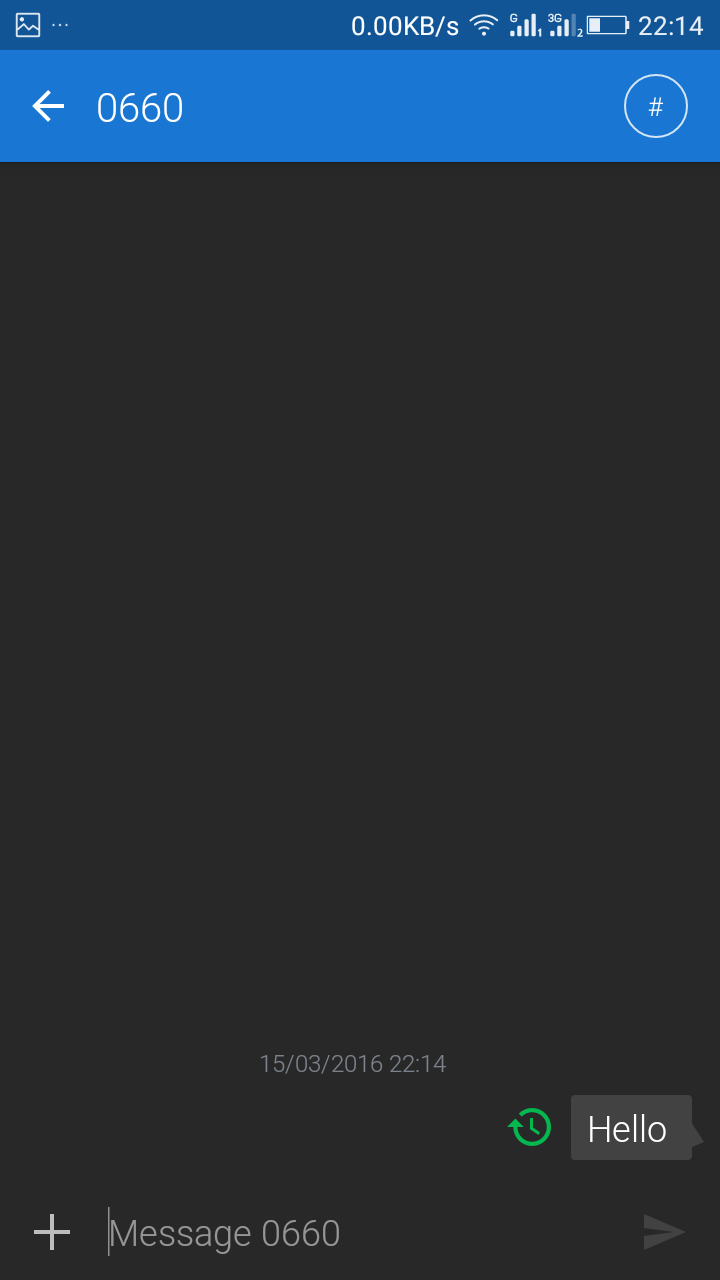
Step 6. That’s it! you are done, you have successfully scheduled your text messageon your android and now your message will get sent to the recipient after the set time period.
source: www.techviral.net